Google review links and QR codes
Every Google Business Profile has a direct link that opens the review form for that business. Finding it, testing it and sharing it in the right places is the foundation of any review request, whether the customer taps an NFC card, scans a printed code or clicks a link in an email. The guides in this hub explain where to find your review link inside Google Business Profile, how to check that it opens the correct listing, and how to share it by text, email, receipts and social media. They also cover QR codes: how to generate one from your review link, what size and contrast make a code easy to scan, and where printed codes tend to be seen. If you manage several locations, you will find advice on keeping each location's link separate so reviews land on the right profile.
 9 Oct 20268 min
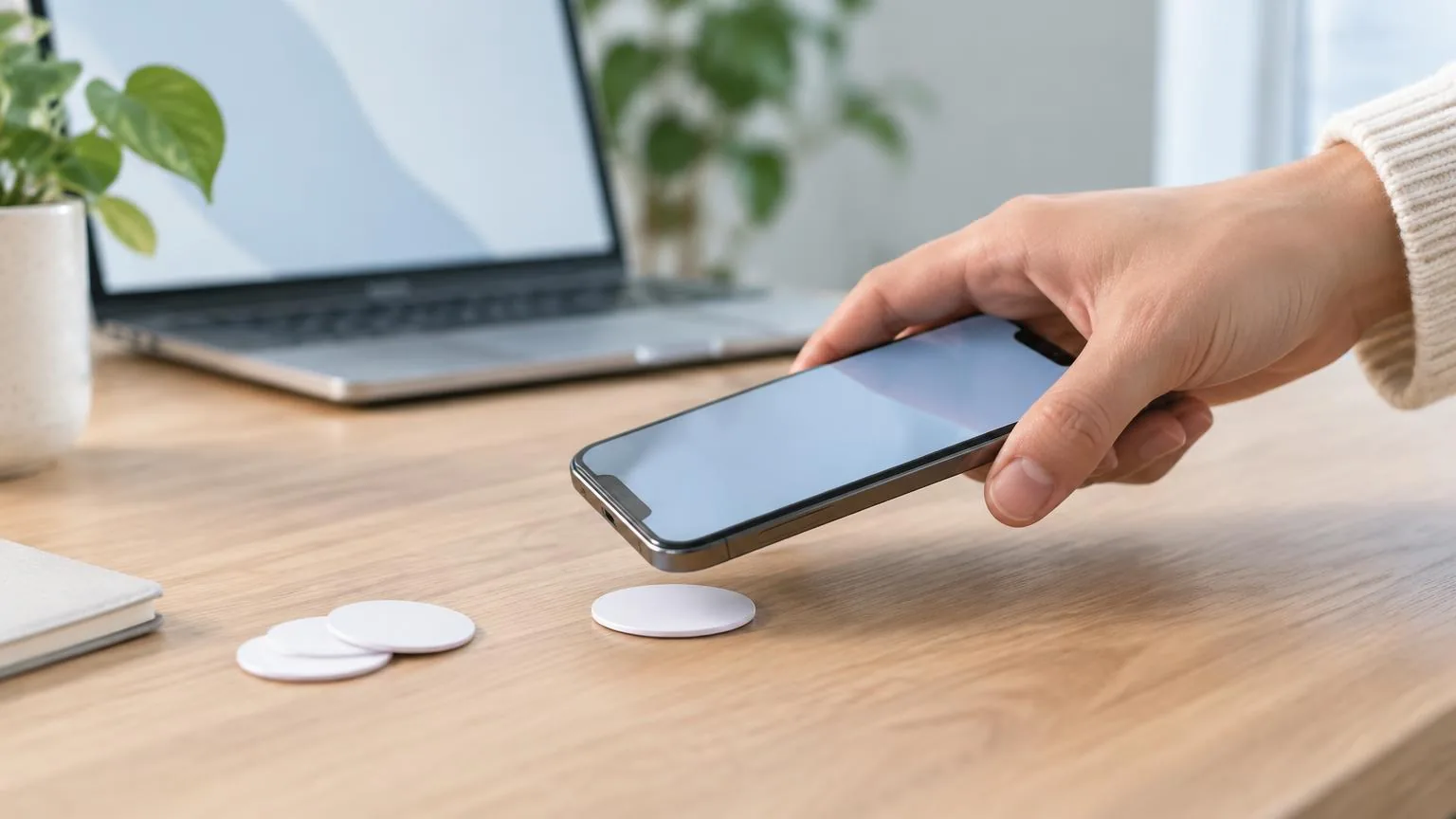
How to Program an NFC Tag With Your Google Review Link
A blank NFC tag, a phone and a free writing app are all you need to turn a tap into a Google review. Here is the exact process, the chip to buy and the mistakes to avoid.
Read article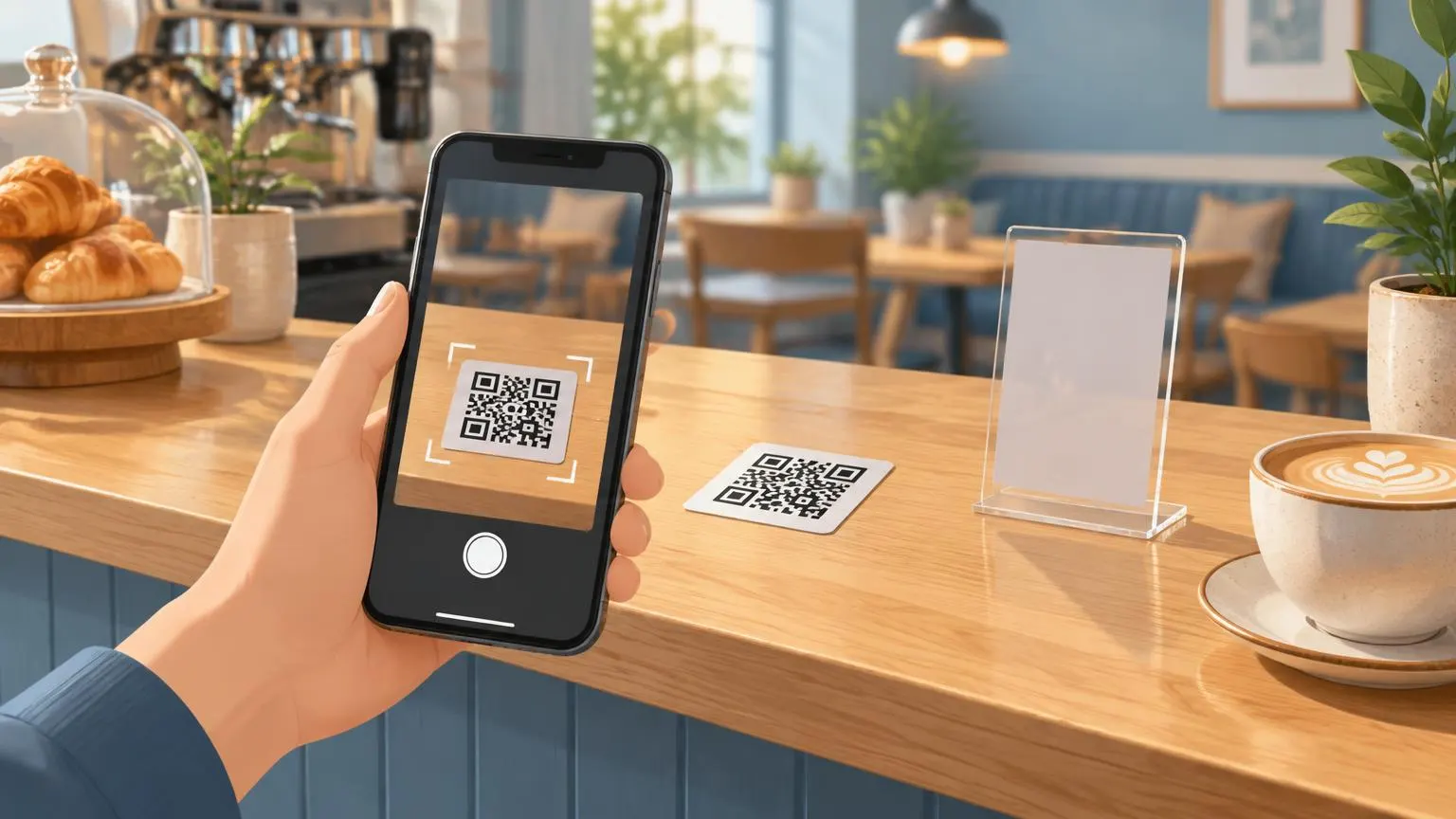 3 Oct 20268 min
Google Review QR Code: How to Make, Print and Test One
A Google review QR code takes customers straight to your review form. Here is how to make one for free, how big to print it, and how to test it first.
Read article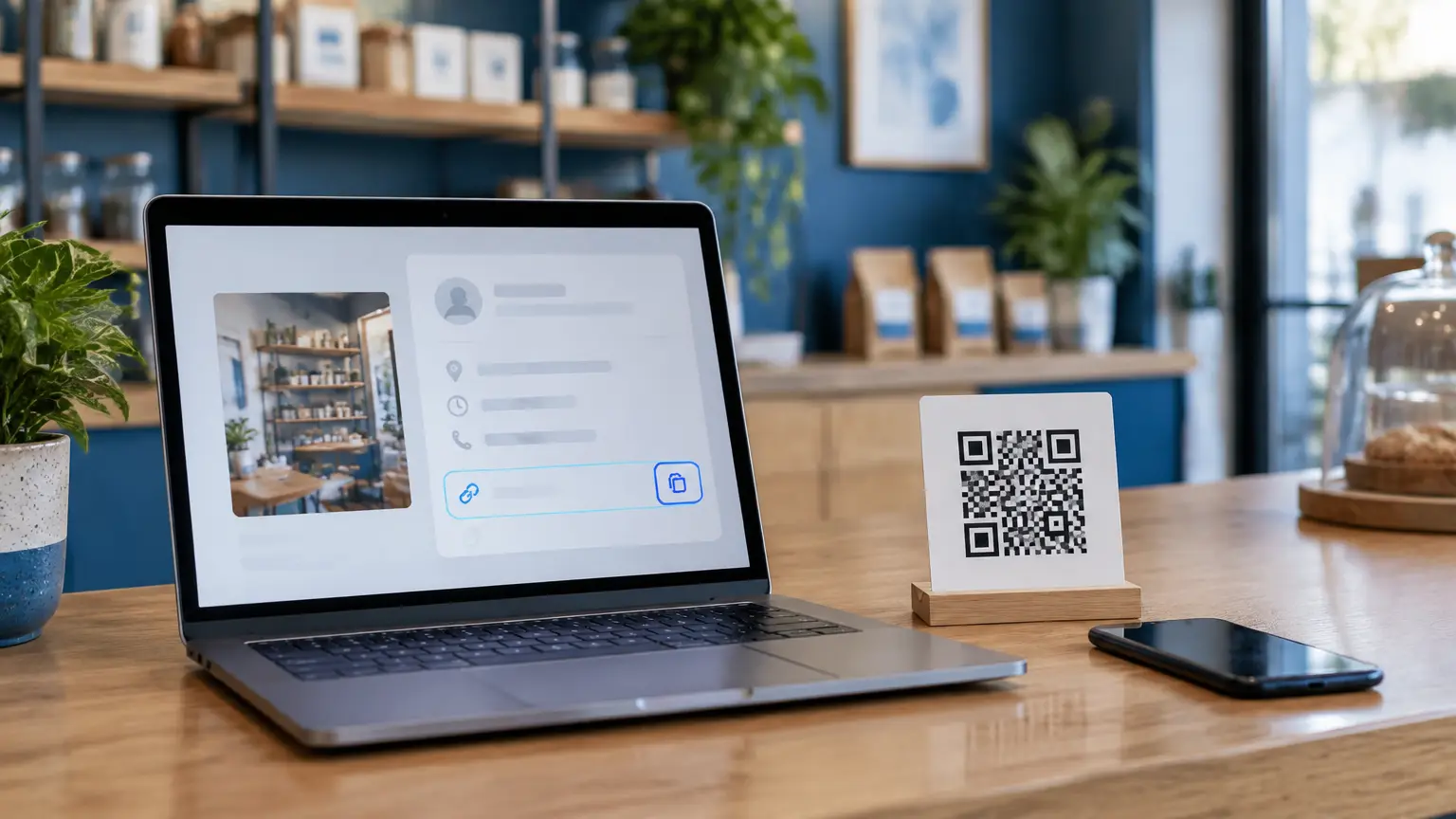 2 Oct 20267 min
How to Find Your Google Review Link (and Share It Properly)
Your Google review link opens the review form for your business in one click. Here is where to get it, how to build it by hand, and how to check it works.
Read article