How to Find Your Google Review Link (and Share It Properly)
Key facts
- Where to get it
- Business Profile → Read reviews → Get more reviews → Copy
- QR code
- Google generates one on a computer browser only
- Who can get it
- Owners and managers of the Business Profile
- Manual format
- search.google.com/local/writereview?placeid=YOUR_PLACE_ID
- Customer needs
- A Google Account to post the review
Your Google review link opens the review form for your business in one click. Here is where to get it, how to build it by hand, and how to check it works.
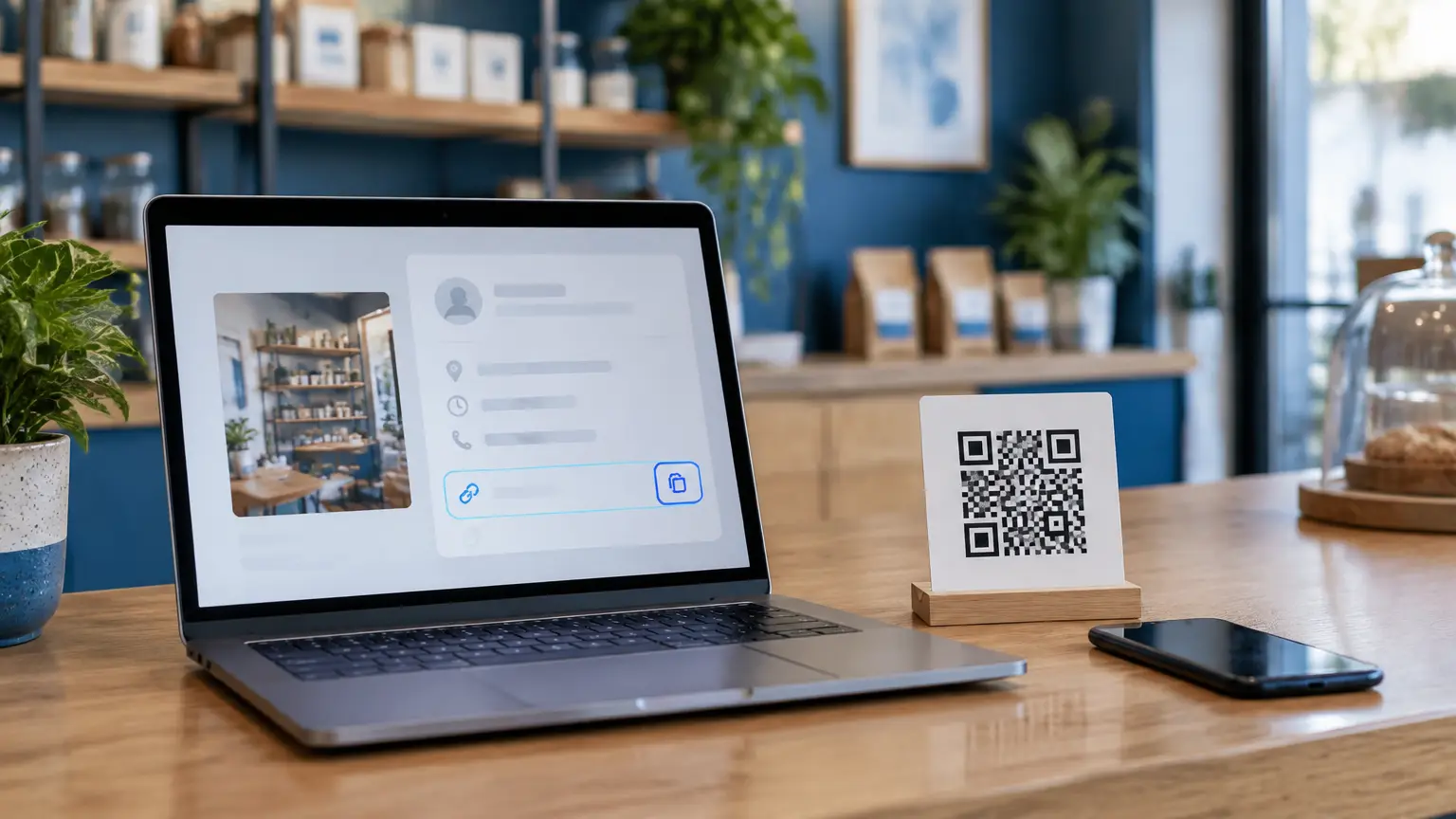
Your Google review link is a URL that opens the "write a review" form for your business directly, so a customer does not have to search for you on Google Maps first. The quickest way to get it is from your Google Business Profile: open the profile, choose Read reviews, then Get more reviews, and copy the link. You can also build the link yourself from your Place ID if you do not manage the profile.
What is a Google review link?
It is a shareable address that points to one specific Business Profile and lands the customer on the star-rating and comment box. Google currently hands out short links in the format g.page/r/…/review when you copy the link from your profile. Both the short link and the longer Place ID version open the same form.
The link does not post anything by itself. The customer still picks their own rating, writes their own words and submits it from their own Google Account. That is why sharing it is allowed under Google's review policy, as long as you do not attach an incentive or only send it to happy customers.
How do I get my Google review link from my Business Profile?
Sign in to the Google Account that owns or manages your Business Profile.
Search for your business name on Google, or open Business Profile Manager, so the profile management panel appears.
Select Read reviews, then Get more reviews.
Choose Copy to copy the link, or right-click the QR code and select Save image as… to download it.
Paste the link into a new private browser window to confirm it opens your review form.
Google's help page states that review QR codes can currently be generated on a computer browser only, not on a phone. On mobile you can still find a share option for the review link inside your Business Profile, but menu names move around, so if you need the QR code, use a laptop or desktop.
Only owners and managers see the Get more reviews option. If you do not see it, check you are signed in to the right account and that the profile is verified.
How do I make a review link from a Place ID?
If you cannot access the profile (for example, you are an agency waiting for manager access), you can build the link manually. Every place on Google Maps has a Place ID, a long code that starts with characters like ChIJ.
Open Google's Place ID Finder (linked in the sources below) and search for the exact business name and address.
Copy the Place ID shown for the correct listing. Check the address, because businesses with similar names often appear.
Add it to the end of this address: https://search.google.com/local/writereview?placeid=
Open the finished link in a private window. The review form for the right business should appear.
| Short link (g.page/r/…/review) | Place ID link | |
|---|---|---|
| Where it comes from | Copied from your Business Profile | Built from the Place ID Finder |
| Needs profile access | Yes, owner or manager | No |
| Length | Short, easy to print | Long, best kept behind a QR code or NFC tag |
| Opens | The review form | The review form |
Where should I share my Google review link?
Share it where the customer already is at the end of the service. Google itself suggests receipts, thank-you emails, the end of a chat conversation and printed material in store. Typical places are:
- Receipts, invoices and order-confirmation emails.
- A text or WhatsApp message sent after the appointment, worded the way our guide to asking for reviews naturally suggests.
- A QR code on a counter sign, table or window sticker.
- An NFC tag in a Google Review Card or counter stand, so the customer can tap instead of scanning.
- Your email signature and the "thank you" page after an online booking.
Ask every customer the same way. Sending the link only to people you think will leave five stars is review gating, which Google's policy does not allow. Our guide to review gating explains where the line is.
How do I put the link on a QR code or NFC card?
For a QR code, download the code Google generates on a computer, or paste your link into any QR generator and export a high-resolution PNG or SVG. Print it at least 2 cm (about 0.8 in) wide and test it with two different phones before you print in bulk.
For NFC, the link is written onto the chip as a URL record. You can do it yourself with a free NFC writing app, or order a card or stand that arrives pre-programmed with your link. Our tap tag setup guide covers writing and testing a tag step by step.
Why is my Google review link not working?
- It opens the wrong business: the Place ID belongs to a duplicate or similarly named listing. Rebuild it from the verified profile.
- It opens Maps but no review box: the customer is not signed in to a Google Account, or the link was truncated when pasted. Copy it again in full.
- It stopped working after a move or rebrand: if the profile was merged or replaced, copy a fresh link from the current profile and update printed codes and NFC tags.
- The profile is suspended or unverified: fix the profile first; links to a suspended profile will not collect reviews.
Re-test your link every few months and after any profile change. A printed QR code or programmed NFC tag keeps pointing at the old address until you update it.
❓ Frequently asked questions
Is a Google review link free?
Yes. Google provides the link and QR code free of charge from your Business Profile. You only pay if you choose a printed product such as a card, stand or sticker.
Can I get my Google review link on my phone?
You can usually find a share option for the link inside your Business Profile on mobile, but Google says review QR codes can only be generated on a computer browser at the moment.
Does my Google review link ever change?
It normally stays the same. It can stop working if the profile is merged, removed, suspended or replaced by a new listing, so re-test it after any change to your profile.
Can customers leave a review without a Google Account?
No. Google requires the reviewer to be signed in to a Google Account. If they are not signed in, the link asks them to sign in first.
Is it allowed to share my review link with every customer?
Yes. Google allows businesses to ask customers for reviews with a link or QR code. It prohibits incentives in exchange for reviews and selectively asking only happy customers.
Sources
Related articles
Google Review Tap Tag Setup Instructions: Step-by-Step Guide
How to set up an NFC Google review tap tag: find your review link before ordering, test the tap and the QR backup when it arrives, place it well, and fix the most common issues.
Are Review Cards Allowed by Google?
Yes — a card that simply opens your Google review page is allowed. Here's what Google's policy says, and where the line is.
How to Ask Customers for Google Reviews Naturally
No pressure and no awkwardness — simple, honest ways to ask every customer for a Google review that feel like an invitation, not a demand.