Are Review Cards Allowed by Google?
Key facts
- Question answered
- Whether review cards break Google's rules
- Allowed
- Asking every customer for an honest review
- Not allowed
- Incentives, asking only happy customers, or staff and owner reviews
- What the card does
- Opens your Google review page — nothing more
- Source
- Google Maps user-contributed content policy
Yes — a card that simply opens your Google review page is allowed. Here's what Google's policy says, and where the line is.
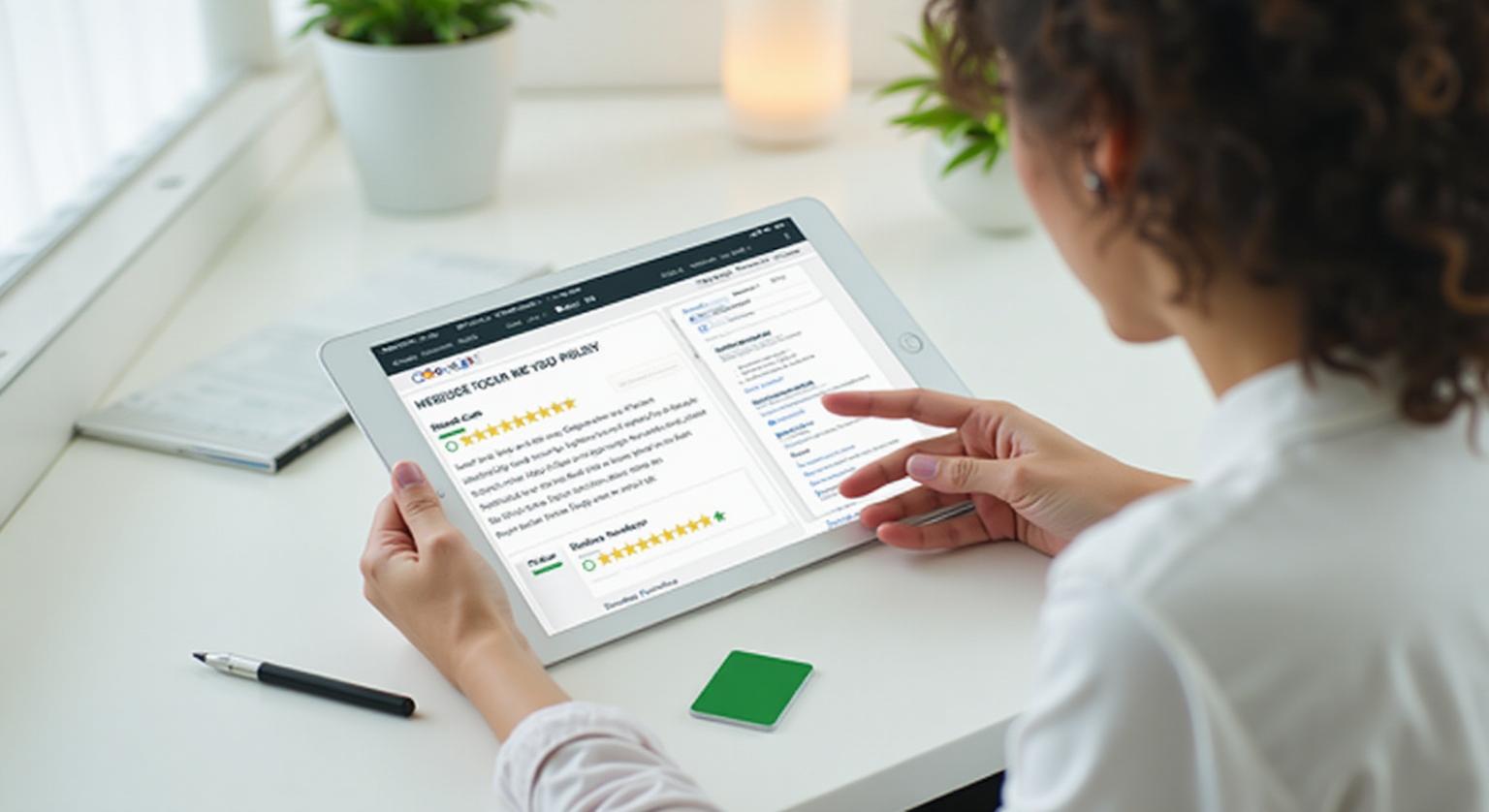
Yes. NFC and QR Google review cards are allowed by Google. A card that simply opens your Google review page so a customer can write an honest review is the same kind of request Google's own help center describes. What crosses the line isn't the card itself; it's offering something in exchange for a review or only asking customers you expect to rate you highly.
Does Google Allow Businesses to Ask for Reviews?
Yes. Google actively helps businesses ask for reviews. In your Business Profile you can go to Read reviews, then Get more reviews, to get a link you can share with customers, and Google can also generate a QR code for it (currently only in a computer browser).
A review card is just a physical way of sharing that same link. The NFC chip stores it, the printed QR code displays it, and the customer's phone opens Google's normal review page. The customer needs a Google Account to post, and the review is written entirely by them.
What Does Google's Policy Actually Allow?
Google allows a business to ask any customer for a review, through any channel, as long as the request doesn't filter customers or offer an incentive.
- You can ask any customer for a review, by voice, email, text message, NFC tap, or QR scan
- You cannot selectively ask only customers you expect to leave positive reviews; that's review gating
- You cannot discourage or prohibit negative reviews
- You cannot offer payment, discounts, free goods or services in exchange for a review, or for revising or removing a negative one
- You cannot post reviews based on a conflict of interest, such as reviews from current or former employees or owners
- You cannot write reviews for customers or ask them to post about an experience they didn't have
Where Is the Line Between an Allowed Card and a Violation?
A plain card that opens your Google review page fits Google's policy; the same card becomes a problem the moment it's paired with an incentive or selective asking.
A Google review card with no incentive language, offered to every customer the same way, does nothing more than remove the friction of finding your business on Google. It becomes a policy issue only if a business attaches a reward to leaving a review, or trains staff to hand the card only to customers who seem satisfied.
| Fine | Not allowed |
|---|---|
| "Tap or scan to review us on Google" | "Leave a 5-star review and get a free coffee" |
| "We'd appreciate your honest feedback" | "Happy with us? Review us on Google. Not happy? Tell us privately." |
| Card offered to every customer at checkout | Card offered only to customers who seem pleased |
| Link goes straight to the Google review page | Link goes to a rating screen that sends only high scores to Google |
| Customer writes their own review | Staff write the review on the customer's phone |
If you're unsure about a filtered flow your review tool offers, our guide to review gating and why to avoid it explains what counts.
What About US Rules on Reviews?
In the US, the FTC's rule on consumer reviews and testimonials, in effect since October 2024, targets deceptive practices rather than honest review requests. It bans fake reviews, incentives conditioned on a review expressing a particular sentiment, undisclosed reviews by company insiders, and review suppression through groundless threats or intimidation.
The FTC's guidance for marketers adds: "Don't ask for reviews only from customers you think will leave positive ones." A card handed to everyone, with no reward attached, is consistent with that guidance.
This is general information, not legal advice.
What Happens if a Business Gets It Wrong?
Google says it removes content that violates its policies and can restrict features or suspend account privileges for violations. Reviews collected with incentives or filtering can therefore disappear, which wastes the effort that went into collecting them. Asking everyone the same way, with nothing in return, avoids that risk entirely.
How Do You Use Review Cards the Right Way?
Use one direct link, offer the card to everyone, and keep the wording neutral.
Get your review link from your Business Profile (Read reviews, then Get more reviews)
Use a card that opens that link directly, with no survey or rating screen in front of it
Keep the printed wording neutral, such as "Review us on Google"
Give staff a single script and ask them to use it with every customer
Never attach a discount, freebie, sweepstakes entry or other reward to the request
Reply to reviews that come in, positive and negative
Our NFC Google review cards arrive pre-programmed with your review link, with an optional printed QR code, so they open Google's review page directly. For scripts your team can use, see how to train staff to ask for reviews ethically.
Sources
- https://support.google.com/business/answer/3474122 — Google Business Profile Help: Get reviews on Google.
- https://support.google.com/contributionpolicy/answer/7422880 — Google Maps user-generated content policy.
- https://support.google.com/contributionpolicy/answer/7400114 — Prohibited and restricted content (Maps policy).
- https://www.ftc.gov/business-guidance/resources/soliciting-paying-online-reviews-guide-marketers — FTC: Soliciting and Paying for Online Reviews: A Guide for Marketers.
❓ Frequently asked questions
Will Google penalize my business for using review cards?
A card that simply opens your review page, with no incentive or filtering, fits Google's policy. Problems come from rewards for reviews or only asking happy customers, not from the card.
What exactly is not allowed?
Offering a discount, freebie, or sweepstakes entry for a review, selectively asking customers you expect to be positive, discouraging negative reviews, and fake or employee reviews are all against Google's policies.
Is a QR code for Google reviews allowed?
Yes. Google itself lets businesses generate a QR code for their review link from their Business Profile in a computer browser.
Can staff help a customer use the card?
Staff can explain how to tap or scan, but the customer should write and post the review themselves on their own phone and Google Account.
Can I put review cards on tables or at the register?
Yes. Placement doesn't affect whether a card is allowed. What matters is that it's available to every customer and comes with no reward.
Can Google penalise my business for using review cards?
Not for the card itself. A card that opens your review page with no incentive or filtering fits Google's policy; problems come from incentives, selective asking or fake reviews.
Are NFC review cards safer than other methods?
They carry the same rules as any other way of asking. The customer chooses whether to tap and what to write, which keeps it a simple, honest request.
Can I put a review card on display rather than handing it out?
Yes. A card, counter stand, sticker or plaque on display is just another way to share your review link, and the same rules apply.
Is it okay to give a discount to customers who tap the card?
No. Google prohibits offering discounts, payments or free goods or services in exchange for a review, whether or not the review is positive.
Related Guides & Tools
Hand-picked next reads for US small businesses growing their Google reviews.
Explore Our Products
Google Review Card
NFC tap cards that take customers straight to your Google review page.
Google Review Stand
Countertop stands perfect for restaurants, salons, and reception desks.
Google Review Plaque
Wall-mounted plaques that collect reviews in high-traffic areas.
Google Review Stickers
Peel-and-stick NFC stickers for windows, doors, and counters.
Google Review Keychains
Portable keychains your team can carry to collect reviews anywhere.
NFC Wristband
Wearable NFC wristbands for events, trade shows, and on-the-go reviews.
Related articles
Review Gating: What It Is and Why You Should Avoid It
Some businesses review-gate without realising it. Here's what it means, why Google's policy prohibits it, and what to do instead.
How to Automate Google Review Requests Safely
You can make asking for Google reviews routine without breaking Google's rules. What Google allows, what it prohibits, and a simple setup that keeps every request honest.
Google Review Tap Tag Setup Instructions: Step-by-Step Guide
How to set up an NFC Google review tap tag: find your review link before ordering, test the tap and the QR backup when it arrives, place it well, and fix the most common issues.