Review Us on Google Sign Ideas: Wording, Formats and Placement
Key facts
- Official sticker
- Google's Marketing Kit is offline; the old address redirects to the Business Profile homepage
- What you need
- Your review link or QR code from Business Profile → Read reviews → Get more reviews
- QR code source
- Google generates the review QR code on a computer browser only
- Quiet zone
- Leave a clear margin four modules wide around the QR code
- Wording to avoid
- Discounts, prizes, five-star requests and sorting happy from unhappy customers
Google no longer prints a review sticker for you, so most businesses make their own sign. Here are wording ideas, formats that fit each spot, and the rules to follow.
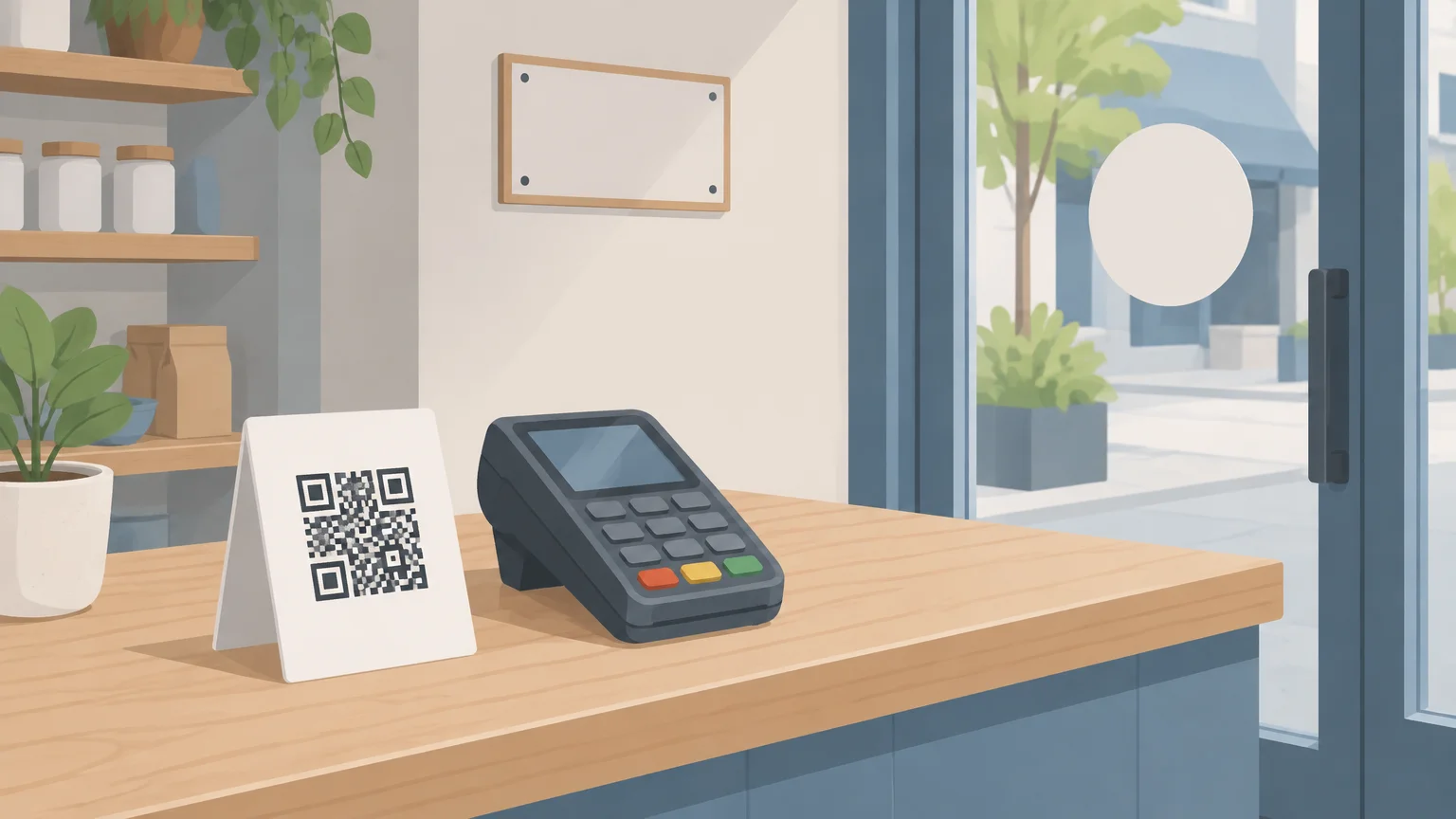
A good review us on Google sign does three things: it tells the customer what you are asking, it gives them a way to act in a few seconds (a QR code, an NFC tap or both), and it sits where they already have their phone out. Google no longer supplies a printed sticker, so you make your own sign from the review link in your Business Profile.
What should a "Review us on Google" sign say?
Keep it to one short request, one instruction and one action. The request says what you want (a review), the instruction says how (scan or tap) and the action is the code or chip. Anything longer gets skipped by a customer who is paying, packing up or walking out.
The wording below is neutral on purpose. Google's Maps content policy says businesses may not selectively solicit positive reviews or discourage negative ones, so a sign that asks only for praise works against you. These lines ask for an honest review and leave the rating to the customer.
- "Enjoyed your visit? Tell others. Scan to review us on Google."
- "How did we do today? Tap or scan to leave a Google review."
- "Your review helps a small business. Scan here, it takes a minute."
- "Review us on Google. Tap your phone here or scan the code."
- "Been here before? We would love your honest review."
- "Share your experience. Scan to open our Google review page."
- "Thanks for visiting. A quick review on Google means a lot to our team."
- "Tried something new today? Let other customers know. Scan to review."
- "We read every review. Scan to leave yours on Google."
- "One tap, one review. Hold your phone here."
- "Your feedback keeps us improving. Review us on Google."
- "Did we earn a review today? Scan or tap to tell us."
Adapt the line to the place. "Tap your phone here" only makes sense on a sign with an NFC chip. A window sticker seen from the sidewalk should lead with the QR code and a four- or five-word headline.
Can I still get the official Google review sticker?
Not from Google. The Marketing Kit that generated "Review us on Google" window stickers and posters is no longer online, and at the time of writing its old address redirects to the Google Business Profile homepage. What Google provides instead is the raw material: a review link and a QR code inside your profile.
Google's help page explains the route: open your Business Profile, select Read reviews, then Get more reviews, and copy the link or save the QR code. The same page notes that the review QR code can currently be generated on a computer browser only, not on a phone. If you have never done this, our guide to finding your Google review link walks through it step by step, including the Place ID method if you do not manage the profile.
That means every sign you see in a shop today is either home-made or bought from a print or NFC supplier. Neither is "official", and neither needs to be. What matters is that the code or chip opens your genuine review form.
Which type of review sign fits each spot?
Match the format to where the customer pauses. A window sticker catches people leaving, a counter sign catches them paying, a table tent catches them waiting for the check. Most businesses end up with two or three formats rather than one.
| Format | Best spot | Scan, tap or both | Good for |
|---|---|---|---|
| Window or door sticker | Exit door at eye level, facing inwards | QR code (NFC through glass is unreliable) | Shops, cafes, salons, clinics |
| Counter sign or stand | Next to the card reader | Both: tap on the front, QR as backup | Any business that takes payment in person |
| Table tent or menu insert | Each table, by the salt and sauces | QR code, or NFC on a weighted base | Restaurants, bars, hotel rooms |
| Wall plaque | Reception wall or waiting area | Both | Dentists, garages, offices, gyms |
| Receipt or invoice insert | Stapled or printed on the receipt | QR code | Trades, deliveries, online orders |
| Vehicle decal | Rear window or side panel | QR code, large | Plumbers, movers, mobile groomers |
| Keychain or wristband | Carried by staff | NFC tap | Mobile and field services |
If you are choosing between the fixed formats, our comparison of a review stand, plaque and sticker covers durability, mounting and which one suits a busy counter. The NFC review products hub collects everything else on stands, plaques and cards.
How do I make a review sign that actually scans?
Start with the link, not the design. A beautiful sign pointing at a broken or wrong link collects nothing. Follow the steps below and test before you print more than one.
Copy your review link from your Business Profile (Read reviews → Get more reviews → Copy) and paste it into a private browser window to confirm it opens your review form.
Download Google's QR code from the same screen on a computer, or paste the link into a QR generator and export a PNG or SVG at print resolution. Our Google review QR code guide covers the options.
Keep a clear margin around the code. The QR specification calls for a quiet zone four modules wide on every side, so do not crowd it with text or borders.
Use dark modules on a light background. Inverted or low-contrast codes fail on many phone cameras.
Size the code for the distance. A table tent is read from arm's length; a window sticker is read from a step or two back, so print it larger.
Add your headline, one instruction line and your business name. Leave off phone numbers and social handles, which compete for attention.
If the sign will have an NFC chip, write the same review link to the chip as a URL record, or order it pre-programmed.
Print one copy, test it with two different phones (one iPhone, one Android) in the real lighting, then print the rest.
NFC removes the camera step entirely: the customer holds their phone against the sign and the review page opens. Most recent phones read tags without a special app, but behaviour differs by model, so see which phones can read NFC review cards before you rely on tap alone. A printed QR code next to the chip covers everyone else.
Where should I put a review sign?
Put it where the customer has just finished and still has their phone in hand. Google's own suggestions for sharing the link are receipts, thank-you emails, the end of a chat and a printed QR code in the store, and the same logic applies to a sign.
- At the point of payment, within reach of the card reader. This is the single highest-value spot in most businesses.
- Where people wait: the reception desk, the waiting-room wall, the bar, the collection point.
- At the exit, facing inwards, so it is the last thing a leaving customer sees.
- On the table in sit-down venues, so the request arrives between the meal and the check.
- On the paperwork for jobs done off-site: the invoice, the delivery note, the follow-up text.
- Away from glare. A glossy sign under a spotlight or a sticker on sunlit glass is hard to scan.
Timing matters as much as position. A sign works best when a member of staff mentions it at the right moment, which our guide to the best time to ask for a Google review covers in detail. A quick "there's a code by the register if you have a minute" turns a passive sign into a request.
What should a review sign never say?
Avoid anything that offers a reward, asks for a particular rating or filters customers by mood. These are the lines that break Google's policy, and in the United States they can also fall under the FTC's Consumer Reviews and Testimonials Rule (16 CFR Part 465, effective October 21, 2024), which prohibits providing something of value for a review in exchange for, or conditioned on, its sentiment.
- "Leave a review and get 10% off" or "Review us to enter our prize draw". Google treats incentives for reviews as fake engagement and the FTC rule targets compensation tied to sentiment. Our article on incentives for Google reviews explains the detail.
- "Give us 5 stars!" The customer chooses the rating. Asking for a specific score is selective solicitation of positive reviews.
- "Happy? Review us on Google. Unhappy? Tell the manager." This is review gating: routing satisfied customers to Google and everyone else away from it.
- "Mention Sam in your review." Google's policy says staff may not solicit reviews that include specific content, including content identifying a staff member.
- A stretched, recolored or redrawn Google logo. Use plain words or your own icon rather than altering Google's marks.
- "Google-approved" or "Official Google partner" claims. Do not imply Google endorses your business.
A sign is a public, permanent request. If the wording would get a text message flagged, it will get a sign flagged too, and the sign is photographed far more often.
Should I print my own sign or buy one?
Print your own if you only need a QR code on paper or vinyl, and buy one if you want an NFC tap, a durable finish or a matching set for several locations. Many businesses do both: a home-printed window sticker plus a bought counter unit.
A home-made sign costs little and is easy to change. The downside is wear: laminated paper curls, home-printed vinyl fades, and a QR code that is scratched or faded stops scanning. A pre-programmed Google review plaque or counter stand arrives with your review link written to the NFC chip and printed as a QR code, is bought once rather than on a subscription, and is built to be wiped down every day.
Whichever route you take, treat the link as the asset. Re-test it every few months and after any change to your Business Profile, because a printed code or a programmed chip keeps pointing at the old address until you update it.
Checklist before you print: link opens your review form in a private window; QR code has a clear margin and dark modules on a light background; wording asks for an honest review with no reward or rating attached; sign is placed at the point of payment or exit; tested on two phones in real lighting.
This article is general information, not legal advice. Review rules differ by country and state, so check the current Google policy and your local consumer-protection rules before you print.
❓ Frequently asked questions
Does Google still give out free "Review us on Google" stickers?
No. The Google Marketing Kit that produced them is offline and its old address now redirects to the Business Profile homepage. Google provides a free review link and QR code inside your profile, and you make or buy the sign yourself.
What is the best wording for a review sign?
A short, neutral request such as "How did we do? Scan to review us on Google." Ask for an honest review, tell the customer how to act, and leave the rating to them.
Can I ask for 5-star reviews on my sign?
It is not a good idea. Google's content policy prohibits selectively soliciting positive reviews, and asking for a specific score is exactly that. Ask for a review and let the customer choose.
Can I offer a discount on the sign for leaving a review?
No. Google treats incentives in exchange for reviews as fake engagement, and in the US the FTC's Consumer Reviews and Testimonials Rule prohibits compensation tied to a review's sentiment. Keep rewards off the sign.
Should my review sign use a QR code or NFC?
Both if you can. NFC lets the customer tap without opening the camera, while the QR code covers phones that do not read tags or signs behind glass. A counter sign or plaque with a chip and a printed code serves everyone.
Sources
- Google Business Profile Help: Create a link or QR code to request reviews
- Google Business Profile Help: Get reviews on Google
- Google Maps user-contributed content policy: Fake engagement and conflict of interest
- Federal Register: Trade Regulation Rule on the Use of Consumer Reviews and Testimonials (16 CFR Part 465)
- DENSO WAVE: QR Code margin (quiet zone) requirements
Related articles
Google Review Stand vs Plaque vs Sticker: Which Display Should You Buy?
Stands, plaques and stickers all open the same Google review form. The right one depends on where customers pause, what surface you have and how many spots you need to cover.
Google Review QR Code: How to Make, Print and Test One
A Google review QR code takes customers straight to your review form. Here is how to make one for free, how big to print it, and how to test it first.
The Best Time to Ask for a Google Review (By Business Type)
Ask at the natural end of the visit, keep it an invitation, and time any follow-up message to how long the customer needs to judge the result. Here is how that plays out for shops, services, trades and clinics.