Which Phones Have NFC? A Compatibility Guide for Review Cards
Key facts
- iPhone, no app needed
- iPhone XS and later read NFC tags in the background (Apple)
- iPhone 7 to X
- Need the NFC Tag Reader control in Control Center (Apple)
- iPhone 6 and 6s
- NFC for Apple Pay only; no tag reading
- Android
- If Settings has no NFC option, the phone has no NFC (Google)
- Newest Android
- Android 17 shows an open-link notification the customer must tap
Almost every phone sold in the last few years can read an NFC review card, but not every phone behaves the same way. Here is which iPhones and Android phones read tags, how to check in thirty seconds, and what it means for the card on your counter.
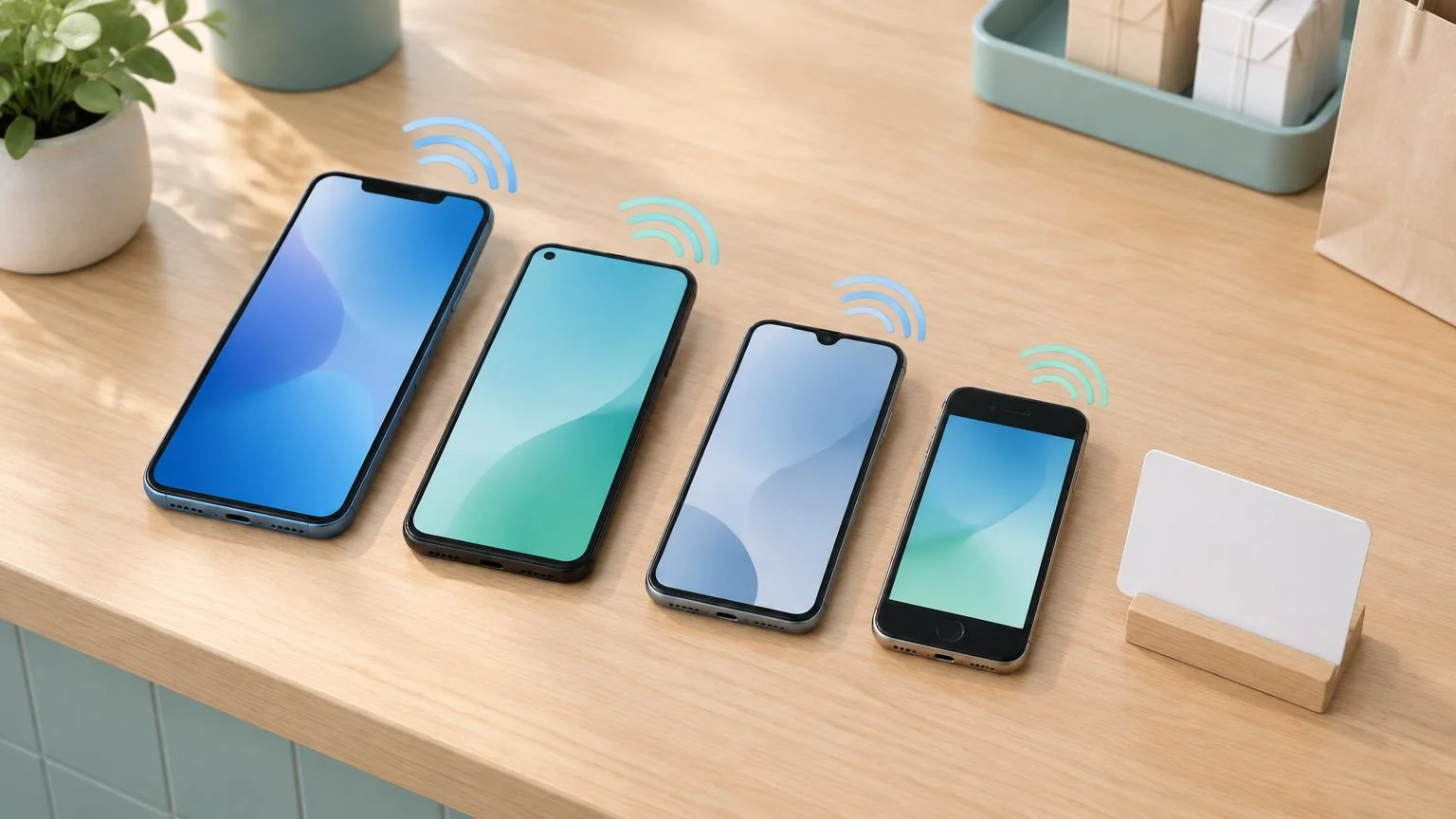
Which phones have NFC? Every iPhone from the iPhone 7 onward can read an NFC tag, and every iPhone from the XS onward does it with no app and no setting to change. Most Android phones from Samsung, Google, OnePlus, Motorola, Xiaomi, Oppo and Sony also have NFC, though a few budget models leave it out. If a phone can tap to pay, it can tap a review card.
Do all phones have NFC?
No, but nearly all current ones do. NFC is the same short-range radio that powers contactless payments, so the hardware has been standard in flagship and mid-range phones for years. The gaps are at the low-cost end of the Android market, where some models omit the chip to hit a price, and in very old phones. Apple has shipped NFC in every iPhone since the iPhone 6, which is why Apple's Apple Pay compatibility list covers every Touch ID iPhone except the iPhone 5s and every Face ID iPhone.
Having the chip is only half the story. What matters for a review card is whether the phone will read a tag that contains a web link and open it, and that depends on the model and the software version. The table below is the short version; the sections after it explain each row.
| Phone | Has NFC? | Reads a review card? | What the customer has to do |
|---|---|---|---|
| iPhone XS, XR, 11 and every later iPhone | Yes | Yes, with no app | Unlock the phone, hold the top edge on the card, tap the banner |
| iPhone 7, 7 Plus, 8, 8 Plus, X | Yes | Yes, with a setting | Add NFC Tag Reader to Control Center, open it, then tap the card |
| iPhone 6, 6 Plus, 6s, 6s Plus, first-generation SE | Yes, payments only | No | Scan the printed QR code instead |
| iPhone 5s and older | No | No | Scan the printed QR code instead |
| Samsung Galaxy S, Note, Z, and most A series | Yes on most models | Yes | Turn NFC on, unlock, hold the back of the phone on the card |
| Google Pixel, all generations | Yes | Yes | Turn NFC on in Settings, unlock, tap with the upper back |
| OnePlus, Xiaomi, Oppo, Sony, Motorola Edge | Yes on most models | Yes | Turn NFC on, unlock, tap with the back |
| Budget Android (some Moto G, Galaxy A0x, Nokia C series) | Varies by model | Only if NFC is listed in Settings | Search Settings for NFC; if absent, scan the QR code |
Which iPhones can read NFC tags?
Every iPhone from the iPhone 7 onward can read NFC tags, and the iPhone XS and later do it automatically. Apple's Core NFC documentation states that iPhone XS and later support background tag reading: the phone scans for tags whenever it is in use, shows a pop-up notification each time it reads a new tag, and opens the link when the user taps the notification. For a review card, that means the customer holds the top of the phone against the card, sees a banner, taps it, and lands on your Google review form.
The iPhone 7, 7 Plus, 8, 8 Plus and X are the in-between generation. They have the hardware, but Apple's iPhone User Guide lists exactly those five models as needing the NFC Tag Reader control turned on in Control Center. The customer adds the control once, then opens it from Control Center and holds the phone to the card. You will still meet these phones, but less often each year.
The iPhone 6, 6 Plus, 6s, 6s Plus and the first-generation iPhone SE have NFC for Apple Pay only. Their NFC chip is not exposed to apps or to the tag reader, so a review card does nothing on them. This is one of the reasons a review card with a printed QR code on it is worth having: those customers can still scan it with the Camera app.
Apple also lists moments when an iPhone XS or later will not read a tag even with the screen on: the phone has never been unlocked since restarting, the camera is open, Apple Pay Wallet is in use, another NFC session is running, or Airplane Mode is on. A customer who just scanned a QR code with the Camera needs to close it before the tap will work.
Which Android phones have NFC?
Most of them. Google's Pixel phones include NFC, Samsung's Galaxy S, Note and Z series include it, and it is standard on flagship and mid-range phones from OnePlus, Xiaomi, Oppo, Sony and Motorola's Edge range. The industry list maintained by tag supplier Seritag runs to fourteen manufacturers, and its main caveat is that regional variants of the same model can differ, so the safest check is always the phone itself.
The exceptions sit at the budget end. Some Moto G models, Samsung's cheapest Galaxy A0x phones and Nokia's C series have shipped without NFC, usually to hit a lower price. The quickest way to know is Google's own rule from its Pixel help page: open Settings and look for NFC. If you do not see the NFC setting, the phone does not have NFC.
Unlike an iPhone, an Android phone can have NFC switched off. Google's Android developer documentation says Android devices are usually looking for NFC tags when the screen is unlocked, unless NFC is disabled in the device's Settings menu. Anyone who uses Google Wallet already has it on; anyone who does not may need the toggle.
iPhone: look at the model. XS or later reads tags with no setup. 7, 8 or X needs NFC Tag Reader in Control Center. 6, 6s or first SE cannot read tags.
Any Android: open Settings and type NFC in the search bar. A result means the phone has NFC; no result means it does not.
Pixel: Settings, Connected devices, Connection preferences, NFC, then switch on Use NFC, as Google's help page describes.
Samsung Galaxy: Settings, Connections, NFC and contactless payments, or add the NFC button to the Quick settings panel, as Samsung's support page describes.
Other Android brands: the toggle is usually under Connections, Connected devices or Wireless and networks. Searching Settings is faster than guessing the menu.
Still unsure? Ask whether the phone has ever been used to tap and pay. If it has, it has NFC.
What changed with Android 16 and Android 17?
Newer Android phones add one step before the link opens. Google's NFC developer documentation says that starting in Android 16, scanning a tag that stores an http or https link triggers a standard view intent, so the link opens in the browser just as a tapped link would. Beginning with Android 17, scanning such a tag surfaces an open link notification, and the user has to tap it before the page opens.
In practice this makes the newest Android phones behave like iPhones: tap the card, then tap the notification. Staff should expect it, because a customer who taps a card on a brand-new phone and sees nothing on screen has often just missed the notification at the top. If a card still does nothing after that, our guide to fixing an NFC review card that is not working walks through the phone, position, surface and chip checks in order.
Where is the NFC antenna on a phone?
Near the top on an iPhone and on the back of most Android phones. The iPhone's NFC antenna sits at the top edge near the cameras, which is why review cards work best when the customer touches the top edge of an iPhone to the card rather than the middle of the screen. Samsung does not publish a single position because it varies by model; its support page points users to the on-screen antenna diagram under Settings, Connections, NFC and contactless payments, and most Galaxy phones read from the upper or middle back.
- Cases matter. Samsung's support page says third-party covers, especially magnetic wallet covers that hold cards, can interfere with the NFC antenna, and that an LED cover blocks NFC while it is lit.
- Thin plastic and silicone cases rarely cause trouble. Metal plates for car mounts and thick rugged cases often do.
- The card's own antenna is small, so sliding the phone slowly across the card finds the sweet spot faster than pressing harder in one place.
- A card lying flat on a metal counter may not read on any phone. A stand lifts the chip clear of the surface.
What does phone compatibility mean for your review card?
It means two things: almost every customer can tap, and the few who cannot should be able to scan. Because the oldest iPhones and a handful of budget Android phones cannot read a tag, a review card that carries both an NFC chip and a printed QR code covers everyone who walks in, and the QR code is also the fallback when a customer has the camera open or NFC switched off.
A pre-programmed Google Review Card comes with the NFC chip already written with your Google review link and an optional printed QR code on the same card, for a one-off price with no subscription and tracked delivery. If you want to program your own tags, our guide to writing your review link to an NFC tag explains which chips and apps to use, and the stand, plaque or sticker comparison helps you choose where the chip should live.
Give staff a single line that works on every compatible phone: unlock your phone, hold the top of it on the card, tap the banner. Google's Business Profile Help confirms that customers must be signed in to a Google Account to leave a review, so a sign-in screen after the tap is normal. The rest of the rules do not change because the request comes from a tap: ask everyone, never offer anything in return, and let the customer choose their own rating. The NFC review products hub covers the cards, stands and plaques in more detail.
❓ Frequently asked questions
Does the iPhone have NFC?
Yes. Every iPhone since the iPhone 6 has NFC. The iPhone 6, 6s and first-generation SE use it only for Apple Pay, the iPhone 7 to X can read tags through the NFC Tag Reader control in Control Center, and the iPhone XS and later read tags automatically with no app.
How do I know if my Android phone has NFC?
Open Settings and search for NFC. Google's help page for Pixel phones puts it plainly: if you do not see the NFC setting, your phone does not have NFC. If the setting is there, make sure the toggle is on.
Do customers need an app to read an NFC review card?
No. iPhone XS and later and Android phones with NFC switched on read the card from the home screen and show a notification or open the link directly. Only iPhone 7, 8 and X users need to open the built-in NFC Tag Reader control first.
Why does a new Android phone show a notification instead of opening the review page?
Because Google changed the behavior. Its NFC documentation says that beginning with Android 17, scanning a tag with a web link surfaces an open link notification that the user must tap before the page opens. Tap the notification and the review form loads.
What if a customer's phone cannot read NFC at all?
Have them scan the QR code printed on the card with their camera. A card that carries both NFC and a QR code reaches every phone, including older iPhones and budget Android models without an NFC chip.
Sources
- Apple Developer Documentation: Adding Support for Background Tag Reading
- Apple iPhone User Guide: iPhone models that need NFC Tag Reader in Control Center
- Apple Support: Devices compatible with Apple Pay
- Android Developers: NFC basics
- Google Pixel Help: Turn on NFC
- Samsung UK Support: Troubleshoot NFC issues on Galaxy devices
- Seritag: NFC enabled phones list
- Google Business Profile Help: Get reviews on Google
Related articles
NFC Review Card Not Working? How to Find and Fix the Cause
Most NFC review card problems come down to five things: the phone, the position, something blocking the signal, the chip, or the link. Here is how to tell which one you have and fix it in minutes.
How to Program an NFC Tag With Your Google Review Link
A blank NFC tag, a phone and a free writing app are all you need to turn a tap into a Google review. Here is the exact process, the chip to buy and the mistakes to avoid.
Google Review Stand vs Plaque vs Sticker: Which Display Should You Buy?
Stands, plaques and stickers all open the same Google review form. The right one depends on where customers pause, what surface you have and how many spots you need to cover.