Google Review Standee Buying Guide for Indian Businesses
Key facts
- What it is
- A tabletop display with an NFC chip, a printed QR code or both, linked to your Google review form
- Allowed by Google
- Yes. Google says customers can leave reviews by visiting a Google link or scanning a QR code
- iPhone tap support
- iPhone XS and later read NFC tags in the background, without an app
- Not allowed
- Incentives for reviews, asking only happy customers, pressuring people on the premises
- India review standard
- IS 19000:2022 Online Consumer Reviews, launched 21 November 2022
A Google review standee puts your review link on the billing counter. Here is what to check before you buy one in India, from NFC and QR options to placement beside your UPI code.
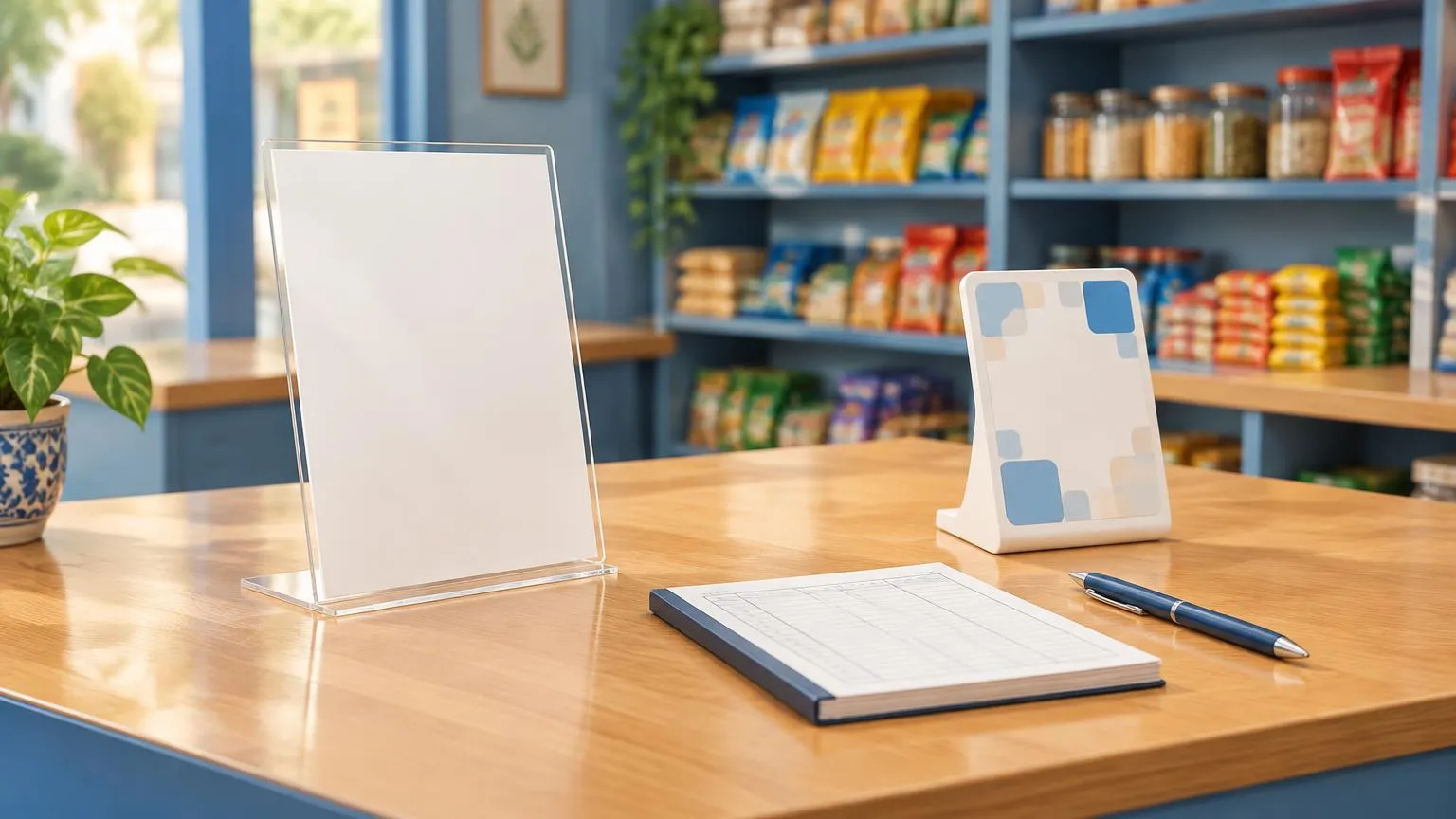
A Google review standee is a small tabletop display, usually acrylic, that opens your Google review form when a customer taps it with an NFC phone or scans its printed QR code. Before you buy one in India, check that it links straight to your review form, works for both tap and scan, and has no hidden yearly fee.
Standees sold in India vary a lot in what they actually include, and product listings rarely spell it out. This guide covers the choices that matter, how to place a standee next to the UPI QR code most Indian counters already have, and what Google's rules say about using one.
What is a Google review standee and how does it work?
It is a counter display that holds your Google review link in two ways: inside an NFC chip and, on most models, as a printed QR code. The customer taps or scans, your review form opens on their own phone, and they choose the rating and write the words themselves.
The standee does not post anything and does not need power, Wi-Fi or an app. The NFC chip has no battery and never needs charging. Google's own help page says customers can leave reviews by visiting a Google link or scanning a QR code, and that they must be signed in to a Google Account to post one. Our guide to finding your Google review link shows where to copy the link that goes on the standee.
NFC, QR or both: which type of standee should you buy?
For most Indian shops, a standee with both an NFC chip and a printed QR code is the safest choice, because it works for every customer: tap if their phone has NFC switched on, scan if it does not. The table compares the main options you will see listed.
| Type | How customers use it | Works well for | Watch out for |
|---|---|---|---|
| NFC only | Tap the phone on the standee | Counters where staff can show customers how to tap | Customers with NFC switched off or older phones need another way in |
| QR only | Scan with the phone camera | Any phone with a camera | One extra step to open the camera; easy to mix up with a UPI QR |
| NFC + QR | Tap or scan | Billing counters, receptions, tables | Make sure the chip and the QR open the same review link |
| Multi-link (review, UPI, Instagram on one page) | Tap or scan, then choose a button | Businesses that want one display for everything | Adds a step before the review form, and the links usually depend on the seller's page staying online |
If your main goal is Google reviews, a standee that opens the Google review form directly keeps the customer's path as short as possible. For more on the difference between the two technologies, read NFC vs QR review cards.
What should you check before buying a Google review standee?
Check where the link goes, who controls it, what you pay over time, and whether the standee suits your counter. Product listings often lead with design and leave these details out, so ask the seller before you order.
- Link destination: does the tap or scan open Google's review form for your business, or a landing page run by the seller? A direct link works even if the seller later closes its service.
- Programming: will the seller program the chip and print the QR code with your link before dispatch, or do you have to do it yourself with an app?
- Editable link: if you might move premises or change your Business Profile, ask whether the link can be changed later and whether that costs a yearly fee.
- Pricing model: a one-off price with no subscription is easier to budget than a monthly or annual plan. Ask what happens to the standee if a plan lapses.
- Size and sides: a double-sided standee can be read from both sides of the counter, and a larger printed panel is easier to spot on a busy billing desk.
- Material: acrylic is light and easy to wipe clean. Ask about thickness and whether the base is stable on a sloping or crowded counter.
- Branding: check whether your business name or logo is printed, and approve a design proof before production.
- Paperwork and delivery: ask for a GST invoice if your business needs one, a tracking number for delivery, and the returns policy, as personalised items are often non-returnable unless faulty.
Avoid any standee or service that sends unhappy customers to a private feedback form and only happy ones to Google. Google's policy prohibits selectively soliciting positive reviews. Our guide to review gating explains why.
Should your review standee sit next to your UPI QR code?
It can, but keep the two clearly apart. Many Indian billing counters already display a UPI QR code, and a customer who sees two similar black-and-white codes may scan the wrong one at the wrong moment.
- Ask for the review once payment is done, not while the customer is paying, so the two requests do not compete.
- Leave a clear gap between the UPI QR and the review standee, or put them on different sides of the counter.
- Choose a standee with a clear printed call to action, such as a short line asking customers to tap or scan to review you on Google, so the purpose is obvious.
- An NFC tap avoids the mix-up entirely, because the customer does not need to open a scanner at all.
Where should you place a review standee in your business?
Put it where customers pause after the service is finished and have their phone in hand. In most Indian businesses that is the billing counter, but the right spot depends on how customers move through the premises.
| Business | Suggested spot | Moment to mention it |
|---|---|---|
| Kirana, pharmacy or retail shop | Billing counter, beside the bill book | After the bill is settled |
| Restaurant or café | Each table, or the cash counter | When the bill is brought or paid |
| Clinic, diagnostic centre or dental practice | Reception desk at check-out | When the next appointment is booked |
| Salon or spa | Mirror station or reception | After the service, before payment |
| Hotel or guest house | Front desk | At check-out |
| Gym or coaching centre | Entry or check-in desk | After a class or session |
For more ideas on spots that get noticed, see how to use Google review stands inside your store. If customers rarely visit a counter, for example in home services, a card handed over at the end of the job may suit you better: compare the options in review cards vs review stands.
Which phones can tap an NFC review standee?
Most recent smartphones can, as long as NFC is switched on and the screen is unlocked. The printed QR code covers everyone else, which is why a standee with both is worth it.
- iPhone: Apple says iPhone XS and later support background tag reading, so customers can tap without opening an app. The phone shows a notification, and the customer taps it to open the link.
- Android: Google's developer documentation says Android devices usually look for NFC tags when the screen is unlocked, unless NFC is turned off in Settings. Some customers will need to switch NFC on first.
- Recent Android versions: Google's documentation notes that from Android 17, scanning a tag that stores a web link shows an open link notification that the customer taps to continue.
- Times a tap may not register on iPhone: Apple lists cases such as when the camera or Apple Pay Wallet is in use, or Airplane Mode is on.
In practice, tell customers to hold the top of the phone flat against the standee for a moment. If nothing happens, the QR code is the quick fallback. Our guide to making a Google review QR code explains how those codes work.
Is it allowed to use a Google review standee in India?
Yes. Asking customers for a review with a link or QR code is something Google itself suggests. What Google prohibits is changing who reviews you or what they say.
- No incentives: Google's policy bans offering payment, discounts or free goods or services in exchange for a review, so no discount on the next bill for a review.
- No selective asking: show the standee to every customer, not only the ones you expect to be happy.
- No pressure on the premises: Google's policy says merchants should not require or pressure users to leave ratings or write reviews while on the premises. Mention the standee once and let the customer decide.
- No staff quotas or staff reviews: Google treats conflict-of-interest reviews, including from employees, and staff targets for a number of reviews as rating manipulation.
In India, the Department of Consumer Affairs also launched IS 19000:2022, Online Consumer Reviews, on 21 November 2022. It sets principles for platforms that publish consumer reviews and started as a voluntary standard. For Google's side in full, read our Google review policy guide.
This section summarises Google's published policies and an Indian government press release in plain English. It is not legal advice.
How do you test a review standee when it arrives?
Tap the standee with an iPhone and an Android phone and confirm both open your Google review form, not a search page or another business.
Scan the printed QR code with a phone camera and confirm it opens the same review form as the tap.
Check the business name shown at the top of the review form matches your Business Profile.
Try it with mobile data switched on and Wi-Fi off, the way most customers will use it.
Brief your counter staff on one short, neutral line to say to every customer, with no reward or pressure attached.
A Google review stand from our range arrives pre-programmed with your Google review link on an NFC chip, with an optional printed QR code, for a one-off price with no subscription and tracked delivery. Whichever standee you choose, run the checks above first. For more on cards, stands, plaques and stickers, browse our NFC products topic hub.
❓ Frequently asked questions
Does a Google review standee need internet or charging?
The standee itself needs neither. The NFC chip has no battery, but the customer's phone needs a data connection to open and submit the Google review form.
Can customers without NFC use a review standee?
Yes, if the standee has a printed QR code. Any phone with a camera can scan it to open the same review form.
Is a Google review standee allowed by Google?
Yes. Google says customers can leave reviews by visiting a Google link or scanning a QR code. Offering incentives, asking only happy customers or pressuring people on the premises is not allowed.
Can I put my UPI QR code and Google review QR code on one standee?
You can, but customers may scan the wrong code. Keep them clearly labelled and separate, or use NFC for the review link, and ask for the review after payment.
Do customers need a Google account to leave a review from a standee?
Yes. Google says customers must be signed in to a Google Account to leave a review.
Sources
- Google Business Profile Help: Tips to get more reviews
- Google Maps user-contributed content policy
- Apple Developer: Adding support for background tag reading (Core NFC)
- Android Developers: NFC basics
- PIB, Ministry of Consumer Affairs: Framework to safeguard consumers from fake and deceptive online reviews (IS 19000:2022)
Related articles
Review Cards vs Review Stands: Which Should Your Business Use?
Review cards suit a personal, staff-led ask; review stands sit on the counter for customers to use on their own. How each works, where each fits, and why many businesses use both.
Google Review Stand Placement: 5 Spots to Try
Where a Google review stand sits matters as much as how it looks. Five practical placement spots for restaurants, salons, clinics and shops, plus common mistakes to avoid.
Google Review QR Code: How to Make, Print and Test One
A Google review QR code takes customers straight to your review form. Here is how to make one for free, how big to print it, and how to test it first.