Best Google Review Card Designs: Layout and Design Tips
A clear call to action, simple layout and an obvious tap or scan point matter more than decoration. Practical design tips for NFC Google review cards, plus mistakes to avoid.
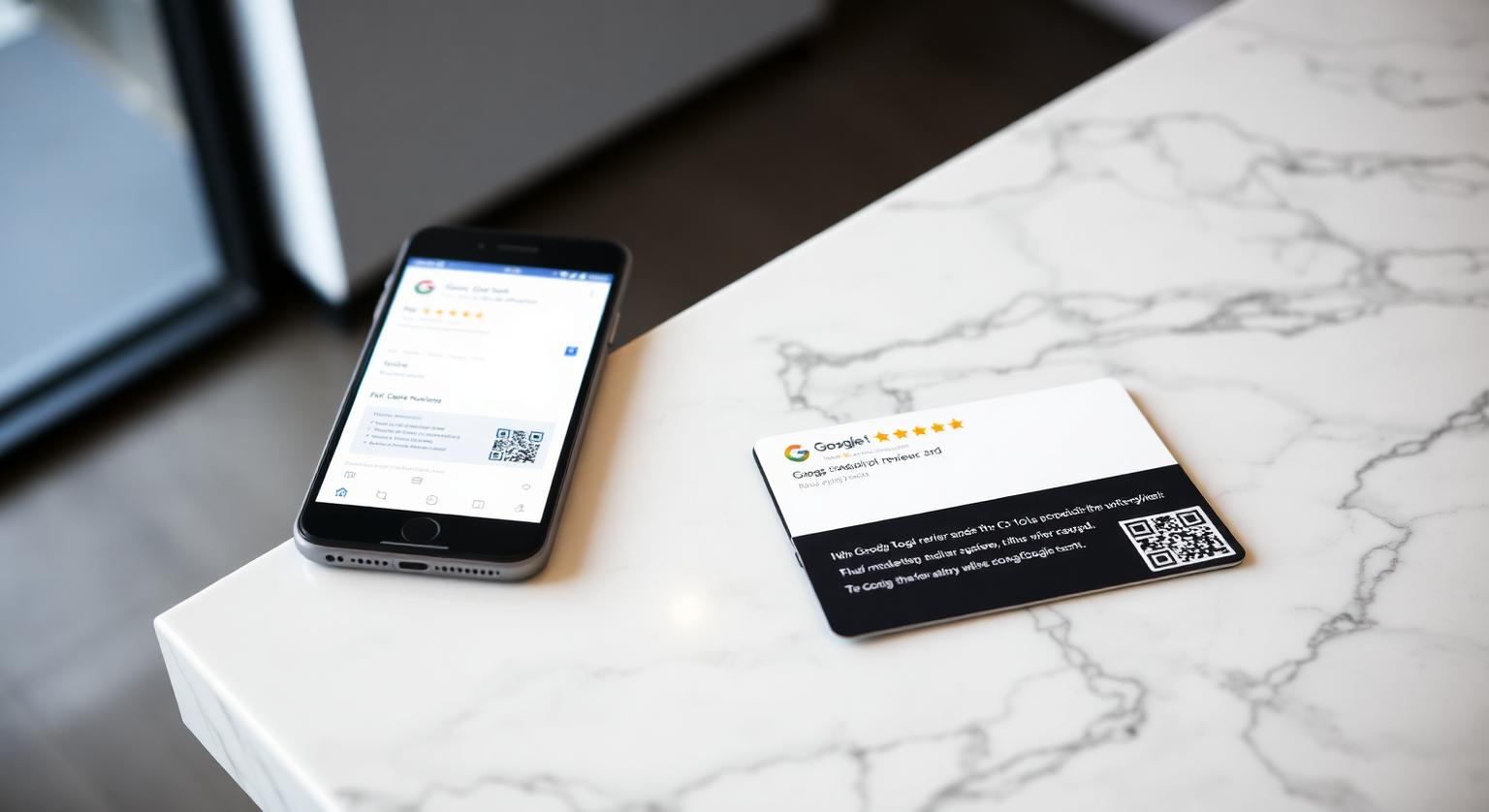
The best Google review card design is the one a customer understands at a glance on a busy counter. Fancy finishes matter far less than layout: one clear call to action, your business name, a tap icon, and a backup QR code. This guide walks through what makes a card easy to use, seven layout ideas for different US businesses, and the mistakes that quietly stop people from tapping.
Why Card Design Affects Whether Customers Leave a Review
Design decides whether a customer knows what to do in the few seconds they hold the card. If the card says one thing clearly — tap here to leave a Google review — most people need no explanation. If it is crowded with logos, social handles and slogans, they hesitate, and a hesitant customer usually puts the card down.
What an easy-to-use review card has in common:
- One call to action — "Tap to leave a Google review" is clearer than clever copy
- Your business name, so the customer knows the review is for you and not the mall or the chain next door
- A visible tap icon showing where to hold the phone
- A printed QR code as a backup for phones that don't read NFC or have it switched off
- A plain card color that contrasts with your counter, so it stands out instead of blending in
Seven Layout Ideas That Work for US Businesses
There is no single winning design, but these seven layouts suit different customer moments. All of them work with a standard credit-card-size NFC card in white or black.
Black card, business name only — law firms, financial advisors, realtors, med spas. A minimal black card with your name and a small tap icon looks considered on a glass desk or in a closing folder.
White card with a bold "Tap to review" line — restaurants, diners, cafés and breweries. White reads well under warm restaurant lighting and from across a host stand.
Card plus QR on the same face — clinics, pharmacies and businesses with older customers. Some people trust a camera scan more than a tap, so give them both options side by side.
Unbranded card — pop-ups, farmers' market stalls, or businesses testing the idea first. It still opens your review page; the staff member's words do the explaining.
One card per staff member — salons, barbershops, personal trainers, tattoo studios. Each person hands over their own card at the end of the appointment, which makes the ask feel personal.
Card at the desk, keychain in the truck — HVAC, plumbing, electrical and roofing crews. The office uses a card; techs carry a review keychain that survives a tool bag.
Card plus counter stand — busy retail and quick-service counters. Staff hand the card over when there is time to talk; a stand by the register catches everyone else.
A quick counter test before you order more: hand the card to a few customers without explaining it and watch what they do. If people turn it over looking for instructions, simplify the wording or make the tap icon larger.
Material, Finish and Price: What to Check Before You Buy
A rigid PVC card with a passive NFC chip and a printed QR code covers what most businesses need. Our cards are credit-card size, 600gsm PVC, available in white or black, with an optional printed QR code and business name, and they arrive pre-programmed with your Google review link.
- Rigidity — a stiff card survives being handed over hundreds of times and doesn't curl in a pocket
- Pre-programming — check whether the card arrives ready to use or whether you have to write the link yourself
- Editable link — an optional add-on lets you change the link later without reprinting, useful if you move location or rebrand
- One-off cost — no monthly subscription is needed for a card that simply opens your review page; see current prices for your country
- Quantity — most single-location businesses start with a card at each point where customers finish their visit, plus a spare
Cards vs Other Review Tools
A card works best when a staff member hands it over in person; other formats cover the moments when nobody is free to ask. Most businesses end up combining two or three.
| Tool | Best moment | Works without staff? |
|---|---|---|
| NFC review card | Handed over at checkout, after an appointment or at job completion | No — it relies on a personal ask |
| Counter stand | While the customer pays or waits at the register | Yes |
| Wall plaque | Waiting areas and exits where people pause | Yes |
| Sticker | Doors, tables and POS housings | Yes |
| Email or text link | After a service done away from your premises | Yes, but easy to ignore |
Design Mistakes That Quietly Stop People Tapping
- Two calls to action — "Follow us on Instagram and leave a Google review" splits attention; keep the card about one thing
- Incentive wording — any line like "Review us for 10% off" breaks Google's policy, which prohibits offering anything in exchange for a review
- A QR code shrunk to fit — leave it large enough to scan at arm's length, with a clear white margin around it
- No tap icon — customers who have never used NFC won't guess where to hold their phone
- Low-contrast text — gray on black or pale colors on white disappear under restaurant or bar lighting
How to Design Your Own Card Step by Step
Write one call to action, such as "Tap to leave us a Google review".
Choose white or black based on where the card will sit — contrast with the counter matters more than brand color.
Decide whether to print your business name or keep the card unbranded.
Add the printed QR code so customers with NFC switched off, or older phones, can still reach your review page.
Get your review link from your Google Business Profile (Read reviews → Get more reviews) and test it on your own phone before ordering.
Place a card at every point where customers finish their visit — checkout, host stand, service desk or front door.
Phone Compatibility to Keep in Mind
Most current phones can read the card, but not every customer will tap. iPhone XS, XR and later read NFC tags in the background with the screen on; iPhone 7 to iPhone X need the NFC tag reader in Control Center. Android phones need NFC switched on in settings. The printed QR code works with any phone camera, which is why it is worth keeping on the card. Reviewers also need a Google Account to post.
Industries Where a Handed-Over Card Fits Naturally
- Restaurants, diners, breweries and taquerias — with the check or at the host stand
- Salons, barbershops, nail studios and med spas — at the end of the appointment
- Dental offices, chiropractors and clinics — at front-desk checkout
- Real estate, financial advisors, law firms and insurance agents — at a closing or final meeting
- HVAC, plumbers, electricians and roofers — at job completion on the doorstep
- Auto repair shops and detailers — at the service writer's counter with the keys
- Boutique hotels, B&Bs and short-term rentals — at checkout or in the room
A Simple First-Month Rollout
Order cards for each point where customers finish their visit.
Test every card with an iPhone and an Android phone before it goes out.
Train each shift on one sentence: "If you have a minute, tapping this takes you straight to our Google reviews." Ask every customer, not just the ones who seem happy.
Check your Google Business Profile weekly, reply to new reviews, and note which locations or staff hand the card out consistently.
Google says more reviews and positive ratings can help a business's local ranking, alongside relevance, distance and prominence — but there is no rating or review count that guarantees a position. For the bigger picture, see our top Google review strategies for small businesses and how Google reviews influence Map Pack rankings.
❓ Frequently asked questions
What is the best Google review card design for a small business?
A plain white or black card with one call to action, your business name, a tap icon and a printed QR code backup. Clarity matters more than finish.
How much does an NFC Google review card cost?
Prices vary by country, quantity and options, so check the current price on the product page. Our cards are a one-off purchase with no subscription.
Which businesses benefit most from Google review cards?
Businesses with a clear moment when staff can hand something over — restaurants, salons, clinics, home-service contractors, auto shops, real estate teams and hotels.
Are NFC Google review cards allowed by Google?
Yes. Google lets businesses share their review link or QR code, and a card that simply opens your review page, with no incentive or filtering, fits Google's policy. Never offer anything in exchange for a review or ask only happy customers.
Do Google review cards work with iPhones and Android phones?
iPhone 7 and later can read NFC tags, and iPhone XS/XR and later read them in the background. Android phones need NFC switched on, and the printed QR code works with any phone camera.
How many review cards does a business need?
Usually one for each point where customers finish their visit, such as checkout, the host stand or the service desk, plus a spare. Teams that ask in person often give each staff member their own card.
Does Google review card design affect how many people use it?
It can. A card with one clear call to action and an obvious tap point is easier to act on than a cluttered one, though results depend on your customers and how the card is offered.
Is a minimalist design better than a heavily branded one?
For most businesses, a simple layout works well because the action is obvious. You can still add your business name or logo as long as the review call to action stays prominent.
Should I include star icons on the card?
Stars are fine as a visual cue that the card is about reviews. Don't ask for a specific rating or for positive reviews only, because Google's policy prohibits selectively soliciting positive reviews.
Should the card mention Google?
Yes. Customers like to know where a link will take them, and naming Google makes the destination clear.
Do I still need a QR code if my card has NFC?
It's a useful backup. iPhone 7 and later and Android phones with NFC switched on can read the chip, and a printed QR code works with any phone camera.
What are your Google review cards made of?
Our review cards are credit-card size and made from 600gsm PVC in white or black, with a passive NFC chip inside. You can add a printed QR code and your business name, or choose an unbranded card.
Can one card design work in different countries?
Yes. The card simply opens your Google review link, so the same layout works anywhere. Businesses that serve customers in more than one language sometimes add a second-language line.
Related Guides & Tools
Hand-picked next reads for US small businesses growing their Google reviews.
Explore Our Products
Google Review Card
NFC tap cards that take customers straight to your Google review page.
Google Review Stand
Countertop stands perfect for restaurants, salons, and reception desks.
Google Review Plaque
Wall-mounted plaques that collect reviews in high-traffic areas.
Google Review Stickers
Peel-and-stick NFC stickers for windows, doors, and counters.
Google Review Keychains
Portable keychains your team can carry to collect reviews anywhere.
NFC Wristband
Wearable NFC wristbands for events, trade shows, and on-the-go reviews.
Related articles
NFC Review Cards vs QR Review Cards – Which Gets More Reviews?
How an NFC tap compares with a QR scan for collecting Google reviews — and why many businesses use both on the same card.
What Is a Google Review Card? (Full Guide + How It Works)
What a Google review card is, how the NFC tap and QR code work, and why it makes leaving a review easier for your customers.