NFC vs QR Review Cards: Which Works Better for US Businesses?
Key facts
- Question answered
- NFC tap versus a printed QR code
- NFC
- Tap the phone to the card; no camera needed
- QR
- Works on any phone with a camera
- Our products
- NFC on every product; printed QR optional on cards
- Same destination
- Your Google review page
How American small business owners, from restaurants and salons to HVAC, dental, auto, and retail, can choose between NFC and QR review cards based on ease of use, cost, and where customers actually are.
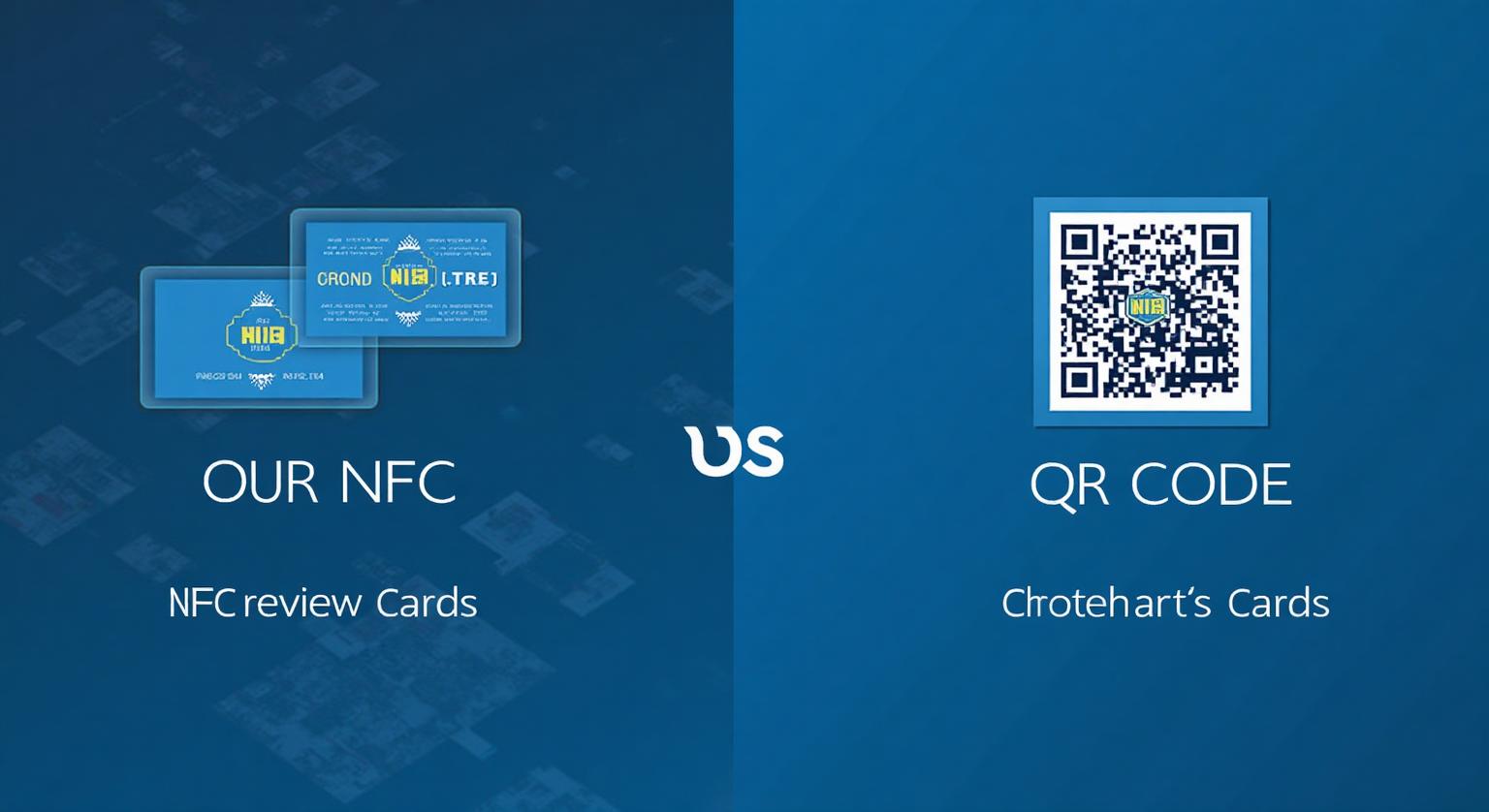
NFC review cards remove more steps than a printed QR code because a tap opens the review page directly, while a QR code still requires opening the camera and holding it steady. Both are policy-safe ways to point a customer to your review page. Many businesses use both together: NFC for in-person moments and QR for anything the customer takes away or sees from a distance.
What Does Each Option Feel Like to a Customer?
NFC opens the review page when a phone is held near the card, while a QR code requires the customer to open a camera first. Both end on the same Google review page.
With NFC, a customer at your checkout counter holds their phone against the card. A notification appears, they tap it, and your Google review page opens. With a printed QR code, the customer unlocks their phone, opens the camera, frames the code, waits for the link banner, then taps it. NFC simply removes a few of those manual steps.
How Do NFC and QR Compare Side by Side?
NFC is quicker in person; QR works on any camera phone and costs less to print in volume. The table below sums up the practical differences.
| NFC tap | Printed QR code | |
|---|---|---|
| Steps for the customer | Hold phone near card, tap the notification | Open camera, frame the code, tap the link |
| Phones supported | iPhone 7 and later; Android with NFC switched on | Any phone with a working camera |
| Works from a distance | No, the phone must be close to the card | Yes, if the code is large enough |
| Best places | Counters, tables, front desks, handoffs | Receipts, packaging, mailers, signs, windows |
| Changing the link later | Possible with an editable-link setup | Needs reprinting unless the code points to an editable link |
| Unit cost | Higher upfront, reused many times | Low per print, replaced as it wears |
Which Phones Can Read an NFC Review Card?
iPhone 7 and later can read NFC tags, and Android phones can when NFC is switched on. Phones that can't tap can scan a printed QR code instead.
- iPhone XS, XS Max, XR and later read NFC tags in the background while the phone is unlocked
- iPhone 7 through iPhone X need the NFC tag reader in Control Center (iOS 14 or later)
- Android phones need NFC turned on in settings; the tap spot varies by model
- Any phone with a camera can scan the QR code, which is why a hybrid card covers everyone
Where Does a QR Code Still Make Sense?
QR codes work anywhere the customer can't physically touch your card, such as printed materials they take home or see from a distance.
That includes takeout packaging, printed receipts, mailers, outdoor signage, yard signs, window decals, and any campaign where you hand out many printed pieces. Google lets you download a review QR code from your Business Profile (Read reviews, then Get more reviews), though currently only from a computer browser. Make the code large enough to scan comfortably, and test it before printing.
Where Does NFC Make the Most Sense?
NFC makes sense anywhere a customer is standing at, sitting at, or paying at a surface you control.
That covers sit-down restaurants and diners, quick-service counters, coffee shops, hair and nail salons, barbershops, gyms, dental practices, med spas, chiropractors, hotel and short-term-rental reception, tattoo studios, auto repair shops, pet groomers, boutique retail, and home-service teams (HVAC, plumbing, electric) who finish a job face to face.
How Should You Think About the Cost of Each?
A printed QR code costs less per piece, while an NFC card is a one-off purchase you reuse. The better question is which one your customers will actually use.
Printed QR materials are cheap to produce in volume but wear out and need reprinting. An NFC card costs more upfront but is made to be handed over again and again. Our NFC Google review cards are a one-off purchase with no subscription and can include a printed QR code on the same card.
Does Google Rank Reviews Differently Depending on How They Were Collected?
No. A review is a review whether the customer tapped, scanned, or clicked an emailed link. What matters is that it's a genuine review from a real customer.
Google says local results are based mainly on relevance, distance, and prominence, and that more reviews and positive ratings can help a business's local ranking. The format you use doesn't change that. Pick whichever makes it easiest for your customers to leave an honest review, and ask every customer the same way.
Why Do Many Businesses Use a Hybrid Card?
A hybrid card works because it covers customers whether or not their phone reads NFC.
Printing a QR code on the same card as the NFC chip means a tap for phones that support it and a scan for those that don't. Staff don't need to explain the difference; the customer uses whichever comes naturally. If you are weighing a QR-only approach, see whether QR code review cards really increase reviews.
How Should You Roll This Out?
Put a hybrid card at every place where the visit ends, agree on one neutral sentence, and test every card before it goes out.
- Place a hybrid NFC + QR card at each guest-facing station: check presenter, host stand, front desk, checkout, service bay, styling chair
- Train staff on one neutral line: "If you enjoyed today, a quick Google review really helps us."
- Put the card where the customer's phone already is, such as next to the receipt or the payment terminal
- Add QR codes to receipts, packaging, and signs for customers who leave before you can ask
- Ask every customer the same way, never offer a discount, freebie, or contest entry for a review, and never filter who gets asked
What's the Bottom Line?
If your customers stand in front of you, a tap card removes the most friction; if they take something home, a QR code travels with it. Most businesses end up using both: a hybrid card at the counter covers every phone, while QR-only materials handle anything printed for later.
Sources
❓ Frequently asked questions
Are NFC review cards better than QR codes for small businesses?
For in-person moments at a counter, table, or front desk, NFC removes more steps because the customer doesn't need to open the camera. QR is still the better fit for receipts, packaging, and signs.
Do all iPhones and Androids support NFC review cards?
iPhone 7 and later can read NFC tags, with iPhone XS, XR and later reading them in the background. Android phones need NFC switched on, and any phone can scan a printed QR code instead.
Will Google penalize a business for using NFC or QR review cards?
No. Google encourages businesses to share a review link or QR code. What it prohibits is offering incentives for reviews or asking only customers you expect to be happy.
Should restaurants use NFC or QR for review cards?
A card on the check presenter with both NFC and a QR code covers every diner, while a QR code on takeout bags and receipts reaches people who leave before the check.
Can one card include both NFC and QR?
Yes. Our review cards can include a printed QR code alongside the NFC chip, so every phone is covered without staff needing to explain anything.
Does NFC always convert better than QR?
NFC removes the camera step, but we don't have an independent, controlled study to quote a figure. Fewer steps between intent and the review page tends to mean fewer people give up along the way.
Which phones can read an NFC review card?
iPhone 7 and later can read NFC tags; iPhone XS/XR and later do it in the background, while iPhone 7–X use the NFC tag reader in Control Centre. Android phones need NFC switched on.
Do I need both NFC and QR on the same card?
It's a sensible default. The printed QR code works with any phone camera, so customers whose phones don't read NFC still have a way in.
Do NFC and QR open the same page?
Yes — both are set to your Google review link, so the customer ends up on the same review page either way.
Related Guides & Tools
Hand-picked next reads for US small businesses growing their Google reviews.
Explore Our Products
Google Review Card
NFC tap cards that take customers straight to your Google review page.
Google Review Stand
Countertop stands perfect for restaurants, salons, and reception desks.
Google Review Plaque
Wall-mounted plaques that collect reviews in high-traffic areas.
Google Review Stickers
Peel-and-stick NFC stickers for windows, doors, and counters.
Google Review Keychains
Portable keychains your team can carry to collect reviews anywhere.
NFC Wristband
Wearable NFC wristbands for events, trade shows, and on-the-go reviews.
Related articles
NFC Review Cards vs Printed QR Cards – Cost & Performance
Printed QR cards are cheaper to make, but cost isn't the only thing to weigh. Here's how to compare them with NFC cards for your business.
Why NFC Review Cards Are the Future of Review Collection
NFC review cards turn asking for a Google review into a single tap at the point of service. Why more businesses are using them, how they compare with email, SMS and QR codes, and what they don't do.