QR Code Review Cards: Do They Actually Increase Google Reviews?
An honest look at whether QR review cards help U.S. small businesses get more Google reviews, where an NFC tap is easier, and how to set up both without breaking Google's rules.
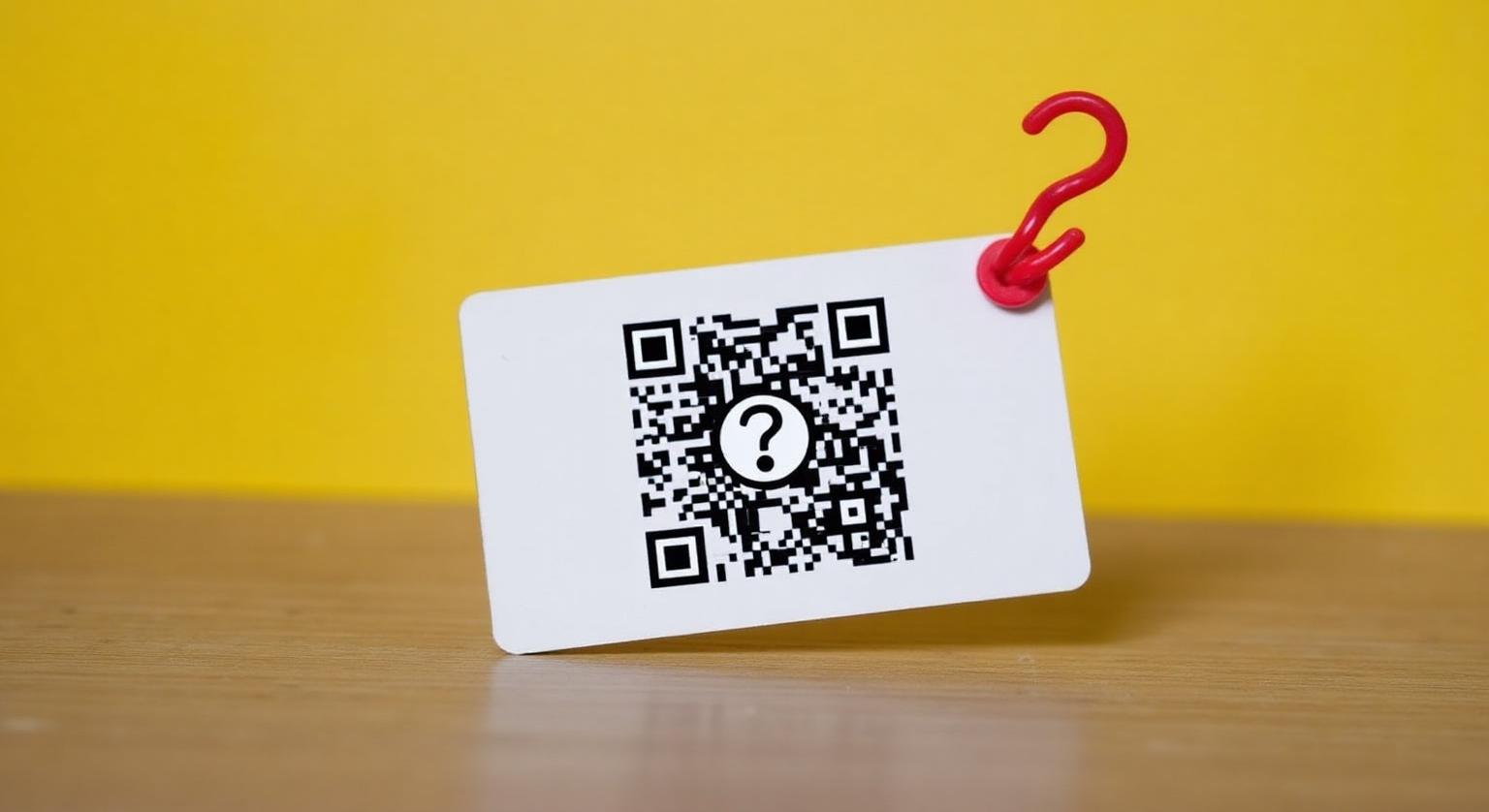
QR codes became familiar to almost everyone in the U.S. when restaurants moved menus onto tables, and now they show up on review cards, counter signs and receipts. So when owners see a QR review card, the question is fair: does it actually lead to more Google reviews, or is it just another code customers ignore?
The short answer: a QR review card can help, because it removes the hardest part of leaving a review, which is finding your Business Profile and the review button. It works best when staff mention it at the right moment. Adding an NFC chip to the same card gives customers a second, quicker option: a tap instead of opening the camera. This guide covers when QR works well, when NFC is easier, and how to set up a review card that fits your business.
What Is a QR Code Review Card?
A QR code review card is a printed card, sticker or counter stand with a QR code that opens your Google review page when scanned.
The customer opens their phone camera, points it at the code, taps the link that pops up, and lands on your review form. No app, no typing, no searching. An NFC review card does the same job with a tap: the customer holds their phone near the card and the same page opens. Many cards now carry both, so each customer can use whichever their phone and habits suit.
Google itself lets businesses share a review link or QR code. In your Business Profile, choose Read reviews, then Get more reviews, to copy the link; Google notes the QR code can currently be generated only in a computer browser. Customers need a Google Account to post a review.
Do QR Review Cards Really Increase Google Reviews?
They can, because they make leaving a review quicker, but the card alone isn't the whole answer. Placement, timing and a short verbal ask from staff usually matter more than the card itself.
There's no reliable public figure for how many scans turn into reviews, and results vary a lot by business. What's consistent is the logic: every extra step between the ask and the review form is a chance for the customer to give up. A QR code cuts out the searching. An NFC tap cuts out opening the camera as well. That's why a card offering both is usually the safer choice for anything handed to a customer or placed within reach.
When Does QR Work Better Than NFC?
QR wins whenever the customer can't physically touch the item, or is looking at it from a distance.
- Drive-thru windows and curbside pickup: a QR code on the receipt or bag sticker works where a tap can't reach
- Direct mail, flyers and postcards: a printed QR code takes the reader straight to your review page
- Window decals and wall signs: customers can scan from where they stand
- Restaurant table signs where guests are already used to scanning a menu code
- Phones without NFC switched on: the QR code works with any phone camera
When Is an NFC Tap Easier Than Scanning?
NFC is easier whenever the customer is within arm's reach of the card, stand or counter, because a tap skips the camera step.
Many customers already tap their phone to pay, so "tap your phone here" needs little explanation. Compare that with "open your camera, aim at the code, tap the link." Neither is hard, but the tap is shorter, and it works in situations where the camera struggles, such as low light or a glossy, reflective surface.
- Restaurants and diners: the server leaves a card with the check
- Salons, barbers and nail bars: the stylist hands a card over at checkout
- Dentists, chiropractors and med-spas: a card or stand at the front desk at the end of the appointment
- HVAC, plumbing, electrical and roofing: the tech leaves a card with the homeowner at the end of the job
- Real estate: the agent includes a card in the closing folder
- Auto repair and tire shops: the service writer hands a card over with the keys
QR-Only vs NFC-Only vs NFC + QR
For anything handed to a customer or placed on a counter, a card with both NFC and a printed QR code covers the most phones and situations.
| Card type | How the customer uses it | Works well for | Limitation |
|---|---|---|---|
| QR only | Opens the camera and scans | Print, mail, signs, drive-thru | Extra step; needs decent light and a steady hand |
| NFC only | Taps the phone on the card | Counters and handoffs | Customers without NFC switched on need another option |
| NFC + QR | Taps, or scans if they prefer | Almost any in-person setting | The QR code takes up space in the design |
On phone support: iPhone 7 and later can read NFC tags; iPhone XS, XR and later read them in the background, while iPhone 7 to X use the NFC tag reader in Control Center. Android phones need NFC switched on. The printed QR code works with any phone camera.
How to Roll Out QR + NFC Review Cards
Copy your direct Google review link from your Business Profile (Read reviews, then Get more reviews)
Order NFC Google review cards with a printed QR code, pre-programmed with that link, in a quantity that matches how many staff and counters will use them
Tap-test and scan-test each card with an iPhone and an Android phone when they arrive
Put cards where the service ends: server stations, the front desk, the register, the tech's van
Give staff one short line to use with every customer: "If you have a second, tap or scan this. It really helps our small business."
Reply to new reviews promptly, and check your Business Profile regularly to see how placement and prompts are working
Common Mistakes That Hold QR Review Cards Back
- Linking to your website homepage instead of your direct Google review page
- Shrinking the QR code to fit the design: leave it a clear margin and test it with a few phones before printing in bulk
- Placing the card behind glass or under a register lip, where phones can't tap it and cameras struggle to focus
- Vague copy like "Follow us online" instead of a clear line such as "Tap or scan to leave a Google review"
- Asking only customers who seem happy: Google's policy prohibits selectively soliciting positive reviews
- Offering a discount or freebie for a review, which Google's policy prohibits
Which Businesses Get the Most From Review Cards?
Businesses with a clear, in-person end to every service tend to get the most from a review card, because there's a natural moment to hand it over.
- Home services: a card left with the homeowner at the end of the job
- Restaurants and cafés: a card with the check or a stand at the register
- Salons, barbers and med-spas: a stand on the front desk plus cards at the chair
- Dentists, orthodontists and veterinarians: a stand or card at reception at the end of the visit
- Real estate agents: a card in the closing folder
- Boutiques, gift shops and florists: a stand by the register
For a side-by-side look at the two technologies, read NFC vs QR review cards.
The Bottom Line
QR review cards still make sense in the U.S., especially for drive-thrus, mail and signs people view from a distance. For counters, tables and handoffs, a card with both an NFC chip and a printed QR code gives every customer an easy option. Whichever you choose, ask every customer the same way, never offer anything in return, and reply to the reviews you get.
❓ Frequently asked questions
Do QR code review cards really increase Google reviews?
They can, because they take customers straight to your review form without searching. They work best when staff mention them at the end of a good service, and a card with NFC as well gives customers a quicker tap option.
Should I buy QR-only review cards?
QR-only makes sense for mail, flyers, window signs and drive-thrus, where customers can't tap. For counters, tables and handoffs, a card with both NFC and QR suits more customers.
What's the average QR scan-to-review conversion rate?
There isn't a reliable universal figure, and results vary widely by business, placement and how staff present the card. The best guide is your own Business Profile: track new reviews before and after you introduce cards.
Is it legal to ask customers for Google reviews with a QR card?
Yes. Asking for reviews is allowed; what Google prohibits is offering incentives or asking only happy customers, and the FTC's rule bans fake reviews and buying reviews conditioned on sentiment. A card that simply opens your review page, with no incentive or filtering, fits Google's policy.
How big should the QR code be on a review card?
Big enough to scan quickly from a normal distance, with a clear margin around it. Print a sample and test it with a few different phones before ordering in bulk.
Will review cards improve my Map Pack ranking?
Google says local results are based mainly on relevance, distance and prominence, and that more reviews and positive ratings can help. No tool can guarantee a ranking change, so treat cards as a way to make honest reviews easier to leave.
Related Guides & Tools
Hand-picked next reads for US small businesses growing their Google reviews.
Explore Our Products
Google Review Card
NFC tap cards that take customers straight to your Google review page.
Google Review Stand
Countertop stands perfect for restaurants, salons, and reception desks.
Google Review Plaque
Wall-mounted plaques that collect reviews in high-traffic areas.
Google Review Stickers
Peel-and-stick NFC stickers for windows, doors, and counters.
Google Review Keychains
Portable keychains your team can carry to collect reviews anywhere.
NFC Wristband
Wearable NFC wristbands for events, trade shows, and on-the-go reviews.
Related articles
NFC Review Cards vs QR Review Cards – Which Gets More Reviews?
How an NFC tap compares with a QR scan for collecting Google reviews — and why many businesses use both on the same card.
NFC Review Cards vs Printed QR Cards – Cost & Performance
Printed QR cards are cheaper to make, but cost isn't the only thing to weigh. Here's how to compare them with NFC cards for your business.
Google Review Tap Tag Setup Instructions: Step-by-Step Guide
How to set up an NFC Google review tap tag: find your review link before ordering, test the tap and the QR backup when it arrives, place it well, and fix the most common issues.