What Is a Google Review Card? (Full Guide + How It Works)
Key facts
- What it is
- A PVC card with an NFC chip and an optional printed QR code
- Function
- Opens your Google review page on the customer's phone
- Pre-programmed
- Encoded with your review link before shipping
- Editable link
- Optional add-on to change the link later
- Phones
- NFC on iPhone 7+ and NFC-enabled Android; QR with any camera
What a Google review card is, how the NFC tap and QR code work, and why it makes leaving a review easier for your customers.
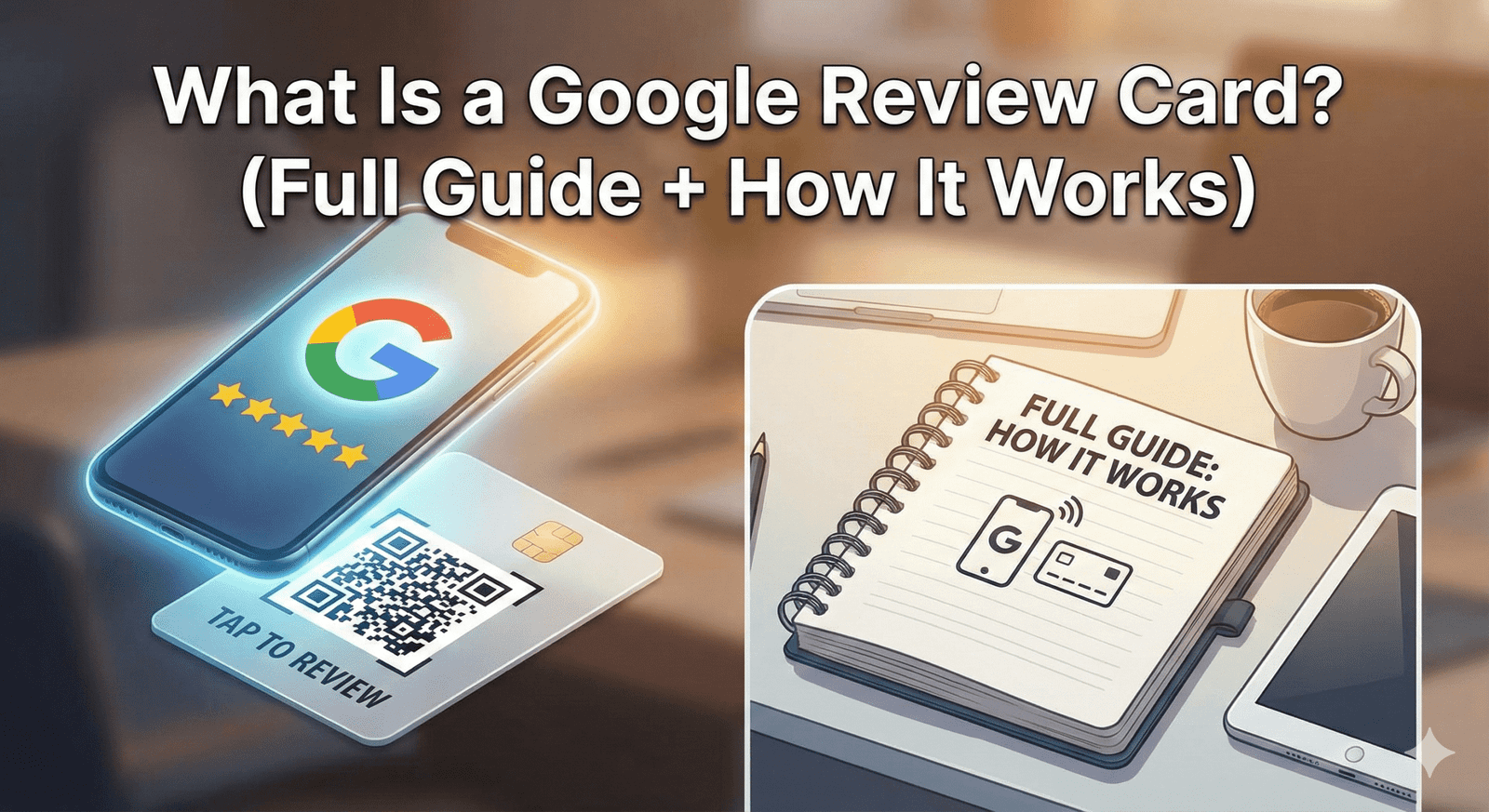
A Google Review Card is a credit-card-sized card that opens your Google review page when a customer taps it with their phone or scans its printed QR code. Instead of searching for your business, finding the right listing, and hunting for the review button, the customer goes straight to the screen where they can write a review. There's no app to install.
How Does a Google Review Card Work?
The card holds your Google review link on a small NFC chip, and usually in a printed QR code too. A phone reads the link and opens your review page.
The customer holds their phone near the card, or points the camera at the QR code. A notification or link banner appears; they tap it, and your Google review page opens with your business already selected. They choose a star rating, write a few words, and post. Reviewers need to be signed in to a Google Account, which they can set up with a non-Gmail email address.
The NFC chip is passive: it has no battery and draws power from the phone during the tap. That's why the card doesn't need charging or switching on.
Which Phones Can Use a Google Review Card?
iPhone 7 and later can read NFC tags, Android phones can read them when NFC is switched on, and any phone with a camera can scan the printed QR code. The details vary slightly by model.
| Phone | How it reads the card |
|---|---|
| iPhone XS, XS Max, XR and later | Reads NFC in the background: hold the top of the phone near the card while it's unlocked |
| iPhone 7 through iPhone X | Open the NFC tag reader in Control Center first (iOS 14 or later), then tap |
| Android phones with NFC | Works when NFC is turned on in settings; the tap spot varies by model but is usually on the back |
| Any phone with a camera | Scan the printed QR code instead of tapping |
What's Inside Our Google Review Card?
Our cards are made from 600gsm PVC in standard credit-card size, with a passive NTAG-series NFC chip inside. They arrive pre-programmed with your Google review link.
- White or black finish
- Optional printed QR code as a backup for phones without NFC
- Your business name printed on the card, or an unbranded design
- Optional editable-link add-on, so you can change the link later without reprinting
- One-off price with no subscription; see current prices and options
Why Are US Businesses Using Review Cards?
Review cards remove the steps that make customers give up: searching for the business, picking the right listing, and finding the review tab.
- The customer reaches your review page in one tap or scan instead of several searches
- Staff can offer the card with a single sentence, so asking becomes a routine instead of an awkward moment
- A card can be reused with customer after customer
- It travels: a home-service tech can carry one in a wallet, a realtor can keep one in a closing folder
- It works the same way across retail, food, beauty, fitness, healthcare, and professional services
Where Should You Place Your Google Review Card?
Place the card where the service ends and the customer's phone is already out, which is usually at payment or handoff.
- Restaurants: on top of the check presenter, or in a stand by the register for counter service
- Salons and barbershops: at the front desk next to the payment terminal
- Auto shops: at the service writer's counter where keys are returned
- Home services (HVAC, plumbing, pest control): carried by the tech and offered after the job is walked through
- Realtors: in the closing folder
- Clinics and dental practices: at checkout next to the appointment scheduler
How Does a Review Card Compare to Other Options?
A handheld card suits face-to-face moments, while stands, plaques, and stickers suit fixed spots. Each opens the same review page.
| Option | Best for | Trade-off |
|---|---|---|
| NFC + QR review card | Handing to a customer at the counter or after a job | Needs someone to offer it |
| Counter stand | Busy counters and reception desks | Stays in one place |
| Wall plaque | Entrances and waiting areas | Easier to overlook than a card that's handed over |
| Stickers | Tables, windows, and doors | Best on flat, clean surfaces |
| Keychains and wristbands | Staff who move around, such as event or gym teams | Small, so they need a clear verbal ask |
| Emailed or texted link | Customers who weren't there when the job finished | Arrives later, when the visit is less fresh |
Many businesses combine a handheld card with a Google review stand on the main counter, so the link is visible even when staff are busy.
How Do You Set Up a Review Card?
Find your review link, order the card with that link, test it, and put it where customers pay. Most of the work is the first step.
- Find your link: in Google Business Profile, choose Read reviews, then Get more reviews, and copy it (see how to find your Google review link)
- Order the card with that link; it arrives pre-programmed
- Test it with an iPhone and an Android phone, and scan the QR code too
- Place it at the point of payment or handoff and agree on one sentence the team will use
- Reply to the reviews that come in, by name
Is a Google Review Card Allowed Under Google's Policies?
Yes. Google encourages businesses to ask customers for reviews with a link or QR code, and a card that simply opens your review page, with no incentive or filtering, fits Google's policy.
What Google prohibits is offering anything in exchange for a review, such as discounts, free items, or contest entries; asking only customers who seem happy; and pressuring customers to review while they're on the premises. Offer the card to every customer, the same way, and let them decide.
Sources
❓ Frequently asked questions
Do Google Review Cards work with iPhones?
Yes. iPhone XS, XR and later read the card with a tap while unlocked, iPhone 7 through X use the NFC tag reader in Control Center, and any iPhone can scan the printed QR code.
Does the customer need an app to use a review card?
No. The phone's built-in NFC reader or camera opens your review page. The customer does need to be signed in to a Google Account to post.
How many Google Review Cards does a US small business need?
Start with one at each place where customers pay or finish their visit, plus one per staff member who works away from the counter. Add more as you find new touchpoints.
Can I change the link on my card later?
With the optional editable-link add-on, you can change where the card points later without reprinting it.
Are NFC Google Review Cards allowed by Google?
Yes. A card that simply opens your review page, with no incentive and offered to every customer, fits Google's policy.
How much does a Google review card cost?
Prices vary by country, quantity and options, and they change over time. You can [see current prices](/product/nfc-google-review-cards) on the product page; it's a one-off purchase with no subscription.
Can I update the link on my NFC card?
Yes, if you choose the optional editable-link add-on, which lets you change where the card points later without reprinting. Without it, the card stays set to the review link it was programmed with.
Do customers need an app to use the card?
No. Compatible phones open the link with a tap, and any phone camera can scan the printed QR code; customers need a Google Account to post the review.
Are Google review cards allowed by Google?
Yes. A card that simply opens your review page, with no incentive or filtering, fits Google's policy. See [are review cards allowed by Google](/blog/are-review-cards-allowed-by-google).
Related Guides & Tools
Hand-picked next reads for US small businesses growing their Google reviews.
Explore Our Products
Google Review Card
NFC tap cards that take customers straight to your Google review page.
Google Review Stand
Countertop stands perfect for restaurants, salons, and reception desks.
Google Review Plaque
Wall-mounted plaques that collect reviews in high-traffic areas.
Google Review Stickers
Peel-and-stick NFC stickers for windows, doors, and counters.
Google Review Keychains
Portable keychains your team can carry to collect reviews anywhere.
NFC Wristband
Wearable NFC wristbands for events, trade shows, and on-the-go reviews.
Related articles
How Google Review Cards Work (Step-by-Step Breakdown)
What happens between a customer tapping a Google review card and a review appearing on your Business Profile, which phones can read it, and why it makes reviewing easier.
Best Google Review Card Designs: Layout and Design Tips
A clear call to action, simple layout and an obvious tap or scan point matter more than decoration. Practical design tips for NFC Google review cards, plus mistakes to avoid.