How Google Review Cards Work (Step-by-Step Breakdown)
Key facts
- What it is
- Short explainer of the tap-to-review process
- Step 1
- Customer taps the card or scans the optional QR code
- Step 2
- Their phone opens your Google review page
- Step 3
- The customer chooses a rating and writes the review
- No app
- Nothing to install for the business or the customer
What happens between a customer tapping a Google review card and a review appearing on your Business Profile, which phones can read it, and why it makes reviewing easier.
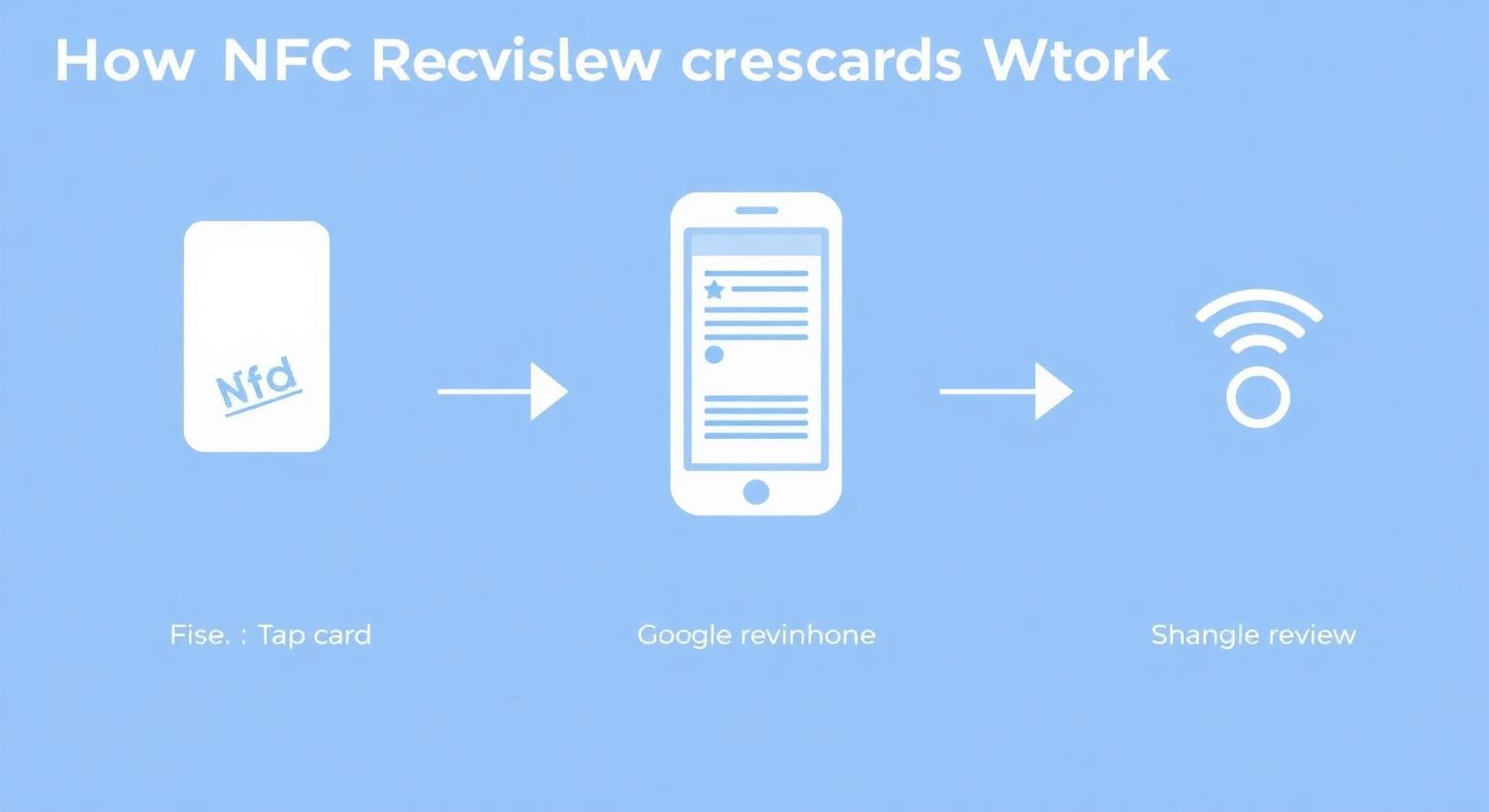
A Google review card works by storing your Google review link on an NFC chip and printing the same link as a QR code, so a tap or a scan opens your Google review page on the customer's phone. There's nothing to install. The customer just needs a Google Account to post the review.
What's Inside a Google Review Card?
Inside the card is a small NFC chip and antenna holding your Google review link, and on the surface is an optional printed QR code carrying the same link as a backup.
- A credit-card-size PVC card (ours are 600gsm PVC, in white or black)
- A passive NTAG-series NFC chip that stores your Google review URL. It has no battery; the phone's NFC reader powers it during the tap
- An optional printed QR code with the same link, for phones that don't read NFC or customers who prefer to scan
- Optional business name on the card face, or an unbranded design if you'd rather keep it simple
How Does the Tap Actually Work?
When an NFC-enabled phone comes close to the card, it reads the link stored on the chip and offers to open it, usually as a notification or straight into the browser. The card doesn't send data anywhere or track anyone; it simply hands the phone a web address.
Because the chip only holds a link, the review itself happens entirely on Google. The customer sees your normal Google review form, picks a star rating, writes as much or as little as they like, and posts it under their own Google Account.
Which Phones Can Read a Review Card?
Most current smartphones can read the NFC chip, and any phone with a working camera can scan the printed QR code. The details depend on the model.
| Phone | How it opens the link |
|---|---|
| iPhone XS, XS Max, XR and later | Reads NFC in the background: hold the top of the phone near the card while the screen is on |
| iPhone 7 to iPhone X | Can read NFC using the NFC tag reader in Control Center (iOS 14 or later) |
| Android phones with NFC | Reads the card when NFC is switched on in settings |
| Any phone with a camera | Scans the printed QR code with the camera app |
What Happens When a Customer Taps or Scans the Card?
The phone opens the Google review page for your business, ready for the customer to rate and write.
The customer holds their phone near the card, or scans the printed QR code
Their phone opens the Google review page for your business
If they aren't signed in, Google asks them to sign in to their Google Account
They choose a star rating and write a review
The review is posted to your Google Business Profile once it passes Google's checks
Where Does the Link on the Card Come From?
The link comes from your own Google Business Profile. In your profile, go to Read reviews, then Get more reviews, and Google gives you a short link to share. Google can also generate a QR code, though currently only in a computer browser.
Our cards arrive pre-programmed with the review link you send us, so there's no setup on your side. If you think your link might change later, for example after a rebrand or a move, the optional editable-link add-on lets you update where the card points without reprinting. Not sure which link to use? Here's how to find your Google review link.
What Should Staff Say When Handing It Over?
Keep it short, neutral and the same for every customer. The card does the technical part; your team only needs to make the ask.
- "If you have a minute, we'd really appreciate a Google review. Just tap your phone here."
- "Your feedback helps other people find us. You can tap or scan this card."
- "Thanks for coming in. If you'd like to leave a review, this opens our Google page."
Avoid wording that implies a reward ("get a discount for a review") or that only invites positive feedback ("tap if you loved it"). Google's policies prohibit incentives for reviews and selectively soliciting positive ones.
Where Do Businesses Place Them?
Businesses place review cards wherever a customer is finishing a purchase or a service and has their phone in hand.
- Restaurants: in the check presenter with the bill
- Salons and barbershops: at the front desk next to the card reader
- HVAC and plumbing: handed over by the tech at the end of the job
- Realtors: at open houses and closing meetings
- Coffee shops: by the pickup counter
If you want something that stays put on a counter rather than being handed over, a Google review stand works the same way with a larger tap area.
What Are the Most Common Setup Mistakes?
Most problems come from the link or the placement, not the card itself.
- Using your Maps listing link instead of the review link, so customers land on your profile and have to hunt for the review button
- Testing with only one phone; check with an iPhone and an Android before you roll it out
- Placing the card where the customer can't comfortably reach with a phone, such as behind a glass screen
- Leaving off the QR code when some customers may not use NFC
- Using it as a filter by only offering it to customers who seem happy
Sources
- https://support.google.com/business/answer/3474122 — Google Business Profile Help: Get reviews on Google.
- https://support.google.com/contributionpolicy/answer/7422880 — Google Maps user-generated content policy.
- https://support.google.com/contributionpolicy/answer/7400114 — Prohibited and restricted content (Maps policy).
❓ Frequently asked questions
Do customers need to download an app to leave a review?
No. The card opens the standard Google review page in the phone's browser or Google Maps. The customer only needs a Google Account to post.
What if a customer's phone doesn't support NFC?
They can scan the printed QR code with their camera, which opens the same Google review page.
Does the card need a battery or charging?
No. The NFC chip is passive and draws power from the phone during the tap, so there's nothing to charge.
Can I change the link on the card later?
With the optional editable-link add-on, yes. You can change where the card points without reprinting it.
Is a review card allowed under Google's rules?
Yes, as long as it simply opens your review page and you offer it to every customer without any incentive. Rewards for reviews and asking only happy customers are against Google's policies.
Do customers need an app to use the card?
No. Compatible phones open the link in their browser. Customers need a Google Account to post a review.
How many reviews can one card generate?
There's no fixed limit built into the card. How many reviews it leads to depends on your customer numbers and how consistently staff offer it.
Which iPhones can read an NFC review card?
iPhone 7 and later can read NFC tags. iPhone XS, XR and later read them in the background, while iPhone 7 to iPhone X need the NFC tag reader in Control Centre.
Are Google review cards allowed by Google?
Google lets businesses share a review link or QR code with customers. A card that simply opens your review page, with no incentive or filtering, fits Google's policy.
Related Guides & Tools
Hand-picked next reads for US small businesses growing their Google reviews.
Explore Our Products
Google Review Card
NFC tap cards that take customers straight to your Google review page.
Google Review Stand
Countertop stands perfect for restaurants, salons, and reception desks.
Google Review Plaque
Wall-mounted plaques that collect reviews in high-traffic areas.
Google Review Stickers
Peel-and-stick NFC stickers for windows, doors, and counters.
Google Review Keychains
Portable keychains your team can carry to collect reviews anywhere.
NFC Wristband
Wearable NFC wristbands for events, trade shows, and on-the-go reviews.
Related articles
What Is a Google Review Card? (Full Guide + How It Works)
What a Google review card is, how the NFC tap and QR code work, and why it makes leaving a review easier for your customers.
How NFC Review Cards Can Help You Get More Google Reviews
NFC Google review cards cut the steps between a satisfied customer and a posted review. How they help, a simple plan for rolling them out, and what to expect.
Google Review Tap Tag Setup Instructions: Step-by-Step Guide
How to set up an NFC Google review tap tag: find your review link before ordering, test the tap and the QR backup when it arrives, place it well, and fix the most common issues.