Google Business Profile Optimization Checklist: 25 Things to Fix in 2026
Key facts
- Ranking factors
- Relevance, distance and prominence (Google's own list)
- Categories
- One primary plus up to 9 additional
- Description limit
- 750 characters, no URLs, no promotions
- Photo spec
- JPG or PNG, 10 KB to 5 MB, 720 x 720 px recommended
- Paid ranking
- Google: no way to request or pay for a better local ranking
Work through this Google Business Profile optimization checklist in an hour. Every item is taken from Google's own guidelines, so you fix what actually matters and avoid a suspension.
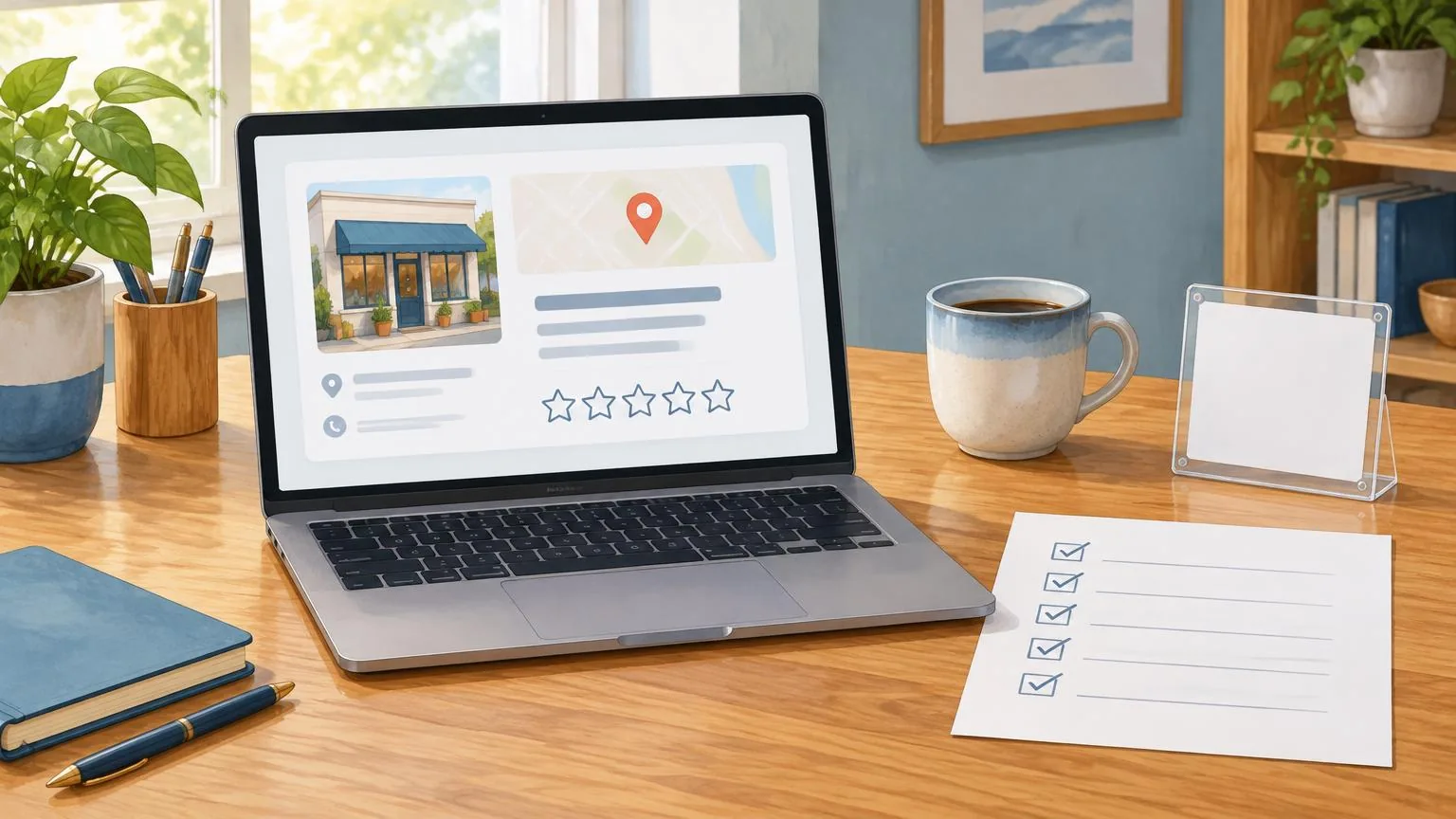
Google Business Profile optimization means making your listing complete, accurate and active so Google can match it to local searches. Google says local results are based on relevance, distance and prominence, and that complete, accurate profiles are more likely to show up. This checklist covers the 25 items Google itself lists, in the order to fix them.
What actually affects your local ranking on Google?
Three things, according to Google's own help page on local ranking: relevance (how well your profile matches the search), distance (how far you are from the searcher) and prominence (how well known your business is). You can influence the first and third directly. Distance is fixed by where the customer is standing.
Google states plainly that there is no way to request or pay for a better local ranking. Anyone selling a shortcut is selling something else. What Google does say helps is complete and accurate information, verified ownership, replies to reviews, photos and videos, and, for retailers, in-store products. Prominence is also based on how many websites link to your business and how many reviews you have, and Google adds that more reviews and positive ratings can help your local ranking. Our guide to how Google reviews impact local SEO goes deeper on that last point.
Every item below comes from a Google Business Profile Help page or Google's guidelines for representing your business. The sources are listed at the end so you can check the current wording yourself.
Is your profile verified, and is there only one of it?
Verification comes first because nothing else counts until it is done. Google says verifying tells it you are authorized to represent the business, which makes the profile more likely to appear in search results. Photos and the Performance report are also only available on verified profiles.
- Verify the profile through the method Google offers you; the options vary by business type and country.
- Search Google Maps for your business name and address and make sure there is only one listing. Google's guidelines say there should be only one profile per business, and duplicates cause display problems.
- Check who has owner and manager access, and remove former staff or agencies you no longer work with.
- If you are a service-area business (plumber, cleaner, mobile groomer), Google says you should hide your address and set a service area no farther than about two hours' driving time from your base.
Is your business name exactly your real-world name?
Your name field must match the name on your storefront, website and stationery, nothing more. This is the single most common cause of suspensions. Google's guidelines say that including unnecessary information in your business name is not permitted and could result in the suspension of your Business Profile.
| Not allowed in the name | Google's example | Put it here instead |
|---|---|---|
| Marketing taglines | "TD Bank, America's Most Convenient Bank" | Business description |
| Store codes | "The UPS Store - 2872" | Store code field |
| Hours information | "Regal Pizzeria Open 24 hours" | Hours |
| Phone numbers or URLs | "Airport Direct 1-888-557-8953" | Phone and website fields |
| Service or product keywords | "Midas Auto Service Experts" | Categories and services |
| Location information | "Equinox near SOHO" | Address |
| Fully capitalized words | "SUBWAY" | Use normal capitalization |
Legal terms such as LLC or Inc. are only allowed if you can prove they are part of the real-world name. If a competitor has stuffed keywords into their name, report it to Google rather than copying them.
Have you picked the right primary category?
Choose the single most specific category that describes what your business is, then add only the extra categories that are genuinely true. Google's help page uses the example of choosing "Nail salon" rather than "Salon". You can add up to 9 additional categories, but the guidelines tell you to use as few as possible.
- Pick categories that complete the sentence "This business IS a…", not "This business HAS a…". A health club with a cafe should not add "Cafe".
- Do not use categories as keywords or to describe features. Wi-Fi and outdoor seating are attributes, not categories.
- Review your primary category once a year. If your core business has shifted (a bakery that is now mostly a cafe), update it.
Are your address, hours, phone and website accurate?
Google says businesses with complete and accurate info are more likely to show up in local search results, and that an inaccurate profile might not show up for relevant searches in your area. The four fields people check most are the ones to get exactly right.
Address: use the precise street address customers visit. P.O. boxes, remote mailboxes and virtual offices are not eligible, and nothing but the location belongs in the address lines.
Hours: enter your regular customer-facing hours, then add special hours for holidays. If you only work by appointment, Google says not to provide hours at all.
Phone: use a local number under your direct control that rings the actual location, not a call-center or premium-rate line.
Website: link to the page for this specific location, not a social media page or a redirect.
Open your profile in a private browser window on your phone and read it as a customer would. Fix anything that looks different from your shop sign.
Does your description use the full 750 characters?
The description is the only free-text field Google gives you, so use it properly. Google allows up to 750 characters, and its help page suggests covering what you offer, what makes you special, how long you have been in business and anything else customers should know.
- No URLs or HTML of any kind. Google rejects links in the description.
- Focus on the business, not on promotions, prices or sales. Those belong in Offer posts.
- Write in plain sentences and mention the town or neighborhood and the services people search for. The description is read by people first and matched to searches second.
Have you added services, products and attributes?
These sections turn a thin listing into a complete one. Google's ranking page specifically mentions details such as parking and Wi-Fi as information worth adding.
- Services: choose from Google's suggested options for your category and add custom services for anything missing. You can group them, add descriptions and prices. Google automatically rejects custom service names that contain prices, phone numbers or personal information.
- Products: retail businesses in eligible regions can list in-store products, which Google says might show in local search results.
- Attributes: accessibility options (such as a wheelchair-accessible entrance), amenities and business-identity attributes such as women-owned or veteran-owned. Some attributes are populated from customer input, so check them for accuracy.
Do your photos and videos meet Google's specs?
Google lists photos and videos as one of the actions that improve visibility, and it publishes exact technical specs. Upload a logo, a cover photo and business photos of the exterior, interior, products and services, then add a few each month so the profile never looks abandoned.
| Photos | Videos | |
|---|---|---|
| Format | JPG or PNG | Not specified by Google |
| Size | 10 KB to 5 MB | Up to 75 MB |
| Resolution | 720 x 720 px recommended, 250 x 250 px minimum | 720p or higher |
| Length | n/a | Up to 30 seconds |
| Quality | In focus, well lit, no heavy filters or alterations | Same |
Google says an exterior photo helps customers recognize the business when they arrive, and that new uploads can take 24 to 48 hours to appear. Check the photos customers have added too, and flag any that break Google's content policy.
Are you collecting reviews and replying to every one?
Reviews are the part of the checklist that never finishes. Google's ranking page says more reviews and positive ratings can help your local ranking, and that replying shows customers you value their feedback. Its reviews page tells businesses to remind customers with a Google link or QR code, and warns that offering incentives for reviews is prohibited.
- Copy your review link from the profile (Read reviews, then Get more reviews). Our guide shows how to find your Google review link and build one from a Place ID if you need to.
- Ask every customer the same way at the end of the visit. A counter Google review plaque or stand with the link on an NFC chip and printed QR code does this without anyone having to remember.
- Never offer discounts, gifts or entries into a draw for a review, and never send the link only to people you expect to rate you five stars.
- Reply to every review, positive and negative, within a few days. Our response examples cover the awkward ones.
- Aim for a steady flow rather than a burst after a campaign. Review velocity explains why a few reviews every week beats fifty in one month.
Are you using posts and Q&A?
Posts keep the profile looking current and give you somewhere to put the offers and news that are not allowed in the description. Google offers three types: Updates for general news, Offers for promotions (title, dates and time required) and Events (title, start and end dates). Posts older than six months are archived unless they have a date range.
- Post something real at least monthly: a new service, seasonal hours, a product that is back in stock.
- Keep phone numbers out of the post text. Google says posts that include a phone number it cannot verify may be rejected.
- Ask and answer your own frequently asked questions in the Q&A section, so the first answer a customer sees is yours and accurate.
- Check Q&A weekly and correct any answer that is wrong or out of date, so customers are not misled before they reach you.
Are you reading the Performance report?
The Performance report inside your Business Profile tells you whether the work is paying off. Open the profile, click Performance and set a date range. Google reports the search terms people used to find you, how many people viewed the profile, direction requests, calls, website clicks, messages and bookings. Only metrics that apply to your business appear.
One detail from Google's help page is worth knowing: the searches metric updates at the start of each month and can take up to five days to appear, so do not panic on the first of the month.
The 25-point checklist in one place
Profile verified.
No duplicate listings for this location.
Owner and manager access reviewed.
Service area set and address hidden (service-area businesses only).
Name matches real-world signage exactly, with no keywords, taglines or locations added.
Primary category is the most specific one that describes what the business IS.
Additional categories are all true and kept to a minimum.
Street address is precise and eligible (no P.O. box or virtual office).
Regular hours entered; special hours set for holidays.
Local phone number that rings this location.
Website link goes to this location's page.
Description written, close to 750 characters, with no links or promotions.
Services added with descriptions, including custom services.
In-store products added (retail, where eligible).
Attributes checked, including accessibility and business identity.
Logo and cover photo uploaded to spec.
Exterior, interior, product and team photos added, with new ones monthly.
At least one short video (up to 30 seconds, 720p).
Review link copied and tested in a private window.
Review link placed where customers are: receipts, messages, a counter card or plaque.
Every review replied to.
No incentives and no selective asking.
A post published in the last 30 days.
Q&A seeded with your own questions and checked weekly.
Performance report reviewed monthly and the checklist repeated quarterly.
Most of these items take five minutes each. The two that keep working after you close the laptop are a steady review routine and a profile that is accurate enough never to be flagged. See the rest of our reviews and local search guides for the next steps.
❓ Frequently asked questions
How often should I update my Google Business Profile?
Check hours, phone and address whenever anything changes, add photos and a post at least monthly, reply to reviews as they arrive and run the full checklist every quarter. Google says complete and accurate profiles are more likely to appear in local results.
How many categories can I add to a Google Business Profile?
One primary category plus up to 9 additional categories. Google's guidelines say to use as few as possible and to choose categories that describe what the business is, not what it has.
Can I pay Google to rank higher in local results?
No. Google's help page states there is no way to request or pay for a better local ranking, and that it keeps the algorithm details confidential to keep the system fair for everyone.
Do Google reviews affect my local ranking?
Google says prominence is partly based on how many reviews you have, and that more reviews and positive ratings can help your local ranking. Replying to reviews is listed separately as a way to stand out.
Why was my Google Business Profile suspended?
The most common causes are extra words in the business name, an ineligible address such as a virtual office, duplicate listings or a phone number and website that do not belong to the location. Google's guidelines for representing your business list the full rules and say violations can lead to suspension.
Sources
- Google Business Profile Help: Tips to improve your local ranking on Google
- Google Business Profile Help: Guidelines for representing your business on Google
- Google Business Profile Help: Manage your business category
- Google Business Profile Help: Edit your Business Profile
- Google Business Profile Help: Manage your Business Profile photos & videos
- Google Business Profile Help: Tips to get more reviews
- Google Business Profile Help: Create & manage posts on your Business Profile
- Google Business Profile Help: Understand your Business Profile performance & insights
Related articles
How Google Reviews Impact Local SEO
Google says more reviews and positive ratings can help local ranking. Here's what that means in practice, and what Google actually documents.
How to Find Your Google Review Link (and Share It Properly)
Your Google review link opens the review form for your business in one click. Here is where to get it, how to build it by hand, and how to check it works.
How to Respond to Google Reviews (With Examples)
A practical guide to replying to Google reviews: where to click, what Google advises, and example replies for positive, mixed, negative and fake reviews.