How to Use Review Plaques to Improve In-Store Social Proof
A Google review plaque on the wall tells visitors you welcome feedback and gives them an easy way to leave it. How plaques support in-store social proof, where to put them and what to avoid.
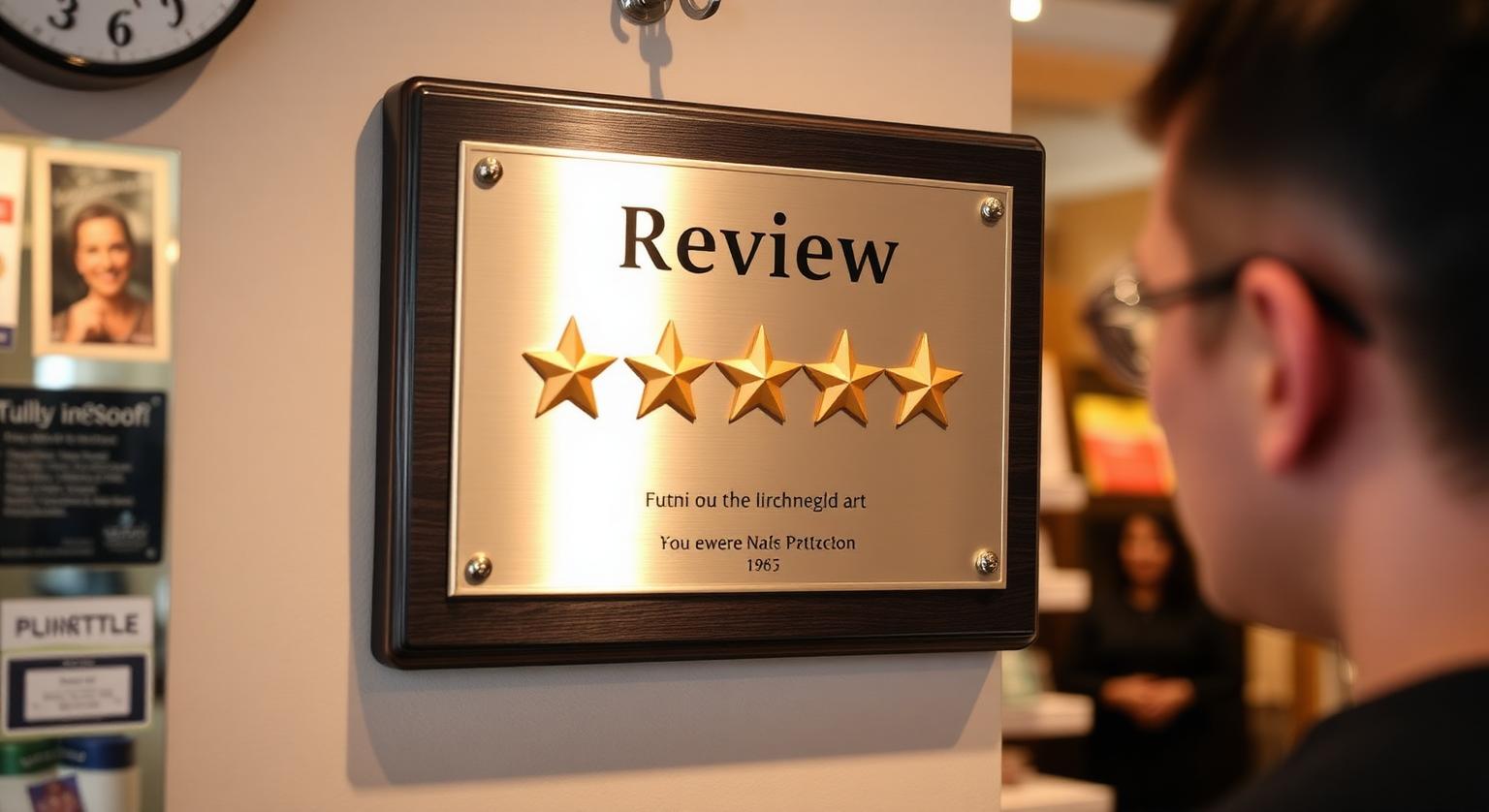
A Google review plaque adds in-store social proof in two ways: it shows customers that you're an established business that welcomes honest feedback, and it lets anyone leave a review with a tap or a scan without staff having to ask. Placement does most of the work. Put it where people pause and look around — the entrance, the checkout and the waiting area — and keep it at a height everyone can reach. This guide covers where to hang a plaque in a US business, what to put near it, how to keep it honest, and the mistakes that make plaques invisible.
What a Review Plaque Actually Does
A review plaque is a wall-mounted sign with an NFC chip and a printed QR code that opens your Google review page. It works without anyone saying a word, which makes it a good partner for the in-person ask rather than a replacement for it.
- Signals openness — a visible invitation to review suggests you're confident in your service
- Reminds regulars — customers who meant to leave a review see it again on their next visit
- Removes friction — a tap or scan goes straight to your review page, with no searching for your business
- Covers busy moments — when staff can't stop to ask, the plaque still makes the offer
Our Google review plaques arrive pre-programmed with your Google review link, and an optional editable-link add-on lets you change the link later without replacing the plaque.
Where to Display a Plaque in Your US Business
Display it where customers stand still and look around, not where they're rushing. These spots work across most business types:
- Front entrance wall — the first thing people see, and the last thing on the way out
- Behind or beside the register — customers face it while they pay and wait for a receipt
- Waiting areas — auto shops, clinics, salons and dental offices, where people already have their phones out
- Conference or consultation rooms — real estate, law and financial offices, after a closing or final meeting
- Hotel lobbies and reception desks — guests often wait at check-in and check-out
- Exit corridors in gyms and studios — members pass it every visit
| Location | Best for | Tip |
|---|---|---|
| Entrance | Retail, cafés, restaurants | Mount it on the exit side so people see it when leaving |
| Checkout | Any business that takes payment at a counter | Keep it clear of the card terminal |
| Waiting area | Auto shops, clinics, salons | Place it near seating, at a comfortable tapping height |
| Consultation room | Professional services | Pair it with a personal ask at the end of the meeting |
| Lobby | Hotels, B&Bs, gyms | Check lighting so the QR code isn't in glare |
Height, Lighting and Reach
Mount the plaque at a height people can reach without stretching, in good light. A plaque that's admired from across the room but too high to tap won't collect reviews.
- Aim for chest height for standing customers, and keep it within reach for wheelchair users — the ADA's reach-range guidance for operable parts is between 15 and 48 inches above the floor
- Avoid hanging it behind counters, displays or furniture that block access
- Check for glare from windows and spotlights that can stop a camera reading the QR code
- Test it after mounting — tap with an iPhone and an Android phone and scan the QR code, especially on metal surfaces, which can interfere with NFC
For step-by-step mounting advice, see how to mount and display a Google review plaque.
Keeping Your Social Proof Honest
Social proof only works if customers trust it. If you display your star rating or customer quotes near the plaque, keep them accurate and current, and don't present a hand-picked set of glowing quotes as typical. In the US, the FTC's rule on consumer reviews targets fake reviews and misleading review practices, and Google's policy prohibits filtering who you ask. The plaque itself should be a neutral invitation.
Wording that works on or near a plaque:
- "Tap or scan to review us on Google"
- "Tell us how we did — tap here"
- Avoid "Love us? Review us!" — it implies only happy customers should respond
- Never add a reward such as "Review us for 10% off" — Google prohibits incentives for reviews
Pair the Plaque With a Personal Ask
A plaque does its best work when staff point to it. One sentence is enough: "If you have a second on the way out, that plaque by the door goes straight to our Google reviews." Many businesses combine a wall plaque for passive visibility with a counter stand at checkout or cards that staff hand over, so every customer gets an easy chance to review whichever route they take.
Common Plaque Mistakes
- Hanging it too high or behind the counter where customers can't reach it
- Mounting it in a corridor customers never use
- Leaving it untested after a move or redecoration
- Surrounding it with posters, so it blends into the wall
- Treating it as a replacement for asking — it works best as a reminder, not the whole strategy
❓ Frequently asked questions
Does a wall plaque really help with social proof?
It can. A visible invitation to review signals confidence and makes leaving a review easy, though the effect varies by business and depends on placement.
Where is the best place to hang a Google review plaque?
Where customers pause and look around — the entrance, beside the checkout or in a waiting area — at a height they can comfortably reach.
Can I display my star rating next to the plaque?
Yes, as long as it's accurate and kept current. Don't present a hand-picked selection of reviews as typical of what customers say.
Does a review plaque work with every phone?
iPhone 7 and later can read NFC tags, and iPhone XS/XR and later read them in the background. Android phones need NFC switched on, and the printed QR code works with any phone camera.
Is a review plaque allowed under Google's rules?
Yes. A plaque that simply opens your review page, with no incentive or filtering, fits Google's policy, which lets businesses share their review link or QR code.
Do review plaques influence buying decisions?
They can add to the overall impression of a business, but there's no reliable figure for their effect. Their practical job is to make reviewing easy and to show that you welcome feedback.
Does a review plaque show my star rating?
No. Our plaques open your Google review page when tapped or scanned; they don't display a live rating or review count.
Where should I put a review plaque?
Somewhere visitors pause and can easily reach, such as near the entrance, reception or payment point. Avoid metal surfaces, which can interfere with NFC.
Can I use a plaque alongside review cards and stands?
Yes. A plaque covers a wall spot, a stand covers the counter, and cards let staff offer the link in person.
Related Guides & Tools
Hand-picked next reads for US small businesses growing their Google reviews.
Explore Our Products
Google Review Card
NFC tap cards that take customers straight to your Google review page.
Google Review Stand
Countertop stands perfect for restaurants, salons, and reception desks.
Google Review Plaque
Wall-mounted plaques that collect reviews in high-traffic areas.
Google Review Stickers
Peel-and-stick NFC stickers for windows, doors, and counters.
Google Review Keychains
Portable keychains your team can carry to collect reviews anywhere.
NFC Wristband
Wearable NFC wristbands for events, trade shows, and on-the-go reviews.
Related articles
How to Mount a Google Review Plaque: Placement Guide
A Google review plaque is a wall-mounted tap-and-scan point for your review page. Here's where to mount it, at what height, and how to keep it easy to use.
Review Cards vs Review Stands: Which Should Your Business Use?
Review cards suit a personal, staff-led ask; review stands sit on the counter for customers to use on their own. How each works, where each fits, and why many businesses use both.