Review Cards vs Review Stands: Which Should Your Business Use?
Key facts
- Question answered
- Card or counter stand for your business
- Card
- Handheld, moves with staff, credit-card size
- Stand
- Acrylic, stays on a counter where customers can see it
- Both use
- An NFC chip pre-programmed with your review link, plus an optional QR code
- Policy
- Both fit Google's policy when offered to every customer, with no incentive
Review cards suit a personal, staff-led ask; review stands sit on the counter for customers to use on their own. How each works, where each fits, and why many businesses use both.
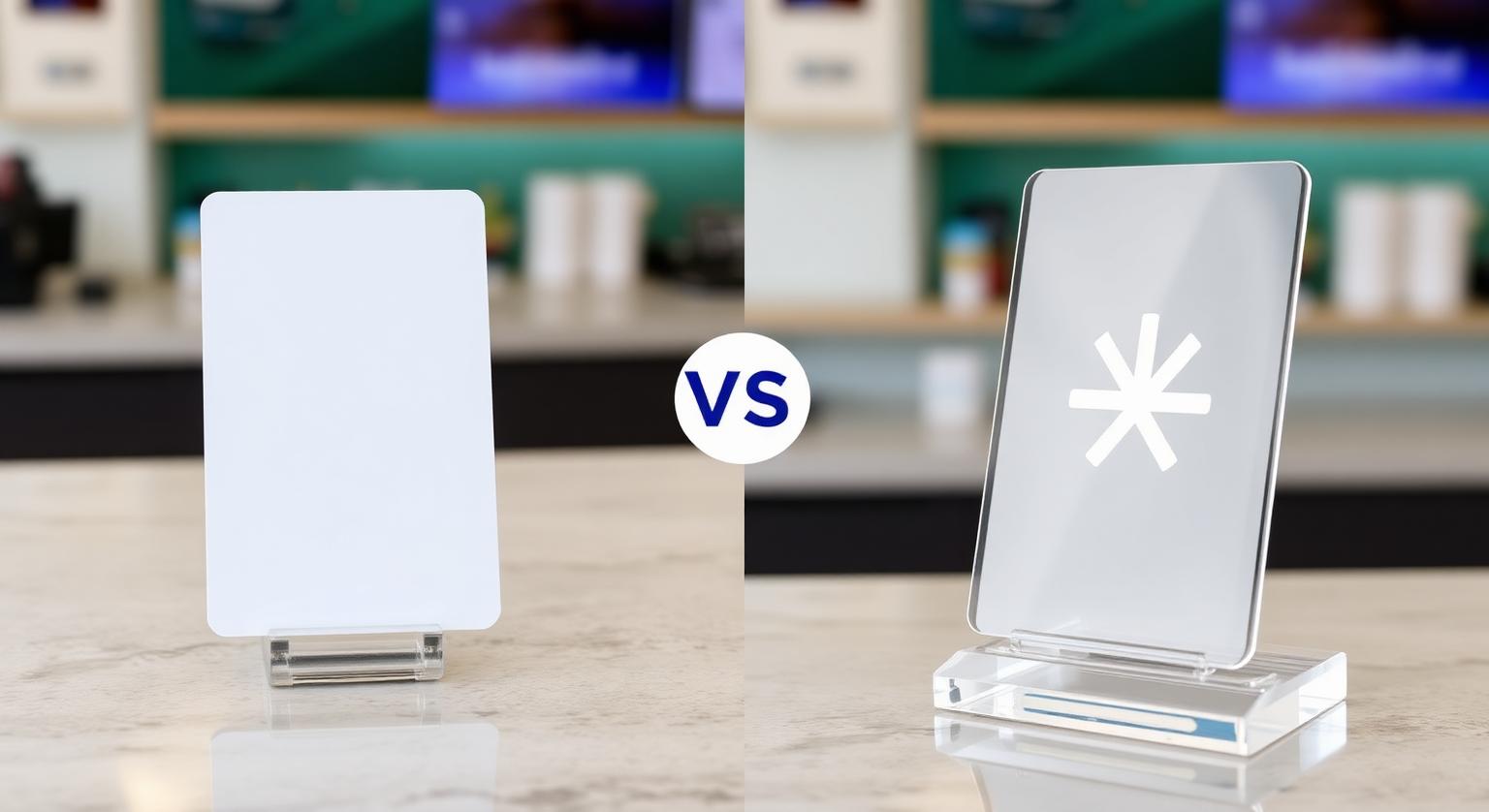
A review card is a handheld, credit-card-sized piece a staff member hands to a specific customer at the moment of service, while a review stand stays fixed on a counter for every customer who passes it. Cards suit businesses where one person serves one customer at a time; stands suit businesses with steady foot traffic past a checkout, front desk or host stand. Many businesses end up using both, because they cover different moments of the same visit.
Review Card vs Review Stand: The Quick Comparison
The short answer: a card goes wherever your staff go, and a stand works wherever your customers stop. Both open your Google review page with a phone tap, so the difference is about where and how the ask happens.
| Feature | Review card | Review stand |
|---|---|---|
| Format | Credit-card-size PVC card with an NFC chip; printed QR code optional | Freestanding acrylic counter display with an NFC chip; printed QR code on most options |
| Who starts the ask | A staff member hands it over | The customer sees it at the counter, ideally with a verbal prompt |
| Best moment | End of a one-to-one service: at the chair, the table, the job site | Payment, pickup or check-out at a fixed counter |
| Works away from your premises | Yes: it fits in a pocket, a van or a closing folder | No: it stays where you put it |
| Main weakness | Only works if staff remember to hand it over | Easy to ignore if it's buried behind clutter or nobody points to it |
What Is a Review Card Best Suited For?
A review card is best suited to businesses where a staff member finishes a service with a specific customer and can hand something over.
A technician can hand a card over at job completion, a server can place one with the check, and a stylist can hand one over at the chair. The card travels with the person doing the handoff rather than staying in one place, which makes it the natural choice for mobile and home-service businesses: plumbers, cleaners, dog groomers, photographers, realtors and anyone who works at the customer's location rather than behind a counter.
A card is usually the better first buy if:
- You or your team go to the customer (homes, offices, job sites, events)
- Each customer spends one-to-one time with a named staff member
- There's no single counter every customer passes on the way out
- You want the ask to feel personal: a short thank-you plus the card
What Is a Review Stand Best Suited For?
A review stand is best suited to a fixed location that most customers naturally pass, such as a checkout counter, pickup counter or front desk.
Because it stays in place, a stand doesn't rely on a staff member remembering to hand anything over. It's visible to every customer who reaches that counter, including to-go and walk-in customers who may never speak to the person who served them. It still works best when staff point to it with a one-line prompt; a stand nobody mentions is easy to overlook.
A stand is usually the better first buy if:
- Most customers pay or check out at one or two counters
- Your team is busy during rushes and can't hand something to everyone
- You have a reception desk where people wait or sign out (clinics, salons, auto shops)
- You want a reminder that's there every day without anyone carrying it
Should a Business Use Both?
Yes, if you have both a fixed counter and staff who serve customers one-on-one, because a card and a stand catch different moments of the same visit.
A stand at the counter catches customers passively, while a card lets a staff member make a direct, personal ask when the service has just finished. Neither replaces the other. Here's how that split tends to look in practice:
- Restaurants: a stand at the host stand or register; a card placed with the check at the table
- Salons and barbershops: a stand on the front desk; a card from the stylist at the chair
- Auto repair: a stand at the service writer's desk; a card handed over with the keys
- Home services: cards in every truck; a stand only if customers visit your office or showroom
- Dental and medical offices: a stand at check-out; cards for staff who see patients in treatment rooms
How to Word the Ask for Each One
Keep the ask short, the same for every customer, and free of any reward. A neutral request that simply opens your review page fits Google's policy, which prohibits incentives and selectively asking only happy customers.
- With a card: "Thanks for having us out today. If you have a minute, tap this card with your phone. It opens our Google review page."
- With a stand: "If you'd like to leave us a Google review, just tap your phone on the stand here, or scan the code."
- For customers without NFC switched on: point them to the printed QR code, which works with any phone camera
Common Mistakes With Cards and Stands
- Placing the stand behind the register, out of the customer's reach
- Leaving cards in a drawer instead of with the people who finish each service
- Asking only customers who seem delighted; Google's policy prohibits selectively soliciting positive reviews
- Offering a discount, freebie or prize draw in exchange for a review, which Google's policy prohibits
- Never tap-testing: check with an iPhone and an Android phone that the card or stand opens your review page
Both formats open the same Google review form, and the customer chooses their own rating and words. If you're comparing options, see our NFC Google review cards and Google review stands, or read whether review cards are allowed by Google.
Sources
❓ Frequently asked questions
Can a business start with just cards and add a stand later?
Yes. Many businesses start with a handheld card at the point of service and add a stand once they want a fixed, always-visible touchpoint at the counter as well.
Do cards and stands use the same technology?
Yes. Both contain an NFC chip that opens your Google review page when a phone taps it, and most options also carry a printed QR code for phones without NFC switched on.
Which is better for a restaurant, a card or a stand?
Most restaurants benefit from both: a stand where guests pay or wait, and a card placed with the check at the table. If you only want one, choose the stand for counter-service spots and the card for table service.
Will a stand work without staff mentioning it?
Some customers will use it on their own, but a stand works better when staff point to it with a short, neutral prompt. A brief verbal ask makes the stand much easier to notice.
Which phones can tap a review card or stand?
iPhone 7 and later can read NFC tags; iPhone XS, XR and later read them without opening anything, while iPhone 7 to X use the NFC tag reader in Control Center. Android phones need NFC switched on, and the printed QR code works with any phone camera.
Which gets more reviews, cards or stands?
There's no reliable study to give a figure. A card offered in person makes the ask personal, while a stand is visible to every customer, so the better choice depends on how you serve people.
Which should I buy first?
If most of your service is one-to-one, start with review cards. If customers mostly pass a counter or reception desk, a stand is a good first step.
Which phones work with review cards and stands?
iPhone 7 and later and Android phones with NFC switched on can read the chip. A printed QR code works with any phone camera.
Are review cards and stands allowed by Google?
Google lets businesses share a review link or QR code. A card or stand that simply opens your review page, with no incentive or filtering, fits Google's policy.
Related Guides & Tools
Hand-picked next reads for US small businesses growing their Google reviews.
Explore Our Products
Google Review Card
NFC tap cards that take customers straight to your Google review page.
Google Review Stand
Countertop stands perfect for restaurants, salons, and reception desks.
Google Review Plaque
Wall-mounted plaques that collect reviews in high-traffic areas.
Google Review Stickers
Peel-and-stick NFC stickers for windows, doors, and counters.
Google Review Keychains
Portable keychains your team can carry to collect reviews anywhere.
NFC Wristband
Wearable NFC wristbands for events, trade shows, and on-the-go reviews.
Related articles
The Best Tools for Collecting Google Reviews
Review links, NFC cards, stands, plaques, stickers, keychains and wristbands each suit different moments. What each tool is good for and how to combine them.
Google Review Stand Placement: 5 Spots to Try
Where a Google review stand sits matters as much as how it looks. Five practical placement spots for restaurants, salons, clinics and shops, plus common mistakes to avoid.