Google Review Card Buying Checklist Before Payment
Key facts
- Method
- Opens a business review page; does not publish a review
- Choice
- Customer chooses whether to post and their own rating
- Ordering
- Check the selected product options and full terms
Before paying for a Google review card, confirm the business destination, selected NFC and QR features, printed identity, full order price and return conditions. Keep the request neutral: invite an honest review without incentives or filtering. Do not assume a logo, editable link, delivery guarantee or promised review result is included.
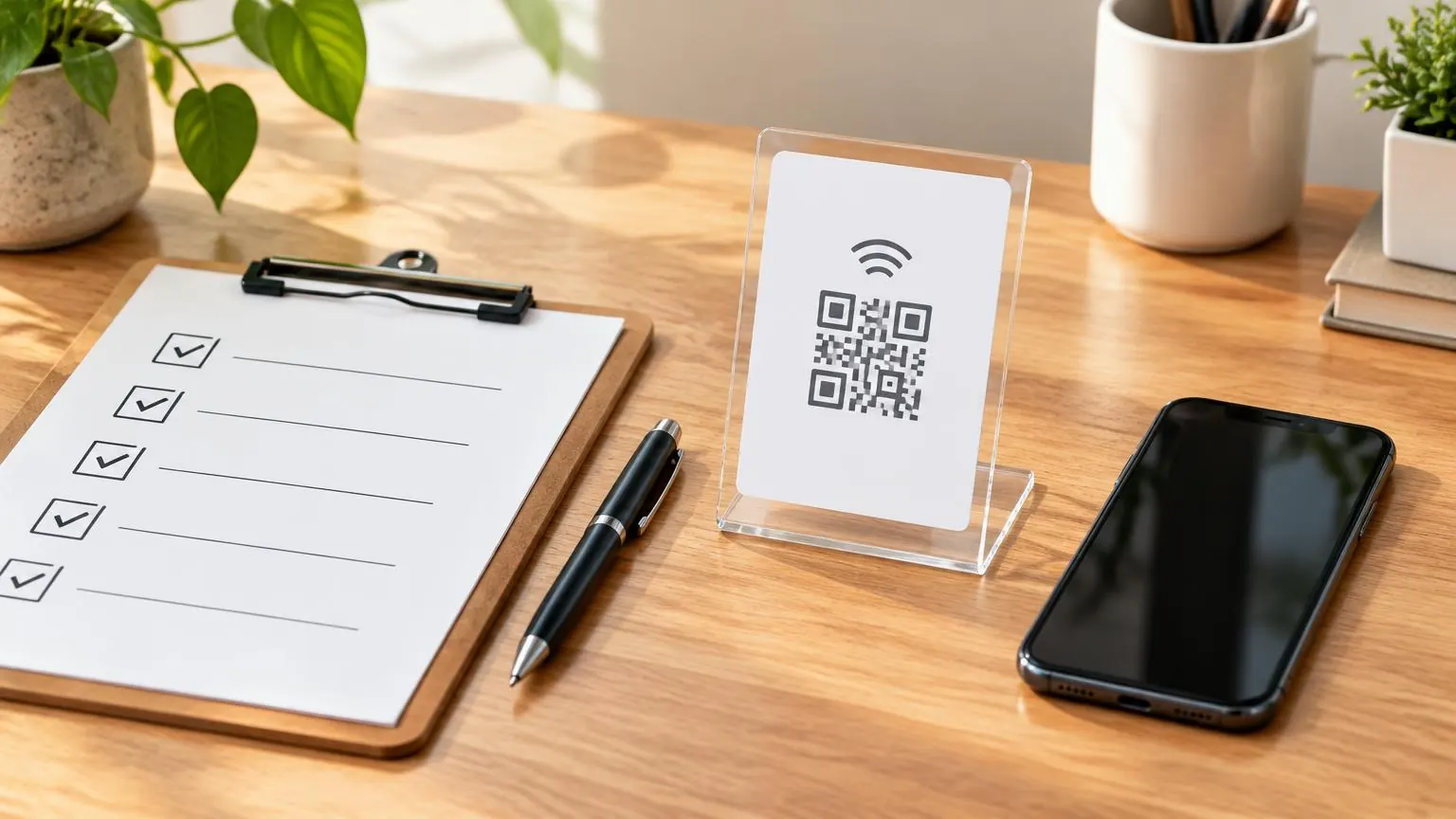
Before paying for a Google review card, confirm the business destination, selected NFC and QR features, printed identity, full order price and return conditions. Keep the request neutral: invite an honest review without incentives or filtering. Do not assume a logo, editable link, delivery guarantee or promised review result is included.
Treat payment as the final check, not the start of design
This checklist is an order handoff: the details you should be able to confirm before committing money. It is not another ranking of card designs or a stand-versus-plaque guide. Separate the destination, physical option and request wording so a correct item does not carry the wrong link. If an on-request feature is important, get its terms confirmed before treating the order as complete. The existing product page and cart are the place to verify the actual selection.
| Check | What should be clear | Pause if |
|---|---|---|
| Business destination | The intended location’s review form opens on a phone | A general search page or another branch appears |
| Connection method | NFC, QR or both in the selected option | You assumed Simple includes QR |
| Print identity | Exact business name and standard/on-request work | Unbranded was mistaken for a logo package |
| Wording | Neutral invitation to an honest review | A reward or positive-only path is proposed |
| Total | Chosen variant, quantity, extras and delivery | You only compared the headline starting price |
| Terms | Personalisation exclusions and delivery estimates | You need an arrival guarantee not supplied |
Test the review form and identify the location
Open the supplied link on a phone and check the business name. A multi-location order needs a destination for each intended profile, with printed identity and allocation recorded together. Do not let a customer’s job address stand in for your business profile, and do not assume an old copied link remains right after a move. Testing the actual URL before payment is a separate step from seeing a QR pattern in a design mockup.
Confirm features one by one
For the card, Simple is NFC-only. With QR includes a printed QR, while With Name + QR and Name + QR (unbranded) also include the business name. Standard card options do not include a logo. Unbranded removes the store mark, not the need to confirm requested artwork. NFC requires a compatible phone; QR uses the camera when a printed code is included. Both methods still open an online page, and publishing requires a Google account.
Use policy-safe words on the physical prompt
A suitable example is: “Share an honest review of your experience.” Another is: “Tap or scan to open our Google review page.” These are illustrative wording choices, not a newly promised print option. Do not add a reward, ask for a particular positive score, or place a private negative-feedback route before the Google link. Google’s rules prohibit incentives and selectively soliciting positive reviews. A design cannot make those practices acceptable simply because the request looks polite.
- Invite feedback from real customers without trying to influence the rating or content.
- Make the same invitation available to satisfied and dissatisfied customers.
- Do not exchange discounts, gifts or services for posting, revising or removing a review.
- Do not preselect a score or ask staff to publish for a customer.
- Keep any private customer-support channel separate from a filter deciding who sees Google.
Read the total and the exclusions
Use the exact variant and quantity, then check delivery and any optional extras. The Editable URL is a separate paid lifetime option, included for reseller members; a product can open its originally programmed link without it. Volume pricing uses eligible normal product quantity, and member discounts replace rather than stack with that ladder. Do not treat a membership fee or add-on as another unit of hardware to reach a discount threshold.
The return policy excludes programmed and personalised goods from ordinary returns except faulty, damaged or defective items. Non-customised returns also have conditions and require approval. Shipping estimates are broad, not guaranteed dates for every product and destination. If your launch depends on a particular arrival day or bespoke change, pause and ask the team rather than inserting a promise into your purchase plan. No extra review count or ranking improvement belongs on this checklist.
Keep a short order record
Save the chosen product, variant, business details and confirmed request. The purpose is to know what you approved and where the item should point when it arrives. On arrival, test the actual tap and printed QR if included before putting the prompt into circulation. A finished item should reproduce your intended handoff, not introduce a new decision about which branch, customer or rating you meant to target.
Worked check: one business at a shared reception
For a shared reception, verify which business the prompt represents before choosing named print. Open the supplied review destination and compare its business name with the text you intend to order. Select the exact card option rather than describing it only as custom. If you need a printed camera route, Simple is not the right specification because it is NFC-only. If you want the store mark removed, the named unbranded option provides that distinction without automatically including your own logo.
Give the approved details to the person placing the order and keep them with the selected variation. Another colleague should be able to understand the destination without guessing from a mockup. If a spelling or artwork requirement is unresolved, pause rather than assuming the production team will supply a proofing service that is not promised for every order. This hypothetical situation illustrates an identity and feature check, not evidence that named print causes customers to leave more reviews.
Worked check: several locations or portable team items
For several legitimate branches, prepare a pairing of location, printed identity and destination before adding quantities. A normal order note should not be assumed to automatically map every similar item to the right branch. Confirm how to express requirements the current form does not make clear. Assign portable cards or keychains to the team that represents the intended location. A customer’s job address is not itself a new business-review profile, and this checklist does not establish listing eligibility.
Count actual eligible normal units for volume pricing, then verify the selected cart rather than relying on a headline discount. Membership and add-on lines do not count as hardware units, and the member percentage replaces the ladder rather than stacking with it. Check whether the team genuinely needs each item before increasing quantity for a tier. Keep any request for co-branding, split-address delivery or special allocation separate until confirmed; none should be inferred simply because the order is described as bulk.
Review wording as if a dissatisfied customer will read it
Read the proposed request without assuming the customer enjoyed the visit. It should still invite their honest experience without a required score or a reward. A separate support contact can remain available, but it must not operate as a filter that routes only satisfied customers to Google. Do not ask the customer to show a completed review to receive something or instruct staff to take their phone and select a rating. The physical format does not change those limits.
Also inspect what the chosen destination actually does. A prompt that looks neutral can still lead into a positive-only routing process. Your link should provide the intended legitimate review route rather than hiding a selective solicitation step. These are functional and wording checks, not a legal certification supplied by a card purchase. If a design phrase promises a review count or a ranking improvement, remove that expectation from the purchasing brief. Hardware can offer access to a form; it cannot determine what the customer writes or whether a platform publishes it.
Finish with a price record and an arrival check
Before payment, record product, variation, quantity, market currency and selected extras. Read delivery information and the return conditions applicable to programmed or personalised goods. Ask about time-sensitive requirements rather than treating a broad estimate as a guaranteed date. If on-request work matters, keep its confirmed terms with the order. A complete price record explains what you agreed to buy; it should not include an invented setup fee, projected review revenue or a future replacement schedule unsupported by product data.
After delivery, inspect the goods and test NFC plus printed QR where included. Confirm that both reach the expected business name before allocating the items. Set aside disagreements and describe them to the team rather than distributing hardware with a known wrong destination. Give accepted items a keeper and storage place, then recheck after a move or profile change. The buying checklist ends with a maintainable handoff, not with a customer being required to review. If the simplest adequate choice remains a tested paper prompt or direct link, you can pause the purchase without compromising that neutral invitation.
Related buying decisions
For the wider topic, use the rules guides. Continue with Custom Google Review Cards: Order Options and Google Review Card Price: The Order Breakdown. Check the selected product’s actual options and compare all six review products before ordering.
❓ Frequently asked questions
What link should I supply?
The intended business location’s review destination. Open it on a phone and verify the name before paying.
What neutral wording could I use?
Examples include “Share an honest review of your experience” and “Tap or scan to open our Google review page.” Confirm actual print availability separately.
Can I offer a discount for a review?
No. Google prohibits incentives in exchange for posting, revising or removing a review.
Can a private feedback page filter who sees Google?
Do not use it to selectively solicit positive reviews or discourage negative reviews. Keep a neutral Google invitation available to all customers.
Does unbranded include my logo?
No. It removes the store brand mark; the standard named unbranded card does not include a logo.
Should I assume a guaranteed delivery date?
No. The published estimates are broad. Confirm a time-sensitive requirement before buying rather than inventing a guarantee.
Sources
Related articles
Custom Google Review Cards: Order Options
Custom Google review cards here have specific ordering options, not an unrestricted design package. You can choose white or black and named QR variants; the unbranded variant removes the store brand mark. Standard card options do not include a logo. Confirm any requested artwork change before paying or expecting it in production.
Google Review Card Price: The Order Breakdown
Google review card price depends on the selected format, printed features, quantity and extras, not a promised review result. This store’s US Simple NFC card starts at $9.99. Compare the exact option price, the $6.99 delivery fee and any paid lifetime add-on rather than treating a starting price as your final total.