Google Reviews for Tradies: How to Get Them on Every Job in Australia
Key facts
- No shopfront needed
- Google lets a tradie run a service-area Business Profile with the address hidden
- Service areas
- Up to 20 areas per profile; Google suggests staying within about two hours' drive
- Rules
- Australian Consumer Law (ACCC) plus Google's review policy: honest asks only, no incentives
- Licence numbers
- NSW and Queensland require the licensee's name and licence number in all advertising
- Marketplace reviews
- hipages, Airtasker and similar reviews stay on their platform; Google reviews show in Maps and Search
Most tradies have no shopfront, so their Google reviews do the job a shop window does for a retailer. Here is how to set up a service-area profile, ask on every job and stay inside Australian rules.
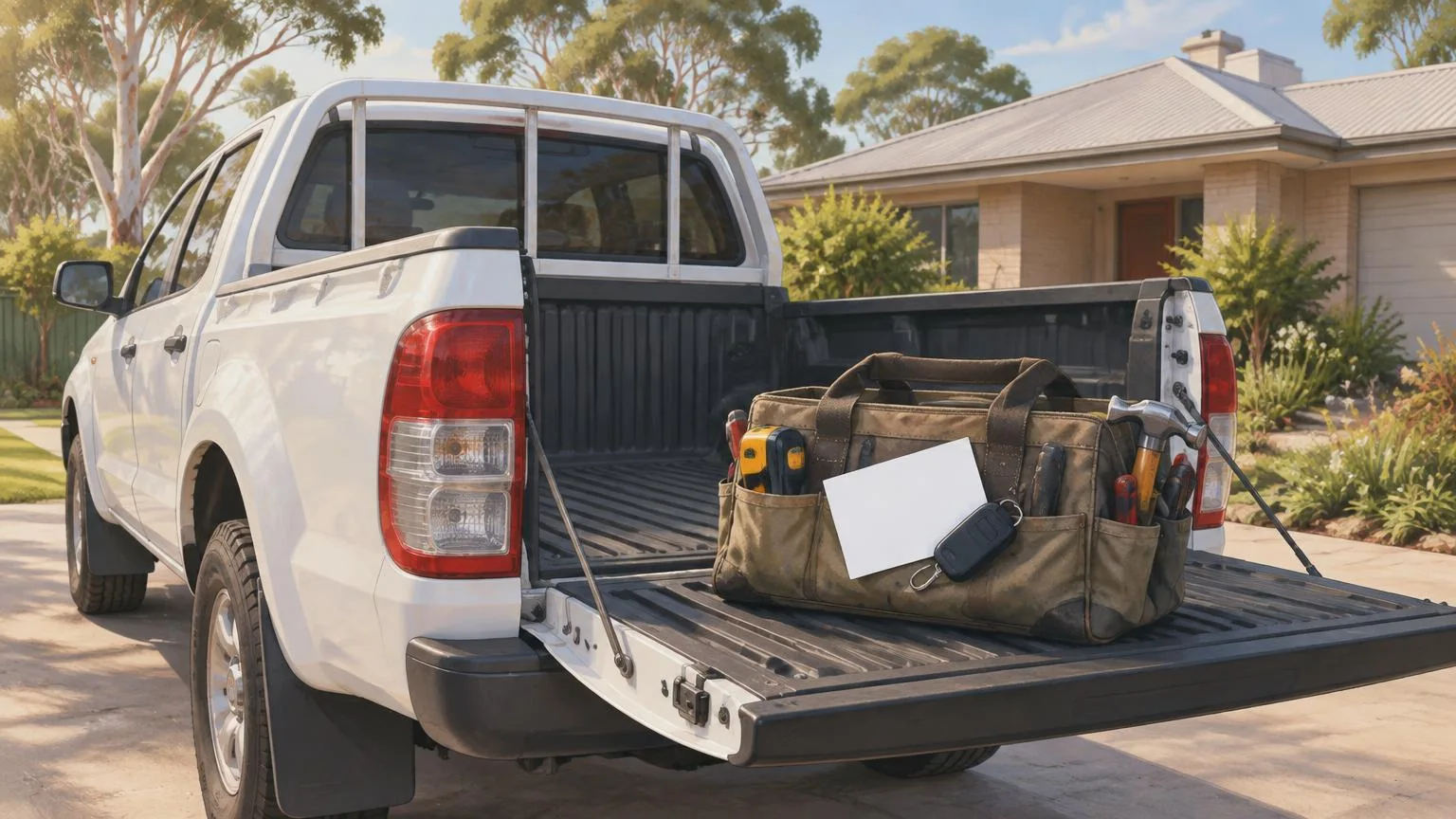
Google reviews for tradies work differently from reviews for a cafe or a shop. There is no counter to put a sign on, so the ask has to happen on the job: when the hot water is back on, the switchboard is signed off or the deck is finished. This guide covers the setup, the timing and the Australian rules.
It is written for plumbers, sparkies, chippies, painters, tilers, landscapers and anyone else who drives to the customer. For the general wording of the ask, see how tradesmen should ask for reviews; this one is about the Australian specifics.
Why do Google reviews matter more for tradies than for shops?
Because a tradie's Google Business Profile is the only shopfront most customers ever see. A homeowner searching "emergency plumber Penrith" or "electrician near me" gets a map and a short list of businesses, with the star rating and review count next to each name. A retailer has foot traffic, signage and a window display; a tradie's profile has to do all of that on its own.
The other reason is trust. Hiring a tradie means letting a stranger into your home and often paying thousands of dollars for work you cannot inspect yourself. CHOICE tells consumers to compare profiles and reviews, get several quotes and check the licence with the state authority before hiring. Reviews that describe real jobs in real suburbs are what get a profile through that check.
Do you need a shopfront address to get Google reviews?
No. Google lets a business that visits customers run a service-area Business Profile with no public address. In fact Google's help page says that if you do not have premises where customers can visit, you must hide your address. Customers can still find you on Maps, call you and leave reviews in exactly the same way as for a business with a shop.
Create or claim your Business Profile and answer No when asked whether you have a location customers can visit.
Set your service areas by suburb, city or postcode. Google allows up to 20 and suggests keeping them within roughly two hours' driving time of your base.
If you already have a verified profile with an address showing, go to Edit profile, open the location section and turn off Show business address to customers.
Use one profile for the metropolitan area you serve. Google warns that multiple profiles for the same business in the same area can lead to suspension.
Copy your review link from the profile and keep it somewhere you can reach on site. Our guide to finding your Google review link shows where it lives.
hipages, Airtasker or Google: where should a tradie's reviews go?
Both, but they do different jobs. Reviews on a lead marketplace sit on your profile inside that platform and are seen by people who are already posting a job there. Google reviews sit on Maps and in Search results, where people look first when they do not yet know who to call.
| Question | hipages, Airtasker, ServiceSeeking | Google Business Profile |
|---|---|---|
| Who sees the reviews? | People who have posted a job on that platform | Anyone searching Google or Maps for your trade and area |
| How do you get the work? | You pay per lead or a membership fee to quote on posted jobs | Customers call, message or book you directly from the profile |
| Who controls the profile? | The platform; the reviews stay with it if you stop paying | You, for as long as you run the business |
| Who can review? | Typically customers who hired you through the platform | Anyone with a Google Account and a genuine experience of your business |
CHOICE describes the marketplaces as sites where a customer posts a task for free, tradies quote, and the tradie pays per quote or through a membership. That is fine for filling gaps in the diary, but every review earned there stays inside the platform. A Google review is attached to a profile you keep whether or not you are paying anyone for leads this month.
When is the right moment to ask for a review on a job?
At the point the customer can see the result. For a tradie that is usually before you leave the property, not days later when the invoice arrives. The right moment changes with the type of job, so it helps to decide in advance.
| Type of job | The moment to ask | Why it works |
|---|---|---|
| Emergency callout (burst pipe, no power, blocked drain) | As soon as the problem is fixed and you have shown the customer | Relief is at its peak and the customer is standing with you |
| Quoted project (bathroom, deck, rewire, repaint) | At the final walk-through, after any defects are fixed | The customer is inspecting the finished work and has just signed off |
| Routine maintenance (service, inspection, gutter clean) | When you hand over the report or receipt | The visit is short, so the ask has to be part of the hand-over |
Whatever the job, ask once, keep it short, and do not chase. One text the next day with the link is reasonable; three reminders are not, and Google's rules do not allow you to ask only the customers you think were happy.
How do you ask for a Google review while standing in someone's kitchen?
Make it physical and make it instant. The customer has their phone in their hand or pocket; the only thing stopping a review is having to search for your business and find the right button. A tap or a scan removes that step, which is where a Google review keychain earns its place on the ute keys or tool bag. It carries an NFC chip and a printed QR code, pre-programmed with your Google review link: the customer taps it, or scans the code if their phone does not read NFC, and the review form opens. No app, no subscription, no charging, and it goes to every job because it is already on your keys.
Finish the job and show the customer the result before you pack up.
Say something plain: "If you were happy with the work, a Google review helps other people in the area find us. It takes about a minute."
Hold out the keychain or a review card. The customer taps or scans, signs in to their Google Account if needed, and writes whatever they think.
If they would rather do it later, text the review link from your phone with the job description, for example "Hot water system replacement, Frankston".
Leave it there. Do not watch them type, suggest a star rating or ask them to mention anything in particular.
Customers need a Google Account to post a review. Google's help page notes they can create one with any email address, not only Gmail.
What are the rules for tradies asking for reviews in Australia?
Two sets of rules apply: the Australian Consumer Law, enforced by the ACCC, and Google's own content policy. Both allow you to ask every customer for an honest review. Both prohibit the shortcuts.
- No fake reviews. The ACCC says a business must not create fake or misleading reviews or arrange for others to do so, and that reviews should be independent and reflect the genuine opinion of someone who used the service.
- No incentives for Google reviews. The ACCC says an incentive must apply whether the review is positive or negative and be clearly disclosed; Google goes further and prohibits offering cash, discounts or freebies for a review at all.
- No mates, apprentices or family posting as customers. The ACCC treats undisclosed reviews from relatives, employees or paid writers as misleading, and Google removes reviews that come from a conflict of interest, including current or former employment.
- No cherry-picking. Google's policy says a business may not discourage negative reviews or ask only happy customers for feedback.
- No pressure on the crew. Google's policy also prohibits requiring staff to leave reviews, hit a quota or include particular wording.
If you text or email review requests, the Spam Act 2003 is worth knowing too. The ACMA's rules for commercial electronic messages are consent, clear identification of the sender, and a working unsubscribe. A one-off message about the job you have just done is a long way from a marketing campaign, but keep it tied to that job, identify your business, and stop if asked. Asking in person with a card or keychain avoids the question entirely. Our guide to the ACCC online reviews rules covers the law in more depth.
Should your licence number be on your Google profile?
In NSW and Queensland the law already requires it on advertising, and a Business Profile that promotes your trade is advertising. Putting the licence number in your profile description also gives a cautious homeowner the one thing CHOICE tells them to check before they hire.
| State | Rule | Covers |
|---|---|---|
| New South Wales | Under the Home Building Act 1989, the licensee's name (or registered business name) and licence number must be shown in all advertising, with the correct category of work | Print, internet, television, radio and other advertising for residential building work over $5,000 or any specialist work such as electrical, plumbing, gasfitting and air conditioning |
| Queensland | Under the Queensland Building and Construction Commission Act 1991, ads must state you are licensed under the QBCC Act and give your licensee number, in the licensed name (a trading name may be added alongside it) | Websites, social media profiles, online directories, flyers, business cards, vehicle signage and more. The QBCC lists penalties of up to 35 penalty units for licensees who breach the rule |
Other states and territories have their own licensing bodies and advertising rules, so check yours. Two points apply everywhere: use the same licensed business name on your Google profile as on your licence and invoices, and put the licence number in the profile description rather than only on the ute. A consistent name also helps customers match the review they are about to leave with the business that did the job.
How should a tradie reply to Google reviews?
Reply to all of them, briefly. A thank-you that mentions the job and the suburb ("Thanks Sarah, glad the new switchboard in Hornsby is sorted") reads naturally to the next customer and tells them what you do and where. Google's own guidance is that replying to reviews, including negative ones, helps build trust.
For a negative review, remember that the people reading it are deciding whether to let you into their home. Acknowledge the issue, say what you did or offered to do, and take the detail offline. Do not argue about the invoice in public, and never offer anything to get a review changed or removed; Google prohibits that explicitly. If a review is plainly fake, report it through your profile. Our guide to responding to Google reviews has wording for the difficult ones.
A review checklist for Australian tradies
Set up a service-area Business Profile with the address hidden and your real service areas listed.
Use your licensed business name on the profile and put the licence number in the description.
Decide the moment you ask for each type of job, and tell every person on the crew.
Keep the review link on you: a keychain on the ute keys, a card in the invoice folder, or both.
Ask every customer the same way, with no incentive and no suggestion of what to write.
Send at most one follow-up text, tied to the job, with your business name on it.
Reply to every review, mentioning the job and the suburb where it fits, and report fake ones through the profile.
More trade-by-trade guides, including cleaning companies, garages and estate agents, are collected in our industry playbooks hub.
This article explains the rules in plain English and is not legal advice. Licensing and advertising requirements differ by state and territory. For a specific situation, check with your state licensing body, the ACCC guidance or a lawyer.
❓ Frequently asked questions
Can a tradie have a Google Business Profile without a shopfront?
Yes. Google supports service-area businesses. You hide your address, list the suburbs or postcodes you cover (up to 20 areas) and customers can still find, call and review you on Maps.
Is it legal to ask customers for Google reviews in Australia?
Yes. The ACCC's rules target fake, undisclosed or incentivised reviews, not honest requests. Ask every customer the same way, offer nothing in return and let them write whatever they think.
Can I give a discount off the invoice for a Google review?
No. The ACCC says incentives must be disclosed and apply to positive and negative reviews alike, and Google's policy prohibits offering discounts or freebies for a review at all.
Should I focus on hipages reviews or Google reviews?
Use both if you take leads from a marketplace, but remember that marketplace reviews stay on that platform. Google reviews appear in Maps and Search, on a profile you own regardless of which lead service you pay for.
Does my licence number need to be on my Google profile?
In NSW and Queensland the licensee's name and licence number must appear in all advertising, and a Business Profile promoting your trade is advertising. Other states have their own rules, so check with your licensing body.
Sources
- Google Business Profile Help: Service-area businesses on Google
- Google Business Profile Help: Get reviews on Google
- Google Maps user-contributed content policy
- ACCC: Managing online reviews
- NSW Government: Building trade advertisements
- Queensland Building and Construction Commission: Advertising
- ACMA: Avoid sending spam (Spam Act 2003 obligations)
- CHOICE: Find-a-tradie websites
Related articles
How Tradesmen (Plumbers/Electricians) Should Ask for Reviews
For plumbers, electricians and other trades, reviews help new customers decide who to call. When to ask, a simple script, and a leave-behind that makes reviewing easy.
ACCC Online Reviews Rules: What Australian Businesses Must Know
The ACCC's position on online reviews is simple: they must be genuine and independent. Here is what the Australian Consumer Law means for a small business asking customers for Google reviews.
How to Find Your Google Review Link (and Share It Properly)
Your Google review link opens the review form for your business in one click. Here is where to get it, how to build it by hand, and how to check it works.