What Is a Google Review Card? A Guide for India
Key facts
- What it is
- A PVC card with an NFC chip and an optional printed QR code
- Function
- Opens your Google review page on the customer's phone
- Pre-programmed
- Encoded with your review link before shipping
- Editable link
- Optional add-on to change the link later
- Phones
- NFC on iPhone 7+ and NFC-enabled Android; QR with any camera
Seen Google review cards in cafés or salons and wondered what they are? Here's a complete guide for Indian business owners.
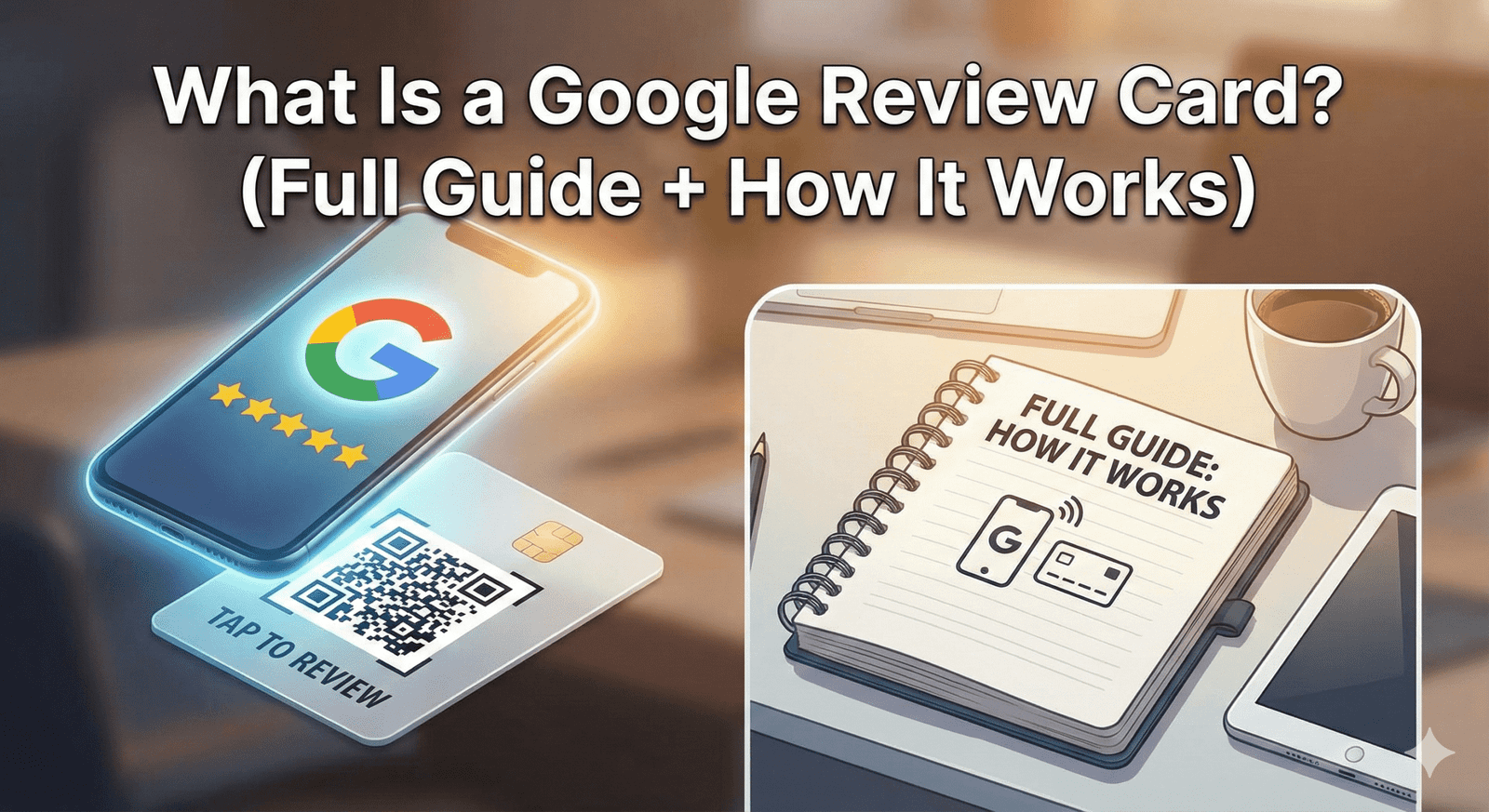
A Google review card is a credit-card-sized PVC card with an NFC chip inside and, usually, a printed QR code. A customer taps a compatible phone or scans the code, your Google review page opens and they can write their own review. For Indian businesses, it's a simple way to make the review page easy to reach.
If you run a business in India and another shop owner or a sales rep has told you ‘Google review card lelo’, here's what they're actually talking about — what the card does, the formats you'll come across, and what a good one looks like.
The Plain Definition
A Google review card is a physical card — usually credit-card sized — that customers tap with their phone or scan with their camera to open the review page of your Google Business Profile. It removes the hassle of opening Google Maps, searching for your business name and hunting for the review button. The customer chooses their own rating and writes their own words; the card just gets them to the right page.
The Three Types You'll See in Indian Stores
- NFC tap cards — a chip inside the card; the customer holds a compatible phone near it and the review page opens
- QR-only cards — a printed code the customer scans with the phone camera; works with any camera phone
- NFC + QR cards — a chip inside and a QR code printed on the surface, so customers can use whichever suits their phone
Why Review Cards Suit Indian Businesses
Three practical reasons. First, many customers already scan QR codes at the counter to pay by UPI, so a card or code on the counter feels familiar. Second, many people now search Google Maps for local cafés, clinics and service providers, so your Business Profile is often the first thing a new customer sees. Third, a card gives staff a simple, consistent way to ask — which is usually what's missing when reviews are slow.
A review card must open your review page for every customer, with no incentive and no filtering. That fits Google's policy — see are review cards allowed by Google.
What a Good Review Card Includes
- A clear Google reference at the top — customers recognise it instantly
- One clear call to action in English: ‘Tap to Leave a Google Review’
- An optional Hindi or regional-language line where your customers would find it helpful
- No wording that asks for a particular rating
- A printed QR code as a backup for phones without NFC
- Durable PVC that wipes clean and copes with daily counter handling
Our NFC Google review cards come in white or black PVC, with an optional printed QR code and your business name, and arrive pre-programmed with your Google review link.
Where Indian Businesses Place Them
Cafés on every table; restaurants near the bill folder; salons at the reception desk; clinics at the billing counter; garages on the cashier desk; retail stores next to the UPI sound box. The universal rule: keep it in the customer's line of sight at the payment moment.
❓ Frequently asked questions
Is a Google review card the same as a feedback card?
No. A feedback card collects private comments on paper. A Google review card opens your public Google review page, where any customer can leave an honest review.
How much does a Google review card cost in India?
Prices vary by product and quantity and can change, so [see current prices](/product/nfc-google-review-cards) on the product page. It's a one-off purchase with no subscription.
Do I need one card per staff member or one per location?
Start with one per high-traffic spot — counter, table or reception. Some multi-staff businesses also give each server or trainer their own card.
Which phones work with an NFC review card?
iPhone XS and later read it in the background, iPhone 7 to X use the NFC tag reader in Control Centre, and Android phones need NFC switched on. The printed QR code works with any phone camera.
How much does a Google review card cost?
Prices vary by country, quantity and options, and they change over time. You can [see current prices](/product/nfc-google-review-cards) on the product page; it's a one-off purchase with no subscription.
Can I update the link on my NFC card?
Yes, if you choose the optional editable-link add-on, which lets you change where the card points later without reprinting. Without it, the card stays set to the review link it was programmed with.
Do customers need an app to use the card?
No. Compatible phones open the link with a tap, and any phone camera can scan the printed QR code; customers need a Google Account to post the review.
Are Google review cards allowed by Google?
Yes. A card that simply opens your review page, with no incentive or filtering, fits Google's policy. See [are review cards allowed by Google](/blog/are-review-cards-allowed-by-google).
Related Guides & Tools
Hand-picked next reads for Indian small businesses growing their Google reviews.
Explore Our Products
Google Review Card
NFC tap cards that take customers straight to your Google review page.
Google Review Stand
Countertop stands perfect for restaurants, salons, and reception desks.
Google Review Plaque
Wall-mounted plaques that collect reviews in high-traffic areas.
Google Review Stickers
Peel-and-stick NFC stickers for windows, doors, and counters.
Google Review Keychains
Portable keychains your team can carry to collect reviews anywhere.
NFC Wristband
Wearable NFC wristbands for events, trade shows, and on-the-go reviews.
Related articles
How Google Review Cards Work (Step-by-Step Breakdown)
What happens between a customer tapping a Google review card and a review appearing on your Business Profile, which phones can read it, and why it makes reviewing easier.
Best Google Review Card Designs: Layout and Design Tips
A clear call to action, simple layout and an obvious tap or scan point matter more than decoration. Practical design tips for NFC Google review cards, plus mistakes to avoid.