Are Google Review Cards Allowed by Google in India?
Key facts
- Question answered
- Whether review cards break Google's rules
- Allowed
- Asking every customer for an honest review
- Not allowed
- Incentives, asking only happy customers, or staff and owner reviews
- What the card does
- Opens your Google review page — nothing more
- Source
- Google Maps user-contributed content policy
Will using a Google review card put your listing at risk? The honest, policy-based answer for Indian business owners.
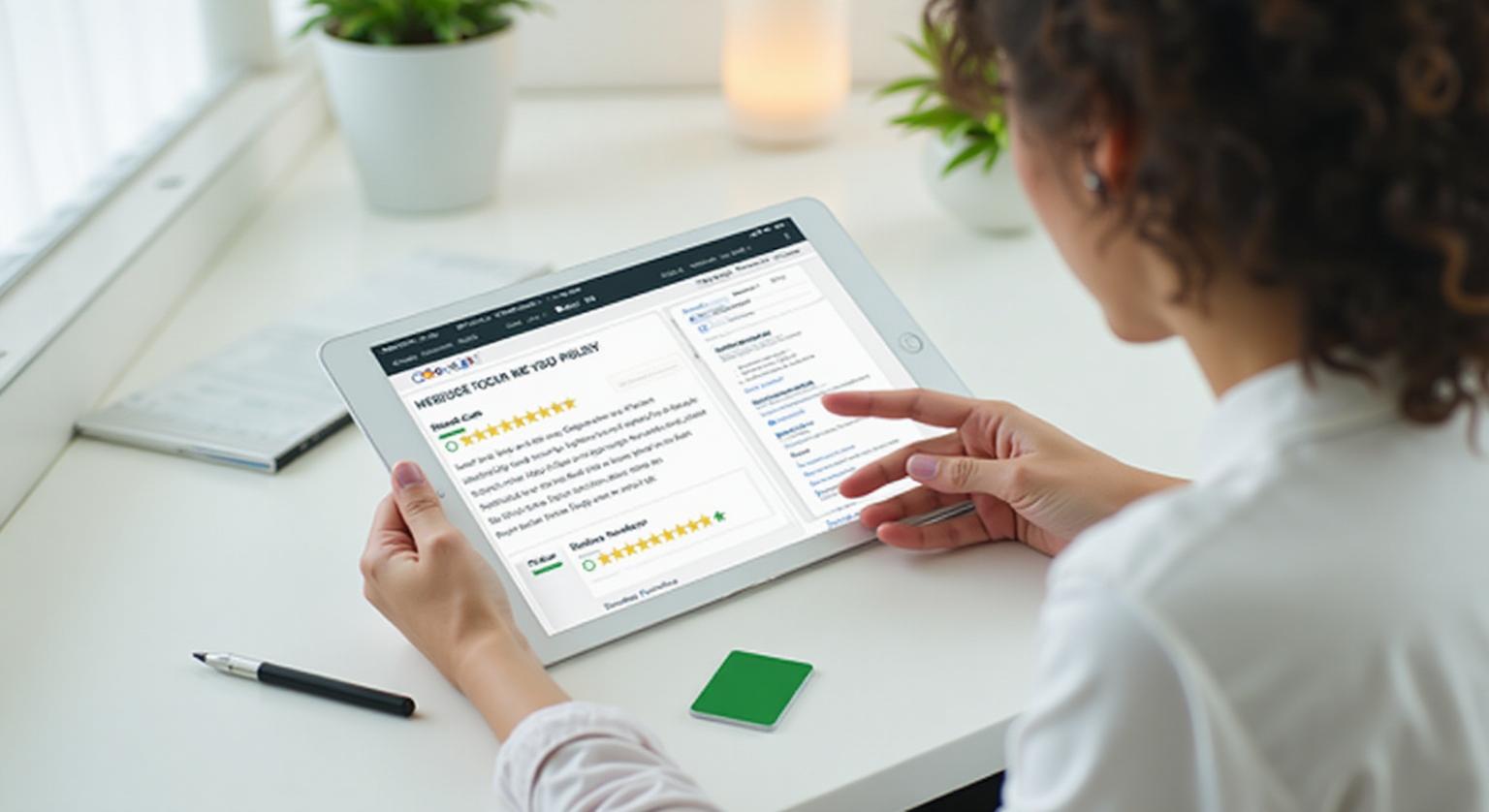
Indian business owners often ask whether review cards are allowed. A card that simply opens your Google review page, with no incentive, discount or pre-screening of customers, fits Google's policy. Here's what the policy says, in plain English, with Indian examples.
Many business owners ask ‘review card use karna allowed hai kya?’ after hearing stories of suspended profiles or reviews disappearing overnight. The short answer: yes. Google lets businesses share a review link or QR code, and a card that simply opens your review page, with no incentive or filtering, fits Google's policy. Problems come from what some businesses do alongside the card, not from the card itself.
What Google Allows
Google's own Business Profile tools let you create a review link and QR code to share with customers (Google Business Profile Help). That means you can use:
- Printed QR codes linking to your Google review page
- NFC cards that open your Google review page on tap
- Posters, table tents, stands and visiting cards with your review link
- WhatsApp, SMS or email messages asking customers for honest reviews (check the consent rules for marketing messages)
- Polite in-person requests from staff, made to every customer
What Google Prohibits
Google's user-contributed content policy bans the following, however the review is collected:
- Offering money, discounts, free items or lucky-draw entries in exchange for reviews
- Selectively asking only happy customers, or filtering customers through a ‘how was it?’ step before showing the review link (review gating)
- Buying reviews, directly or in kind
- Asking for or scripting a particular rating, such as ‘sirf five-star dijiye’
- Reviews from owners, current or former staff, or others with a conflict of interest
The card is only the messenger. A card that opens your review page is fine; what matters is that every customer is asked the same way, with nothing offered in return.
Why Profiles Get Into Trouble
When reviews are removed or a profile is restricted, the common causes are the prohibited practices above: rewards for reviews (‘review karo, ek free coffee’), gating flows that send unhappy customers to a private form and happy ones to Google, and reviews from staff or family accounts. In India, the Central Consumer Protection Authority (CCPA) acts on misleading practices under the Consumer Protection Act, 2019, and the Bureau of Indian Standards has published IS 19000:2022 on online consumer reviews. Read more on review gating.
This is general information, not legal advice.
A Safe Playbook
- Keep a review card or stand at every counter
- Ask every customer politely, without promising anything
- Never suggest a rating or script the review
- Never reward customers or staff per review
- Reply to every review, positive and negative
❓ Frequently asked questions
Does Google mind that I use an NFC card?
No. The card simply opens your review page, just like a link or QR code from Google's own tools. What matters is that the review is honest and nothing is offered in exchange.
Can I print ‘5 star review please’ on my NFC card?
No. Asking for a specific rating goes against Google's policy. Use something neutral like ‘Tap to leave a Google review’ and let the customer choose.
Is it okay to give staff a bonus per review collected?
It's best avoided. Per-review bonuses can push staff to pressure customers or ask selectively. Recognise staff for asking every customer politely instead.
Do customers need a Google Account to leave a review?
Yes. Reviewers need to be signed in to a Google Account, so keep the ask short and let customers who aren't signed in do it later.
Can Google penalise my business for using review cards?
Not for the card itself. A card that opens your review page with no incentive or filtering fits Google's policy; problems come from incentives, selective asking or fake reviews.
Are NFC review cards safer than other methods?
They carry the same rules as any other way of asking. The customer chooses whether to tap and what to write, which keeps it a simple, honest request.
Can I put a review card on display rather than handing it out?
Yes. A card, counter stand, sticker or plaque on display is just another way to share your review link, and the same rules apply.
Is it okay to give a discount to customers who tap the card?
No. Google prohibits offering discounts, payments or free goods or services in exchange for a review, whether or not the review is positive.
Related Guides & Tools
Hand-picked next reads for Indian small businesses growing their Google reviews.
Explore Our Products
Google Review Card
NFC tap cards that take customers straight to your Google review page.
Google Review Stand
Countertop stands perfect for restaurants, salons, and reception desks.
Google Review Plaque
Wall-mounted plaques that collect reviews in high-traffic areas.
Google Review Stickers
Peel-and-stick NFC stickers for windows, doors, and counters.
Google Review Keychains
Portable keychains your team can carry to collect reviews anywhere.
NFC Wristband
Wearable NFC wristbands for events, trade shows, and on-the-go reviews.
Related articles
Review Gating: What It Is and Why You Should Avoid It
Some businesses review-gate without realising it. Here's what it means, why Google's policy prohibits it, and what to do instead.
How to Automate Google Review Requests Safely
You can make asking for Google reviews routine without breaking Google's rules. What Google allows, what it prohibits, and a simple setup that keeps every request honest.
Google Review Tap Tag Setup Instructions: Step-by-Step Guide
How to set up an NFC Google review tap tag: find your review link before ordering, test the tap and the QR backup when it arrives, place it well, and fix the most common issues.