How Google Review Cards Work: A Simple Guide for India
Key facts
- What it is
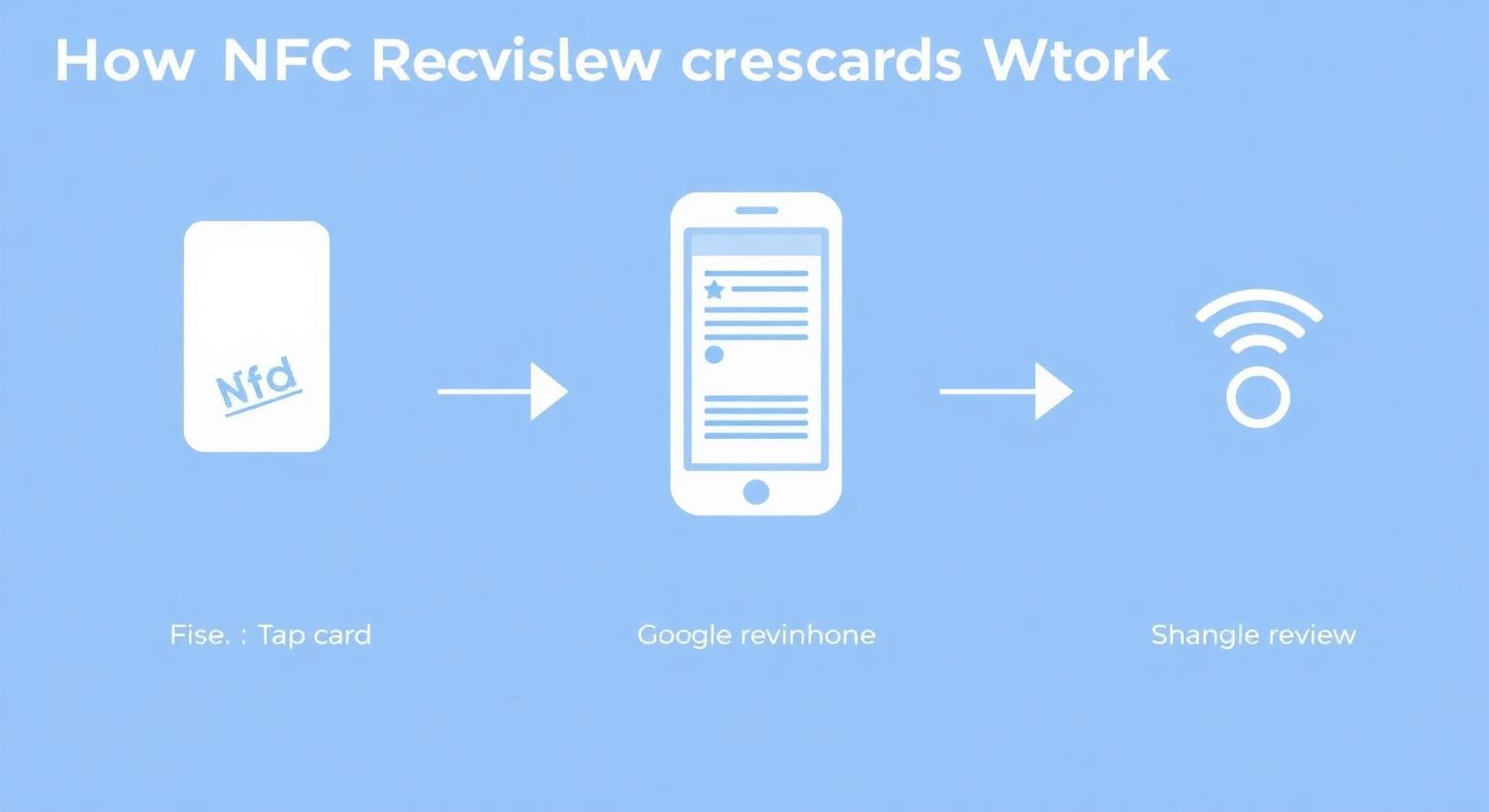
- Short explainer of the tap-to-review process
- Step 1
- Customer taps the card or scans the optional QR code
- Step 2
- Their phone opens your Google review page
- Step 3
- The customer chooses a rating and writes the review
- No app
- Nothing to install for the business or the customer
‘Tap your phone here to review us’ — what actually happens in those few seconds? A clear, jargon-free explanation for Indian business owners.
If you've seen a Google review card on a café counter and wondered how a small card opens Google on a phone, this guide is for you. It explains NFC, QR codes and the whole tap-to-review flow in plain English, with examples from everyday Indian businesses.
When a shop owner sees an NFC Google review card for the first time, the first question is usually: ‘yeh kaam kaise karta hai?’ The mechanics are simpler than the name suggests. A tiny NFC chip sits inside a credit-card-sized PVC card. The chip stores one piece of data: a web link to your Google review page. When a compatible phone touches the card, that link opens. That's all there is to it.
The Customer Journey in Three Steps
- The customer holds their phone near the card — no app needed (Android phones need NFC switched on)
- The browser opens your Google review page, ready for the customer to choose their own rating
- The customer taps the stars, writes a line or two and posts — they need to be signed in to a Google Account
What's Inside the Card
Two parts sit inside: a small antenna coil, which draws power from the phone's NFC field, and a passive NTAG-series chip that holds your review link. There's no battery, no software and nothing to charge. The printed surface carries your design and, if you choose it, a QR code that does the same job for any phone camera.
Why the Format Feels Familiar in India
Many customers already scan a QR code on the counter to pay by UPI, so a card with a QR code needs little explanation. Tapping a phone on a card may be newer to some people, so a short line from staff helps: ‘Phone ko card pe touch kijiye, Google review khul jayega’ — or point to the QR code instead.
On iPhone, hold the top edge of the phone near the card. On Android the NFC antenna is usually on the back, often towards the middle or top — move the phone slowly over the card until the link pops up.
How the Card Links to Your Google Business Profile
When you order, you send us your Google review link, which you can copy from your Business Profile under Read reviews → Get more reviews (how to find your Google review link). Your cards arrive pre-programmed with that link. If you think the link might change — a new profile, a move or a rebrand — the optional editable-link add-on lets you change where the card points later without reprinting.
Which Phones Can Use It
- iPhone XS, XS Max, XR and later read NFC tags in the background — just hold the phone near the card
- iPhone 7 to iPhone X can read tags using the NFC tag reader in Control Centre (iOS 14 or later)
- Android phones with NFC can read the card once NFC is switched on in settings
- The optional printed QR code works with any phone camera, so customers without NFC aren't left out
❓ Frequently asked questions
Do customers need to install an app to use the NFC card?
No. iPhone XS and later read the card in the background, iPhone 7 to X use the NFC tag reader in Control Centre, and Android phones need NFC switched on. The printed QR code works with any phone camera.
Can someone steal data from my card?
No. The chip only holds a public link to your Google review page. There's nothing private stored on it.
What if a customer's phone case is thick?
Most slim cases are fine. Thick, metal or magnetic wallet cases can block NFC, so the customer may need to remove the case briefly or scan the QR code instead.
What if my Google review link changes?
Standard cards keep the link they were programmed with. If you expect changes, choose the editable-link add-on so you can update the destination without reprinting.
Do customers need an app to use the card?
No. Compatible phones open the link in their browser. Customers need a Google Account to post a review.
How many reviews can one card generate?
There's no fixed limit built into the card. How many reviews it leads to depends on your customer numbers and how consistently staff offer it.
Which iPhones can read an NFC review card?
iPhone 7 and later can read NFC tags. iPhone XS, XR and later read them in the background, while iPhone 7 to iPhone X need the NFC tag reader in Control Centre.
Are Google review cards allowed by Google?
Google lets businesses share a review link or QR code with customers. A card that simply opens your review page, with no incentive or filtering, fits Google's policy.
Related Guides & Tools
Hand-picked next reads for Indian small businesses growing their Google reviews.
Explore Our Products
Google Review Card
NFC tap cards that take customers straight to your Google review page.
Google Review Stand
Countertop stands perfect for restaurants, salons, and reception desks.
Google Review Plaque
Wall-mounted plaques that collect reviews in high-traffic areas.
Google Review Stickers
Peel-and-stick NFC stickers for windows, doors, and counters.
Google Review Keychains
Portable keychains your team can carry to collect reviews anywhere.
NFC Wristband
Wearable NFC wristbands for events, trade shows, and on-the-go reviews.
Related articles
What Is a Google Review Card? (Full Guide + How It Works)
What a Google review card is, how the NFC tap and QR code work, and why it makes leaving a review easier for your customers.
How NFC Review Cards Can Help You Get More Google Reviews
NFC Google review cards cut the steps between a satisfied customer and a posted review. How they help, a simple plan for rolling them out, and what to expect.
Google Review Tap Tag Setup Instructions: Step-by-Step Guide
How to set up an NFC Google review tap tag: find your review link before ordering, test the tap and the QR backup when it arrives, place it well, and fix the most common issues.