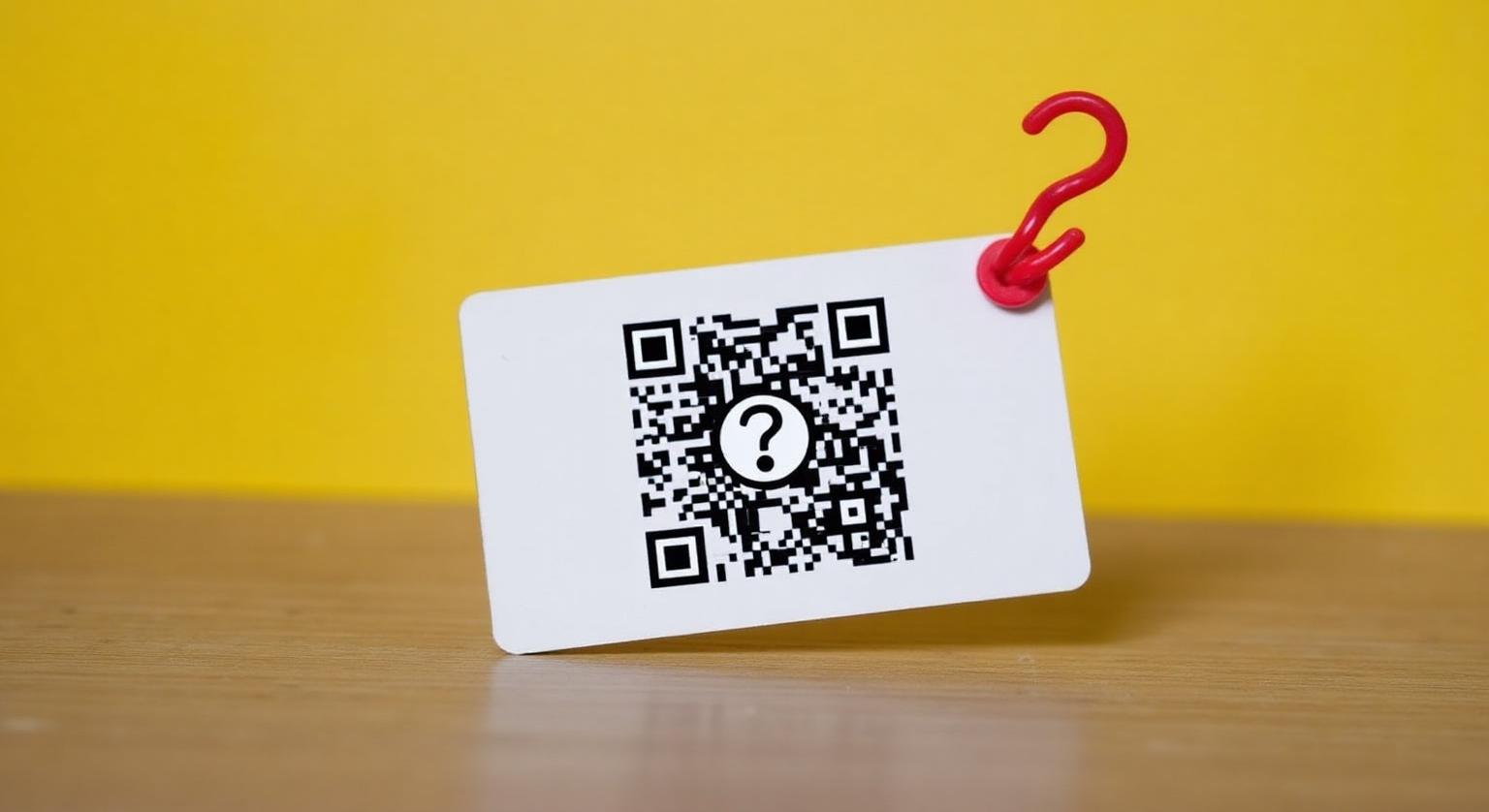
QR review cards can still work well in India, especially as customers are used to scanning for UPI payments. Their main limit is that customers have to open the camera and scan. Here's when QR is enough and when adding NFC helps.
QR-only Google review cards are still a very common version you'll find from sellers in India. They work, and they work with any phone camera — but they have limitations worth knowing before you print a batch and place it on every table.
How QR Review Cards Actually Work
A QR code is just a visual encoding of your Google review link. The customer opens the phone camera, points it at the code, waits for the link to appear and taps it. In good light with a recent phone this is quick; in dim light, with a scratched lens or a glossy card, it can take several attempts, and some customers give up.
Where QR Wins
- Cheap and easy to print at any size
- Works with any phone camera — no NFC hardware needed
- Easy to put on posters, menus, invoices and WhatsApp messages
- No chip involved, so nothing to programme
Where QR Struggles in Indian Conditions
- Low light — salons in the evening, restaurants with dim ambience, basement garages
- Customers who aren't used to scanning codes with the camera app
- Curved, laminated or glossy surfaces that distort the code or catch glare
- Greasy or worn print in kitchen and workshop environments
- Counters crowded with other QR codes for UPI payment, where customers may scan the wrong one
No card format guarantees reviews. Whichever you choose, the biggest factor is staff asking every customer, every time, with a simple line. See QR code review cards — do they really increase reviews?
When QR-Only Makes Sense for Indian Businesses
Three good scenarios: (1) printing on invoices and bills, where a chip isn't possible; (2) posters and standees that people see from a distance; (3) businesses that only want a low-cost printed option. For counters and tables, many businesses prefer an NFC card with a printed QR code, so customers can tap or scan.
Best Practices for QR Design
- Print the code at least 3cm × 3cm so budget phone cameras can focus on it
- Use a dark code on a white or light background — low-contrast colours are harder to scan
- Prefer a matte surface — gloss causes glare that can break the scan
- Leave a clear margin (quiet zone) around the code — text or borders too close can stop it scanning
- Test in dim light and from arm's length on both an iPhone and an Android phone before printing in bulk
- Add a short label such as ‘Scan to leave a Google review’ so it isn't mistaken for a payment code
❓ Frequently asked questions
Can I make a Google review QR code myself for free?
Yes. In your Business Profile go to Read reviews → Get more reviews to copy your link or download a QR code (QR codes can currently be generated only on a computer browser). Test it on a few phones before printing.
Will customers scan a QR code printed on the bill?
Some will. A short verbal prompt at billing usually helps.
Should I switch all my QR cards to NFC?
Not necessarily. If customers struggle to scan at your counter, an NFC card with a printed QR code gives them both options.
Do customers need a Google Account to leave a review?
Yes. Reviewers need to be signed in to a Google Account, whichever way they reach your review page.
Related Guides & Tools
Hand-picked next reads for Indian small businesses growing their Google reviews.
Explore Our Products
Google Review Card
NFC tap cards that take customers straight to your Google review page.
Google Review Stand
Countertop stands perfect for restaurants, salons, and reception desks.
Google Review Plaque
Wall-mounted plaques that collect reviews in high-traffic areas.
Google Review Stickers
Peel-and-stick NFC stickers for windows, doors, and counters.
Google Review Keychains
Portable keychains your team can carry to collect reviews anywhere.
NFC Wristband
Wearable NFC wristbands for events, trade shows, and on-the-go reviews.
Related articles
NFC Review Cards vs QR Review Cards – Which Gets More Reviews?
How an NFC tap compares with a QR scan for collecting Google reviews — and why many businesses use both on the same card.
NFC Review Cards vs Printed QR Cards – Cost & Performance
Printed QR cards are cheaper to make, but cost isn't the only thing to weigh. Here's how to compare them with NFC cards for your business.
Google Review Tap Tag Setup Instructions: Step-by-Step Guide
How to set up an NFC Google review tap tag: find your review link before ordering, test the tap and the QR backup when it arrives, place it well, and fix the most common issues.