Do Google Review Cards Work for Coffee Shops & Cafés?
Coffee shops serve loyal regulars every week but often have surprisingly few Google reviews. Here's how NFC review cards make it easier for regulars to leave one — and where to put them.
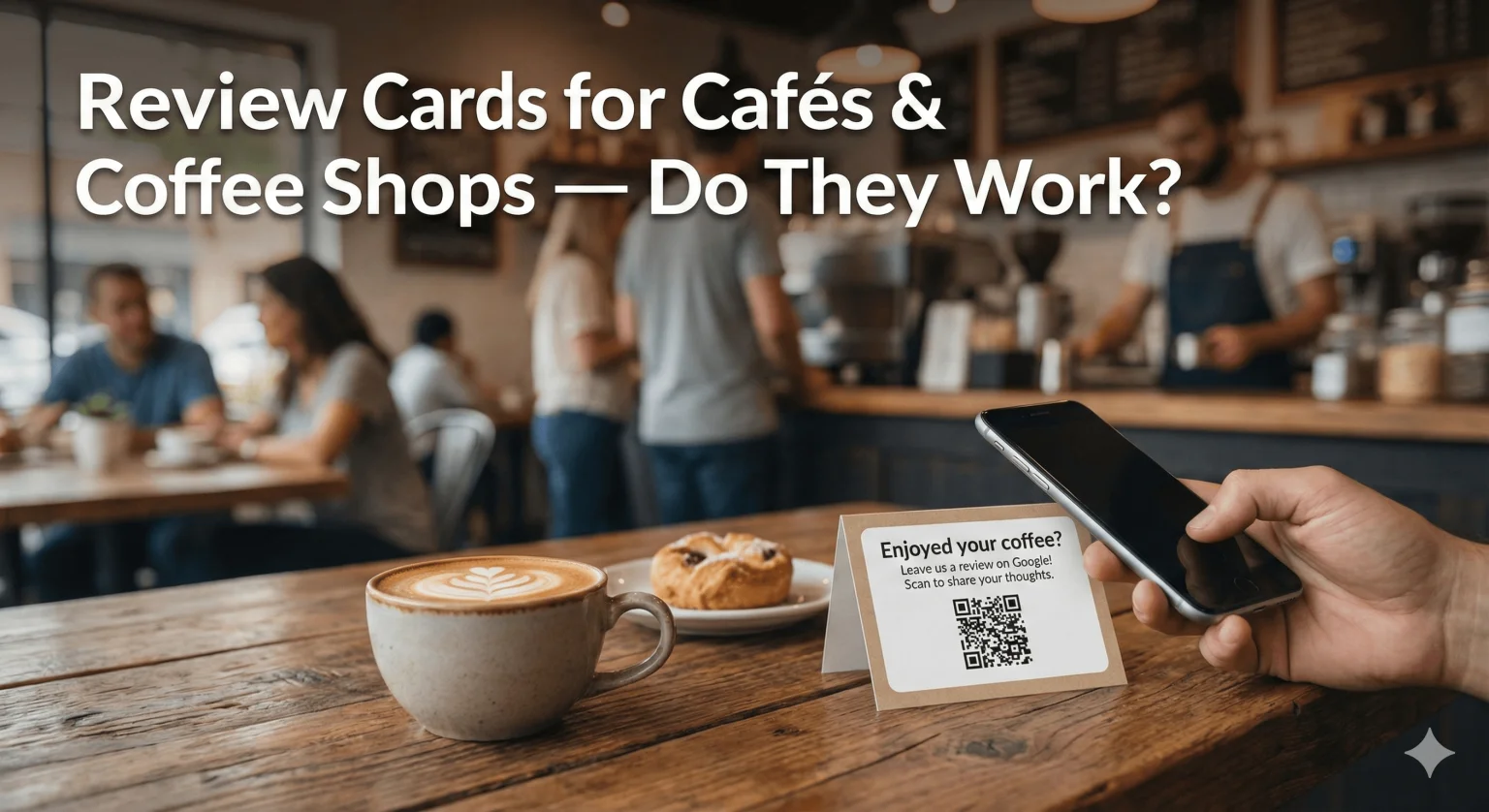
Walk into almost any independent coffee shop and you'll see the same pattern. Baristas know their regulars by name. Customers love the pour-over, the oat milk cortado, the atmosphere. Yet the Google Business Profile often shows far fewer reviews than you'd expect for such a busy, well-loved shop.
That gap matters because many people check Google reviews before trying a new café. This guide explains whether review cards really help coffee shops, why they suit café service, where to place them and what to say.
Do Review Cards Work for Cafés?
Yes, they can — mainly because they fit into the few seconds a café customer actually stands still. They don't create reviews on their own, but they make it quick for a happy regular to leave one when a barista mentions it.
Cafés tend to under-collect reviews for reasons that have nothing to do with the coffee:
- Speed of service — the morning rush moves fast, with no natural pause between taking the order and "Have a good one!"
- Mobile-order pickup — order-ahead customers grab their drink and go, often without speaking to anyone.
- Screen fatigue — after tipping prompts and loyalty screens, customers are tired of being asked for things on a screen.
- Silent regulars — the customer who comes in three times a week assumes someone else has already reviewed you.
- Mixed messages — some shops still ask for reviews on several platforms at once, which splits attention. If Google is where most of your local customers find you, make it the main ask.
Quick check: search your city plus "coffee shop" on Google. Google says local results are based mainly on relevance, distance and prominence, and that more reviews and positive ratings can help a business's local ranking. There's no way to pay for a better position, so a steady flow of genuine reviews is one of the few levers you control.
How NFC Review Cards Work in a Café
An NFC Google Review Card is a credit-card-sized card with a chip programmed to open your Google review page. The customer holds their phone near it and the review form opens — no app, no search.
- iPhone XS, XR and later read the card from the lock or home screen.
- iPhone 7 to X use the NFC tag reader in Control Center.
- Android phones need NFC switched on in settings.
- The optional printed QR code works with any phone camera, so nobody is left out.
- Reviewers need a Google Account to post.
For coffee shops, this solves the two biggest friction points: speed and awkwardness. The barista doesn't need to explain anything, and the customer doesn't need to type a search. The tap fits into the moment the drink is handed over.
The Best Places to Put Review Cards in a Coffee Shop
Put prompts where customers naturally pause: the register, the pickup counter and the tables. Here's how each spot works.
| Spot | Why it works | Best format |
|---|---|---|
| Register or tip screen | Customers are already holding their phone | Card in a counter stand |
| Mobile-order pickup counter | The one place order-ahead customers stop | Card in a stand or a sticker on the counter |
| Tables | Catches customers who sit and linger | Small table stand |
| Espresso machine or bar | Regulars watch their drink being made | Sticker at eye level |
| Drive-thru or pickup window | Brief contact, but the customer is waiting | Sticker on the window ledge |
| Exit or menu board | Reaches people who skipped the register | Sticker with a short line: "Enjoyed your coffee? Tap or scan to review" |
A Google review stand works well on counters and tables because it stays upright and visible. Stickers suit glass, machines and window ledges. Our guide to using review stands inside your store covers counter placement in more detail.
Placing prompts at more than one touchpoint — register, pickup and tables — reaches more of your customers than relying on a single spot.
What to Say — A Short Barista Script
Keep it to one friendly line, said as you hand over the drink. "Mind giving us a quick tap on Google?" — then point at the card, smile and move on.
- For regulars: "You're in here so often — would you mind leaving us a quick Google review sometime?"
- At pickup: "If you enjoyed it, the card there takes you straight to our Google reviews."
- For a compliment: "Thank you! It would mean a lot if you shared that on Google."
No long explanation of how NFC works, no apology and no pressure. Ask every customer the same way, not just the ones who seem happiest.
Never offer a free drink, a discount, a pastry or loyalty points in exchange for a review. Google's review policy prohibits incentives, and the FTC's consumer review rule also targets reviews bought with something of value. The friendly ask on its own is all you need.
How Cards Compare With Other Café Review Tactics
Cards are strongest at the counter, where other methods struggle. Most cafés get the best results combining a physical prompt with one or two other channels.
- Email follow-ups — hard for cafés, because most walk-in customers never share an email address.
- QR codes alone — they work with any camera, but customers have to open the camera and frame the code. Pairing a QR code with a tap chip gives customers both options.
- Point-of-sale review prompts — useful as an extra, but they usually reach customers after they've left the counter.
- Loyalty apps — only reach customers who have downloaded the app.
- Other review sites — some customers use them, but most cafés find it simplest to focus their in-store ask on Google.
Common Mistakes Cafés Make
Most problems come from placement and consistency rather than the cards themselves.
- Leaving the card behind the register where customers can't see or reach it.
- Asking only on quiet afternoons and never during the morning rush.
- Linking to the general profile instead of the review form.
- Never testing the card — tap and scan it with an iPhone and an Android phone after setup.
- Ignoring the reviews once they arrive instead of replying.
A Simple Rollout Plan for Cafés
You can be up and running within a month. Here's a straightforward sequence.
- Week 1 — Find your Google review link, order your cards and place them at the register, the pickup counter and on tables.
- Week 2 — Agree on one short script in a pre-shift huddle so every barista asks the same way.
- Week 3 — Reply to every new review, mentioning the drink or the barista where it's natural.
- Week 4 — See which spots customers actually use and move cards where they get noticed.
The Bottom Line for Coffee Shops
NFC Google Review Cards are a one-off purchase that make it easier for happy regulars to leave a review in the moment. The value isn't just the review count — it's a more current, more representative profile that helps first-time customers decide to walk in.
❓ Frequently asked questions
How many Google reviews should a coffee shop have?
There's no target number, and Google doesn't publish one. A steady stream of recent, genuine reviews is more useful to new customers than a large but stale total.
Do NFC review cards work for drive-thru and mobile-order shops?
Yes. A sticker at the pickup window or a card in a stand on the pickup counter reaches customers whose contact with staff is otherwise brief.
Will Google penalize my café for using NFC review cards?
A card that simply opens your review page, with no incentive or filtering, fits Google's policy. Problems come from offering free drinks, discounts or loyalty points for reviews, which you should never do.
How much do NFC Google Review Cards cost?
It depends on the pack size and style you choose. See current prices on the [NFC Google Review Cards](/product/nfc-google-review-cards) page; it's a one-off purchase with no subscription.
Do I need a separate card for each barista or location?
For one café, a card at the register plus prompts at pickup and on tables is usually enough. If you have several locations, each one needs its own card linked to that location's Business Profile.
Which is better for cafés — NFC cards, review stands or stickers?
Many cafés combine them: a card at the register, small stands on tables and stickers at the pickup or drive-thru window. Each reaches customers at a different pause point.
Related Guides & Tools
Hand-picked next reads for US small businesses growing their Google reviews.
Explore Our Products
Google Review Card
NFC tap cards that take customers straight to your Google review page.
Google Review Stand
Countertop stands perfect for restaurants, salons, and reception desks.
Google Review Plaque
Wall-mounted plaques that collect reviews in high-traffic areas.
Google Review Stickers
Peel-and-stick NFC stickers for windows, doors, and counters.
Google Review Keychains
Portable keychains your team can carry to collect reviews anywhere.
NFC Wristband
Wearable NFC wristbands for events, trade shows, and on-the-go reviews.
Make It Easy for Your Regulars to Review
NFC Google Review Cards arrive pre-programmed with your Google review link. One-off price, no subscription.
Shop NFC Review CardsRelated articles
How Restaurants Can Increase Google Reviews
A simple, policy-safe system that helps restaurants ask every diner for a Google review — at the table, at the bill and on the way out.
Google Review Stands vs Table Tents – Which Works Better?
Both sit on a surface and prompt reviews. Here's how they differ, and when each one makes sense for your business.