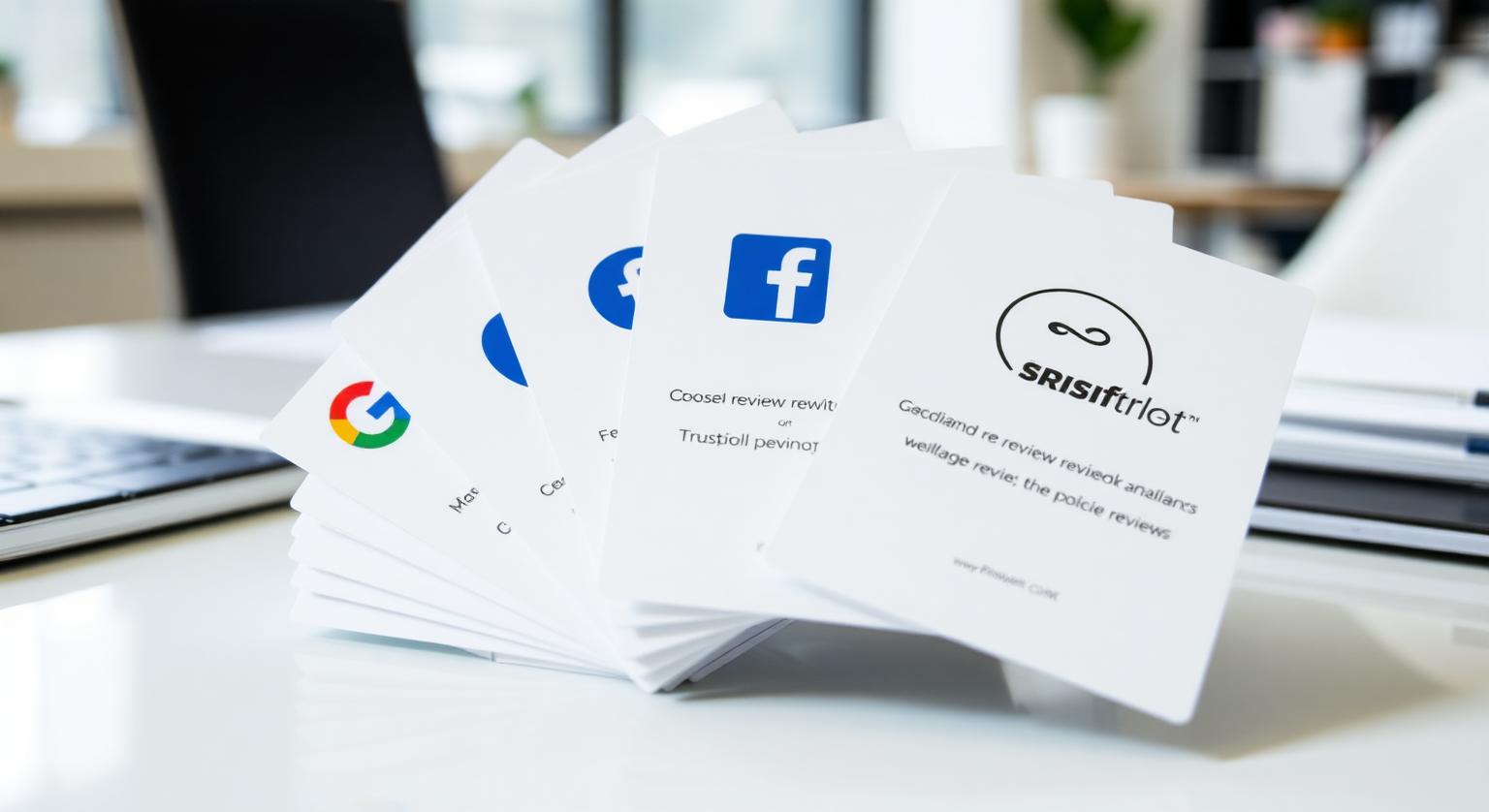
An Indian restaurant may care about Zomato, a clinic about Practo and a local shop about Justdial. A single review page that lists several platforms lets customers choose where to leave a review, without you printing a different card for each one.
Indian businesses with several outlets — a dental chain with branches across Bengaluru, a restaurant group in three cities, a salon brand across the Mumbai suburbs — need each location's reviews to land on that location's own Google Business Profile. A simple one-card-set-per-branch setup keeps reviews in the right place without confusing staff or customers.
How Multi-Outlet Card Setups Work
Each branch gets its own cards or stands, pre-programmed with that branch's Google review link. The key is keeping each set clearly tied to its outlet.
- Order one set of NFC review cards or stands per outlet, each linked to that outlet's Google Business Profile
- Find each branch's review link separately in Business Profile — see how to find your Google review link
- Mark each set with the branch name (for example Indiranagar or Whitefield) so staff never mix them up
- Test every card or stand on arrival to confirm it opens the right branch's review page
- Check each location's reviews in Business Profile and reply from the right profile
If a branch's address or profile might change, the optional editable-link add-on lets you update where a card points without reprinting it.
The Mistake to Avoid in Multi-Branch Businesses
Don't send every branch's customers to one shared review link. Reviews then pile up on a single profile, customers at other branches see fewer reviews of the place they're considering, and feedback about one outlet ends up attached to another. Give each outlet its own verified Google Business Profile with its correct address, and its own cards or stands.
❓ Frequently asked questions
How many review cards does a multi-outlet business need?
At least one set per outlet, placed where customers pay. Larger outlets may want a card or stand at each billing counter or waiting area.
Can I track Google reviews per branch?
Yes. Each location's Google Business Profile shows its own reviews and Performance data, so you can compare branches directly.
Can one card collect reviews for several branches?
No — each card opens one review link. Use separate cards for each branch so reviews land on the right profile.
What if a branch moves or its profile changes?
With the optional editable-link add-on, you can change where the card points without reprinting. Otherwise, order new cards for the updated profile.
Should I focus on Google only or use several platforms?
For most local businesses, Google is the main focus because reviews appear on your Business Profile in Search and Maps. Add other platforms where they genuinely matter to your customers.
Can one NFC card link to several review sites?
An NFC chip holds one link, so one card opens one destination. Use separate links or QR codes for other platforms, or one link to a page you host that lists them all.
Is a platform choice page allowed?
Yes, as long as every customer sees the same choices. Routing customers to different places based on whether they're happy is review gating, which Google prohibits.
Which other review platforms matter?
It depends on your industry. Hotels and attractions often use travel review sites, while some trades and professions have their own directories.
Related Guides & Tools
Hand-picked next reads for Indian small businesses growing their Google reviews.
Explore Our Products
Google Review Card
NFC tap cards that take customers straight to your Google review page.
Google Review Stand
Countertop stands perfect for restaurants, salons, and reception desks.
Google Review Plaque
Wall-mounted plaques that collect reviews in high-traffic areas.
Google Review Stickers
Peel-and-stick NFC stickers for windows, doors, and counters.
Google Review Keychains
Portable keychains your team can carry to collect reviews anywhere.
NFC Wristband
Wearable NFC wristbands for events, trade shows, and on-the-go reviews.
Related articles
The Best Tools for Collecting Google Reviews
Review links, NFC cards, stands, plaques, stickers, keychains and wristbands each suit different moments. What each tool is good for and how to combine them.
Review Cards vs Review Stands: Which Should Your Business Use?
Review cards suit a personal, staff-led ask; review stands sit on the counter for customers to use on their own. How each works, where each fits, and why many businesses use both.