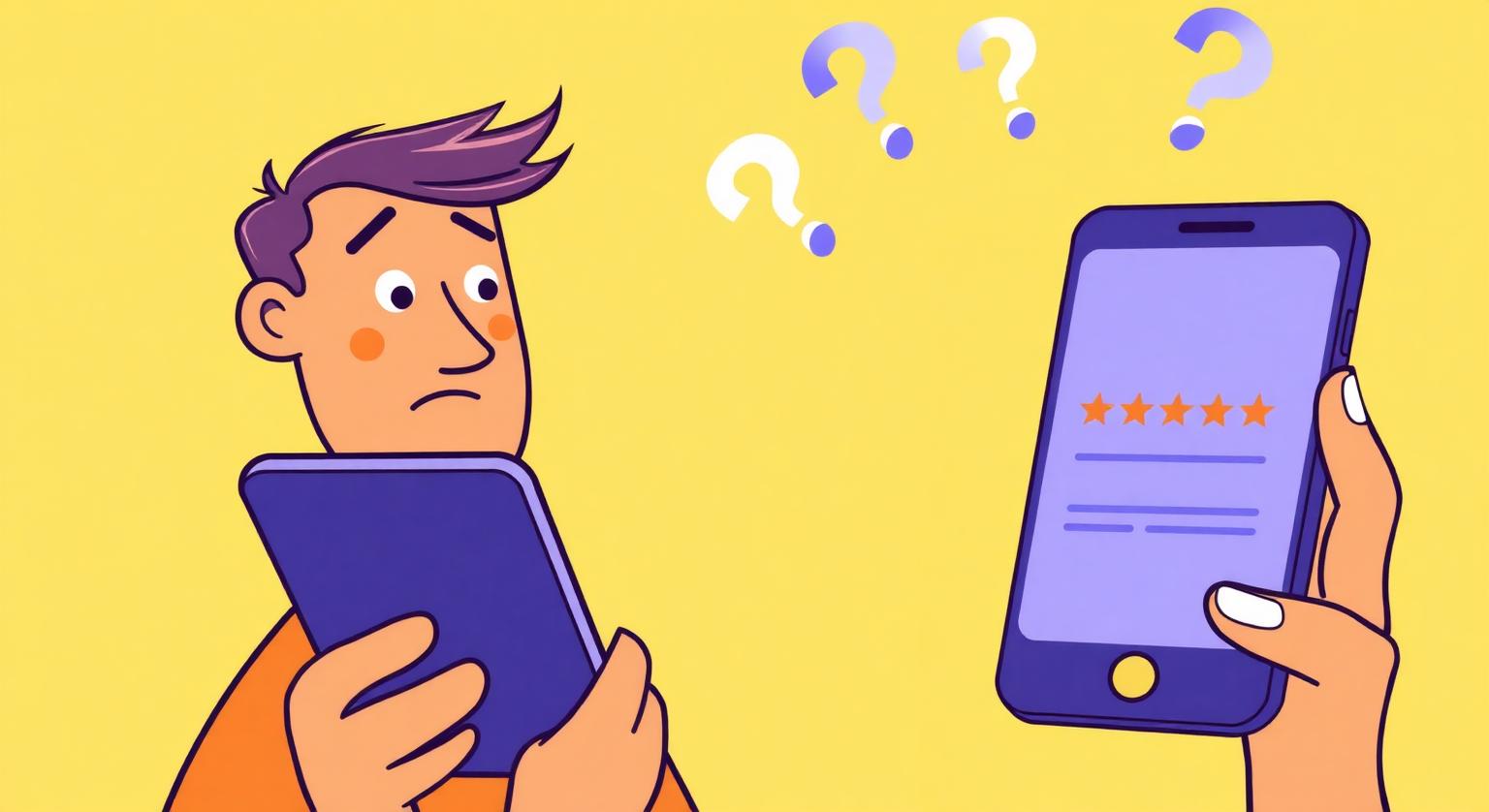
Your customers like you. They tipped the server, thanked the technician and said "we'll be back." So why do so few of them leave a Google review? It's rarely about your service. Most of the time it comes down to friction, timing and the simple fact that nobody asked clearly at the right moment. The good news is that each of those problems has a practical fix.
Why Happy Customers Don't Leave Reviews
Most happy customers don't leave reviews because they forget, can't find your review page quickly, or weren't asked. Satisfied customers have little reason to go looking for a review form on their own, while a frustrated customer is motivated to speak up. Unless you make leaving a review easy and ask for it, your profile can end up showing far fewer of your good experiences than actually happen.
The Top Reasons US Customers Give — and How to Fix Each One
Each common reason has a specific fix. Most cost nothing beyond a change in routine.
| What the customer thinks | The fix |
|---|---|
| "I forgot by the time I got to the car." | Ask at the moment of payment or handover, with a card or stand they can tap right there. |
| "I couldn't find your business on Google." | Use your direct review link, so a tap or scan opens the review page itself. |
| "I'm not signed into Google on my phone." | Reviewers need a Google Account. Offer the link by text or email so they can do it later on another device. |
| "I didn't know it would help you." | Say one honest sentence: "Reviews help new customers find us." |
| "I only review things when something goes wrong." | Make the ask personal and make clear that honest feedback of any kind is welcome. |
| "I tapped and nothing happened." | Check NFC is on (Android) or use Control Center on iPhone 7 to X, and point them to the printed QR code. |
| "I didn't know what to write." | Suggest they mention what they had done or who helped them — but never write or script the review for them. |
Fixing the Ask: What to Say
A good ask is short, personal and made in person when possible. Use your own words, but keep the shape of these examples:
- At the counter: "Would you mind leaving us a quick Google review? Just tap your phone here."
- At the end of an appointment: "If you have a minute, an honest Google review really helps people find us."
- After a job at someone's home: "Here's a card that opens our Google review page — whenever you have a moment."
- In a follow-up message: "Thanks for coming in today. If you'd like to share your experience, here's our Google review page: [link]"
For more phrasing ideas by situation, see how to ask customers for Google reviews naturally.
Fixing the Path: Make Leaving a Review Take Seconds
Every extra step loses people, so shorten the route from "sure" to the review page.
Get your direct review link from your Business Profile (Read reviews → Get more reviews).
Put it on an NFC Google review card or stand, which arrives pre-programmed with your link and carries a printed QR code as a backup.
Test it on an iPhone and an Android phone. iPhone XS, XR and later read NFC in the background; iPhone 7 to X use the NFC tag reader in Control Center; Android phones need NFC switched on.
Place it where customers pause with their phone in hand, such as the checkout counter or reception desk.
Add the same link to receipts or follow-up emails, and check the consent rules for marketing messages before texting customers.
Fixing the Timing: When to Ask in Different Businesses
Ask when the customer has just experienced the best part of what you do and still has a moment to spare. That moment looks different depending on the business:
- Restaurants and cafes: when you bring the check or the card machine, not while people are still eating.
- Salons and barbers: after the final mirror check, while the customer is admiring the result.
- Auto shops: at vehicle pickup, once you've explained the work and handed back the keys.
- Home services: when the job is finished and the customer has checked it, before you pack up.
- Gyms and studios: after a class or session milestone, not mid-workout.
- Clinics and med-spas: at the front desk on the way out, with a stand they can tap while they wait to pay.
How to Tell If Your Fixes Are Working
Watch the trend, not a single week. Note how many customers your team asked each month and how many new reviews arrived, and look at what the reviews say as well as how many there are. If customers say they're happy to help but reviews don't follow, test the link again and check where the card or stand is placed. If staff aren't asking, the fix is coaching rather than more hardware.
What Not to Do
Some "fixes" create bigger problems than they solve. Google's review policy prohibits offering incentives for reviews, discouraging negative reviews or selectively asking only for positive ones, and reviews from owners or employees.
- Don't offer discounts, freebies or prize draws for reviews.
- Don't ask "Were you happy?" first and only send happy customers to Google — see why review gating breaks the rules.
- Don't ask staff, friends or family to fill the gap.
- Don't hover while the customer writes, or ask to see what they wrote.
None of these fixes needs a big budget. A clear ask at the right moment, plus a direct link the customer can tap or scan, removes most of the reasons happy customers stay silent.
❓ Frequently asked questions
What share of happy US customers leave a review unprompted?
Google doesn't publish a figure, and it varies by business. In practice, many satisfied customers simply don't think to leave one unless they're asked and given an easy way to do it.
Is it annoying to ask American customers for reviews?
Only if the ask is pushy or repeated. One short, friendly ask with a card they can tap tends to feel like a normal part of the visit.
Can I remind customers by text or email?
Yes, a single reminder with your review link is fine under Google's policy as long as you send it to all customers, not just happy ones. Check the consent rules for marketing messages before texting.
What if a customer doesn't have a Google Account?
They'll need one to post a review, so don't push. Thank them anyway — their word-of-mouth still counts.
Can I offer a small discount to encourage reviews?
No. Google's policy prohibits incentives of any kind in exchange for reviews, including discounts, free items and entries into prize draws.
Do customers leave reviews without being asked?
Some do, but many satisfied customers never think to. A friendly ask and an easy route to your review page help close that gap.
What's the easiest way to make reviewing simpler?
Share a direct link to your review page, for example through an NFC review card, a QR code or a link on receipts. That saves customers searching for your business.
Should I ask only customers who seem happy?
No. Google's policy prohibits selectively soliciting positive reviews, so ask every customer in the same way.
What should I say when asking?
Keep it short, for example: 'If you have a moment, we'd appreciate an honest Google review. You can just tap this card.'
Related Guides & Tools
Hand-picked next reads for US small businesses growing their Google reviews.
Explore Our Products
Google Review Card
NFC tap cards that take customers straight to your Google review page.
Google Review Stand
Countertop stands perfect for restaurants, salons, and reception desks.
Google Review Plaque
Wall-mounted plaques that collect reviews in high-traffic areas.
Google Review Stickers
Peel-and-stick NFC stickers for windows, doors, and counters.
Google Review Keychains
Portable keychains your team can carry to collect reviews anywhere.
NFC Wristband
Wearable NFC wristbands for events, trade shows, and on-the-go reviews.
Related articles
Customer Review Psychology: What Drives People to Review
Whether a customer leaves a review often comes down to how they feel, when they're asked and how easy it is. What motivates reviewers, why happy customers stay quiet, and how to make asking feel natural.
What's the Easiest Way to Get More Google Reviews?
You don't need complicated software or multi-step funnels. The easiest method is to ask at the right moment and make the review page one tap away.