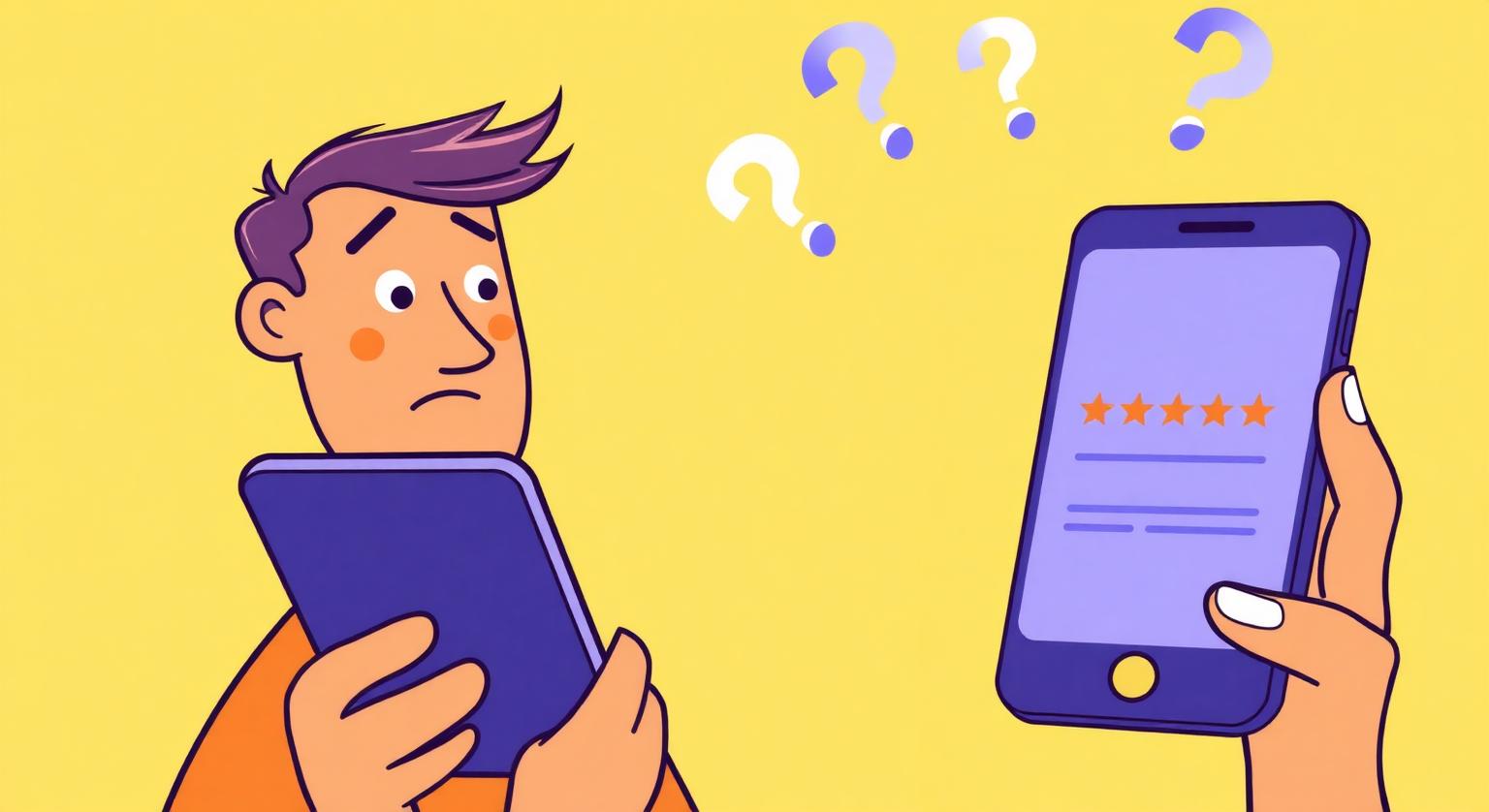
Indian customers are expressive in WhatsApp groups, family chats and Instagram stories, yet a request for a Google review often goes unanswered. Understanding the specific barriers they face, from not knowing how to modesty about their opinion, is the first step to making reviews easier to leave.
Many business owners say ‘sab khush hote hain, lekin review koi nahi karta’. The frustration is real, but the cause is rarely ingratitude. Customers usually skip reviews because of a few practical friction points, and each one can be fixed with a small change in how you ask.
The 4 Real Reasons
- They were never asked. This is the most common reason. Plenty of satisfied customers would leave a review if someone simply asked at the right moment.
- It takes too long. Opening Google Maps, searching for the business and finding the review button takes several steps, especially on a slow connection. A direct review link, QR code or NFC tap skips most of them.
- They don't know what to say. ‘Acha tha’ feels too short, and a long review feels like homework. A gentle prompt helps: ‘aapne kya liya ya karwaya, wo mention kar dein’.
- Privacy worries. Some customers aren't sure what will be visible. A short, accurate explanation removes the doubt.
The Customer's Quick Calculation
When you ask for a review, the customer quietly wonders: ‘Kitna time lagega? Kya likhna padega? Kya mera number dikhega?’ If any answer feels uncertain, they're likely to skip it. Your job is to answer all three before they have to ask.
Reviewers need a Google Account. The review appears under the name and profile photo on that account; their phone number and email address aren't shown on the review.
Removing Each Friction Point
- ‘Never asked’ → Put an NFC review card or stand at every counter and ask every customer, not just the ones who seem happy
- ‘Too long’ → A tap or scan opens your Google review page directly, so there's no searching. Find your review link here
- ‘Don't know what to say’ → ‘2 line bhi chalega — jo aapko laga, wahi likh dein’
- ‘Privacy’ → ‘Review aapke Google account ke naam se dikhega — aapka number ya email nahi dikhta’
The Quiet Customer Is Not the Unhappy Customer
Many customers don't say much at the counter, and silence usually doesn't mean dissatisfaction. Don't wait for someone to volunteer praise before asking. Ask everyone in the same friendly way while they're still with you, and let them decide what to write.
❓ Frequently asked questions
Why do my customers leave reviews on delivery apps but not on Google?
Delivery apps prompt customers automatically right after an order. You can create a similar prompt with an in-store card and, for customers who've shared their number, one follow-up message with your review link.
Does asking for a review feel desperate?
Not if it's brief and confident. A simple ‘it helps other customers find us’ works better than pleading, and never ask for a specific star rating.
What percentage of customers leave a review when asked?
It varies widely by business and we don't publish a figure we can't verify. Asking every customer consistently, with an easy link, is what you can control.
Can I remind customers more than once?
One in-person ask and one follow-up message is enough. More than that can feel like pressure.
Do customers leave reviews without being asked?
Some do, but many satisfied customers never think to. A friendly ask and an easy route to your review page help close that gap.
What's the easiest way to make reviewing simpler?
Share a direct link to your review page, for example through an NFC review card, a QR code or a link on receipts. That saves customers searching for your business.
Should I ask only customers who seem happy?
No. Google's policy prohibits selectively soliciting positive reviews, so ask every customer in the same way.
What should I say when asking?
Keep it short, for example: 'If you have a moment, we'd appreciate an honest Google review. You can just tap this card.'
Related Guides & Tools
Hand-picked next reads for Indian small businesses growing their Google reviews.
Explore Our Products
Google Review Card
NFC tap cards that take customers straight to your Google review page.
Google Review Stand
Countertop stands perfect for restaurants, salons, and reception desks.
Google Review Plaque
Wall-mounted plaques that collect reviews in high-traffic areas.
Google Review Stickers
Peel-and-stick NFC stickers for windows, doors, and counters.
Google Review Keychains
Portable keychains your team can carry to collect reviews anywhere.
NFC Wristband
Wearable NFC wristbands for events, trade shows, and on-the-go reviews.
Related articles
Customer Review Psychology: What Drives People to Review
Whether a customer leaves a review often comes down to how they feel, when they're asked and how easy it is. What motivates reviewers, why happy customers stay quiet, and how to make asking feel natural.
What's the Easiest Way to Get More Google Reviews?
You don't need complicated software or multi-step funnels. The easiest method is to ask at the right moment and make the review page one tap away.