How to Get More Monthly Google Reviews With NFC Cards in Canada
A practical one-week plan for Canadian businesses to make leaving a Google review easier with NFC cards, a polite bilingual ask and prompt replies — within Google's rules.
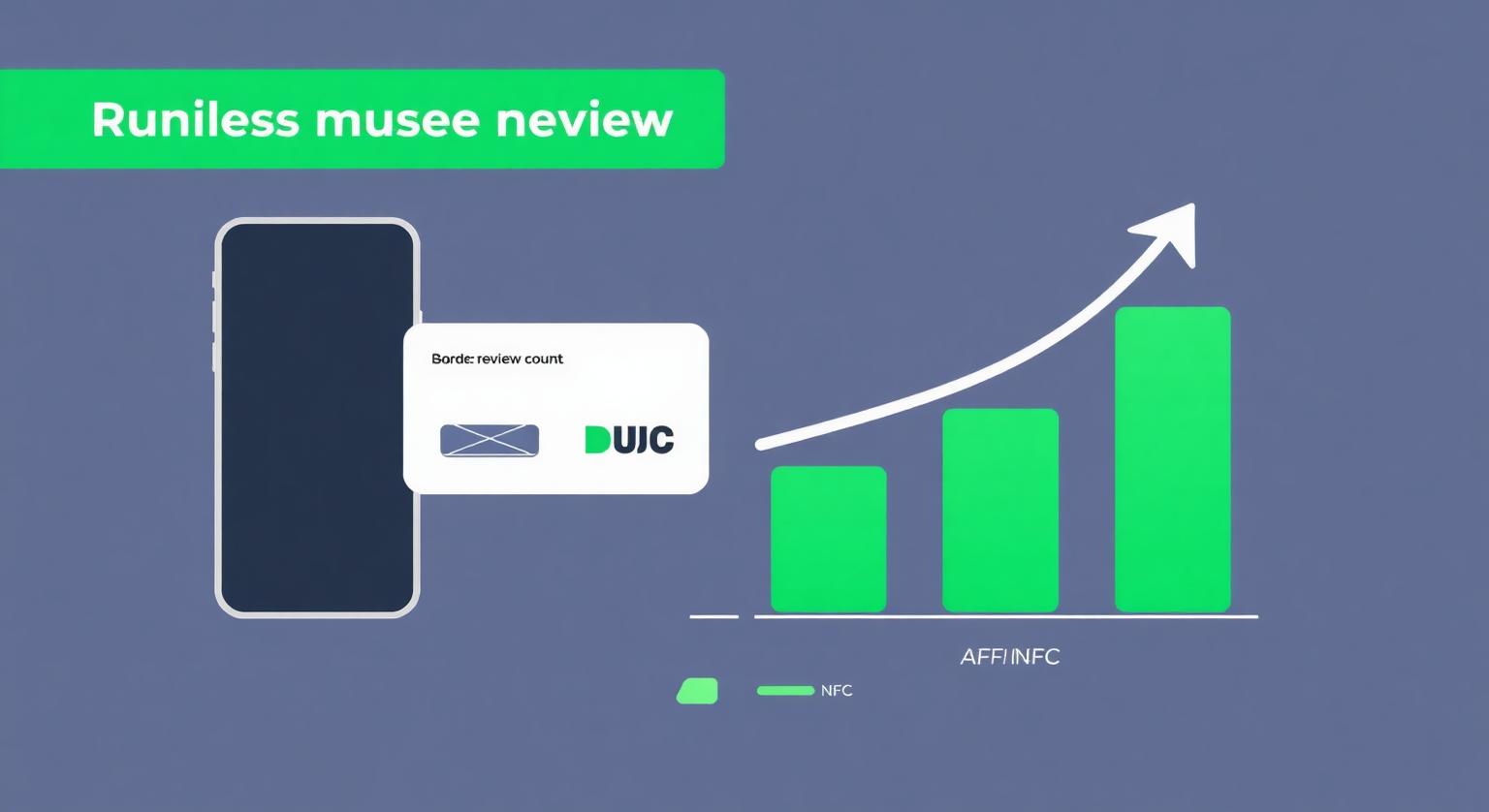
Most Canadian small businesses already serve plenty of happy customers; the gap is usually that nobody asks and the review page is hard to find. An NFC Google review card closes that gap: the customer taps the card with their phone and the review form opens directly, with no searching for your business name. Paired with a polite ask to every customer, it makes leaving a review quick enough that more people follow through.
Why NFC Helps Alongside Email and QR
NFC works in person, at the moment the customer is happiest, with the fewest steps. Email and SMS requests arrive later and need consent; a QR code works on any phone camera but takes a few more steps. Our cards can include a printed QR code alongside the NFC chip, so every customer has a way in.
- NFC tap — opens the review form directly on supported phones; best for handoffs at the till, chair or doorstep
- Printed QR code — works with any phone camera, including phones without NFC or with NFC switched off
- Email or SMS link — useful for appointment-based businesses, but check the consent rules for marketing messages in Canada first
- Verbal ask — still the most important step; a card makes the ask easy to act on
A 7-Day Implementation Plan
Day 1: Find your Google review link and order NFC Google review cards — they arrive pre-programmed with your link.
Day 2: Test each card on an iPhone and an Android phone, then place cards at the till, reception or receipt tray.
Day 3: Train every team member on a short ask in English and French: "Would you mind leaving us a quick Google review?" / "Auriez-vous une minute pour nous laisser un avis Google?"
Day 4: Add a Google review stand at the counter so the prompt stays visible during busy periods.
Day 5: Add a printed review prompt, with no incentive, to receipts or invoices.
Day 6: Reply to existing reviews you haven't answered yet, in the language the reviewer used.
Day 7: Note your current review count so you can compare each month with your own history.
Ask every customer, offer nothing in return, and never have staff or family post reviews. Google's policy prohibits incentives and selective asking, and the Competition Bureau has warned that undisclosed employee reviews can breach the Competition Act's deceptive marketing provisions.
For mobile businesses — food trucks, mobile groomers, contractors and snow-removal crews — a Google review keychain travels with the van keys, so the prompt is always on hand when the job is done. To learn more about how the cards work, see how Google review cards work.
❓ Frequently asked questions
How quickly will NFC cards increase my monthly reviews?
It depends on your customer numbers and how consistently staff ask. Businesses that place a card at the till and ask every customer usually see reviews build steadily, though no result is guaranteed.
Do NFC cards work on all smartphones?
iPhone 7 and later can read NFC; iPhone XS/XR and later read it in the background, while iPhone 7–X use the NFC tag reader in Control Centre. Android phones need NFC switched on, and the printed QR code works with any phone camera.
Do NFC cards work in winter?
The card itself isn't affected by cold, but most customers will need to take a glove off to use their phone. Handing the card over indoors at the till is the easiest option.
Do NFC review cards collect personal information?
No. The card only stores your review link; the customer writes and posts the review from their own Google Account.
Can mobile businesses like food trucks and contractors use NFC cards?
Yes. Carry a card or use a Google review keychain so you can offer it at the end of every job.
How quickly will I see results from NFC review cards?
It depends on how many customers you serve and how consistently the cards are offered. Note your review count before you start and check it monthly.
Which phones can read an NFC review card?
iPhone 7 and later can read NFC tags, and iPhone XS, XR and later read them in the background. Android phones need NFC switched on, and the optional printed QR code works with any phone camera.
Do customers need to download an app?
No. The card opens your Google review page in the phone's browser. Customers need a Google Account to post a review.
How long does an NFC review card last?
The passive chip has no battery, so there's nothing to recharge. Treat the card like any other card you handle daily and replace it if it gets damaged.
Can staff members share one card?
Yes. Some businesses give each team member their own card for convenience. Never tie reviews to staff bonuses or rewards.
What if a customer's phone has NFC turned off?
If your card has a printed QR code, the customer can scan it with their camera and reach the same review page.
Related Guides & Tools
Hand-picked next reads for Canadian small businesses growing their Google reviews.
Explore Our Products
Google Review Card
NFC tap cards that take customers straight to your Google review page.
Google Review Stand
Countertop stands perfect for restaurants, salons, and reception desks.
Google Review Plaque
Wall-mounted plaques that collect reviews in high-traffic areas.
Google Review Stickers
Peel-and-stick NFC stickers for windows, doors, and counters.
Google Review Keychains
Portable keychains your team can carry to collect reviews anywhere.
NFC Wristband
Wearable NFC wristbands for events, trade shows, and on-the-go reviews.
Related articles
Why NFC Review Cards Are the Future of Review Collection
NFC review cards turn asking for a Google review into a single tap at the point of service. Why more businesses are using them, how they compare with email, SMS and QR codes, and what they don't do.
NFC Review Cards vs QR Review Cards – Which Gets More Reviews?
How an NFC tap compares with a QR scan for collecting Google reviews — and why many businesses use both on the same card.