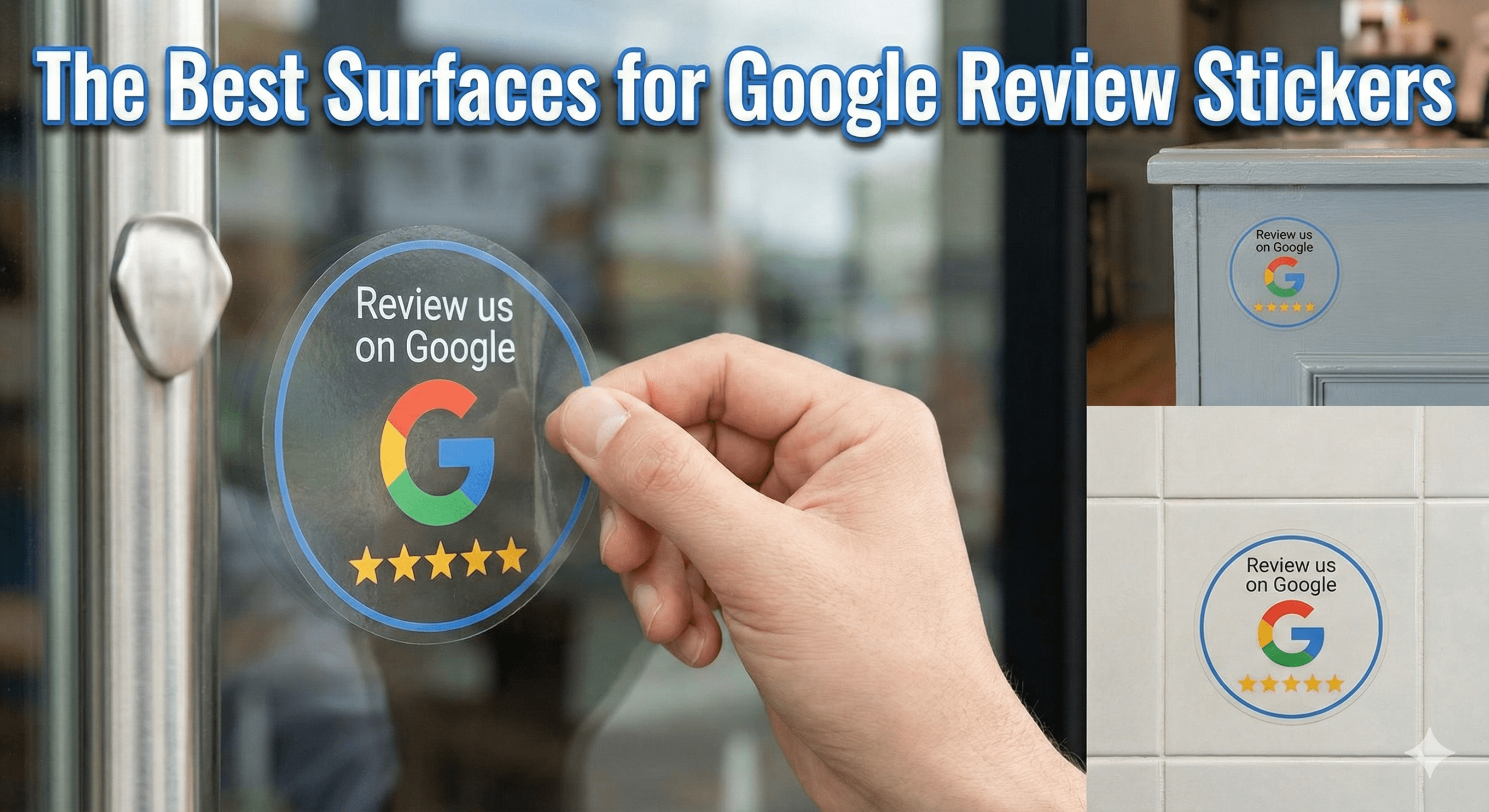
Where Google Review Stickers actually work — and where they get ignored. Google Review Stickers are simple, affordable, and powerful when placed correctly.
But placement is everything. Put a sticker on the wrong surface, and it becomes invisible. Put it on the right surface, and it quietly generates reviews without staff involvement.
This guide shows the best surfaces for Google Review Stickers, based on:
- Real customer behaviour
- Eye-tracking & attention patterns
- In-store movement
- MUVERA-compliant review generation
- What actually leads to taps and scans
⭐ What Google Review Stickers Are Designed to Do
Before placement, it’s important to understand their role.
Google Review Stickers are:
✔ Passive prompts
✔ Visual reminders
✔ Low-pressure review triggers
They are not designed to:
❌ Replace staff-led asking
❌ Replace NFC cards or review stands
❌ Force immediate action
Think of them as:
“Gentle nudges in the customer’s line of sight.”
🧠 The Golden Rule of Sticker Placement
The best surfaces for Google Review Stickers are surfaces customers naturally look at while standing still with their phone nearby.
If customers are:
- Moving fast
- Distracted
- Looking elsewhere
The sticker won’t work.
🥇 Best Overall Surface: Checkout & Payment Counters
This is the highest-performing surface across almost every industry.
Why counters work:
✔ Customers are stationary
✔ Phones are often out
✔ Transaction is complete
✔ Attention is focused forward
Best counter placements:
- Card machine stands
- Counter-facing panels
- Desk fronts (customer-facing)
Works best for:
- Retail stores
- Cafés & restaurants
- Salons
- Auto garages
- Gyms
- Clinics
👉 Top tip: Place stickers facing the customer, not flat on the counter.
🥈 Mirrors (Extremely High Attention)
Mirrors are one of the most overlooked high-performing surfaces.
Why mirrors work:
✔ Customers look at themselves
✔ Eye contact is unavoidable
✔ Idle moments occur
Best mirror placements:
- Hair salons
- Barbers
- Gyms
- Changing rooms
- Bathrooms (tastefully placed)
Best height:
- Chest to eye level
- Never at floor level
🥉 Doors (Interior Only)
Interior doors perform well when used correctly.
Best door placements:
- Exit doors (inside face)
- Service room exits
- Staff-only doors, customers wait near
Why they work:
✔ Customers pause before leaving
✔ Natural “end-of-experience” moment
Avoid:
❌ Exterior doors (people are already gone)
⭐ Tables & Desks (Selective Use)
Tables can work — but only in the right context.
Best table surfaces:
- Waiting room side tables
- Reception desks
- Consultation desks
Poor-performing table surfaces:
❌ Busy dining tables
❌ Tables with menus & clutter
Tables work best when:
- The customer is alone
- There’s a waiting time
- The environment is calm
⭐ Equipment & Fixed Objects (Underrated)
Stickers placed on frequently used fixed objects perform surprisingly well.
Examples:
- Coffee machines (customer-facing side)
- Water dispensers
- POS terminals (side panels)
- Gym equipment (user-facing)
These surfaces work because:
✔ Customers pause
✔ Attention is forward
✔ Phones are often nearby
⭐ Windows (Interior-Facing Only)
Interior-facing windows can work when:
- Customers are waiting
- The view is static
Avoid:
❌ Exterior-facing windows (too much visual noise)
❌ Worst Surfaces for Google Review Stickers (Avoid These)
These surfaces consistently underperform:
❌ Floors
❌ Ceilings
❌ Behind counters
❌ Behind the staff
❌ Near bins
❌ On cluttered noticeboards
❌ On moving objects
❌ On disposable items
If the sticker competes with visual noise, it loses.
📐 Ideal Sticker Height & Orientation
Height:
- Eye to chest level (approx. 120–160cm)
Orientation:
- Vertical > horizontal
- Facing the customer directly
- Not angled away
Customers should see it without turning their head.
🔥 NFC + QR Sticker Strategy (Best Practice)
The highest-performing stickers in 2026:
- Use NFC as primary
- Use QR as backup
- Include a simple CTA:
- “Tap or scan to review us on Google”
Avoid:
❌ Long explanations
❌ Sales language
❌ Star-rating requests
🧠 How Stickers Support Local SEO (Indirectly)
Correctly placed stickers lead to:
- More spontaneous reviews
- Improved recency
- Natural velocity
Which strengthens:
✔ Google Maps visibility
✔ Trust signals
✔ Conversion rates
Stickers don’t rank pages — they feed the signals that do.
🔥 Best Pairings: Stickers + Other Tools
Google Review Stickers perform best when paired with:
- NFC Review Cards (active asking)
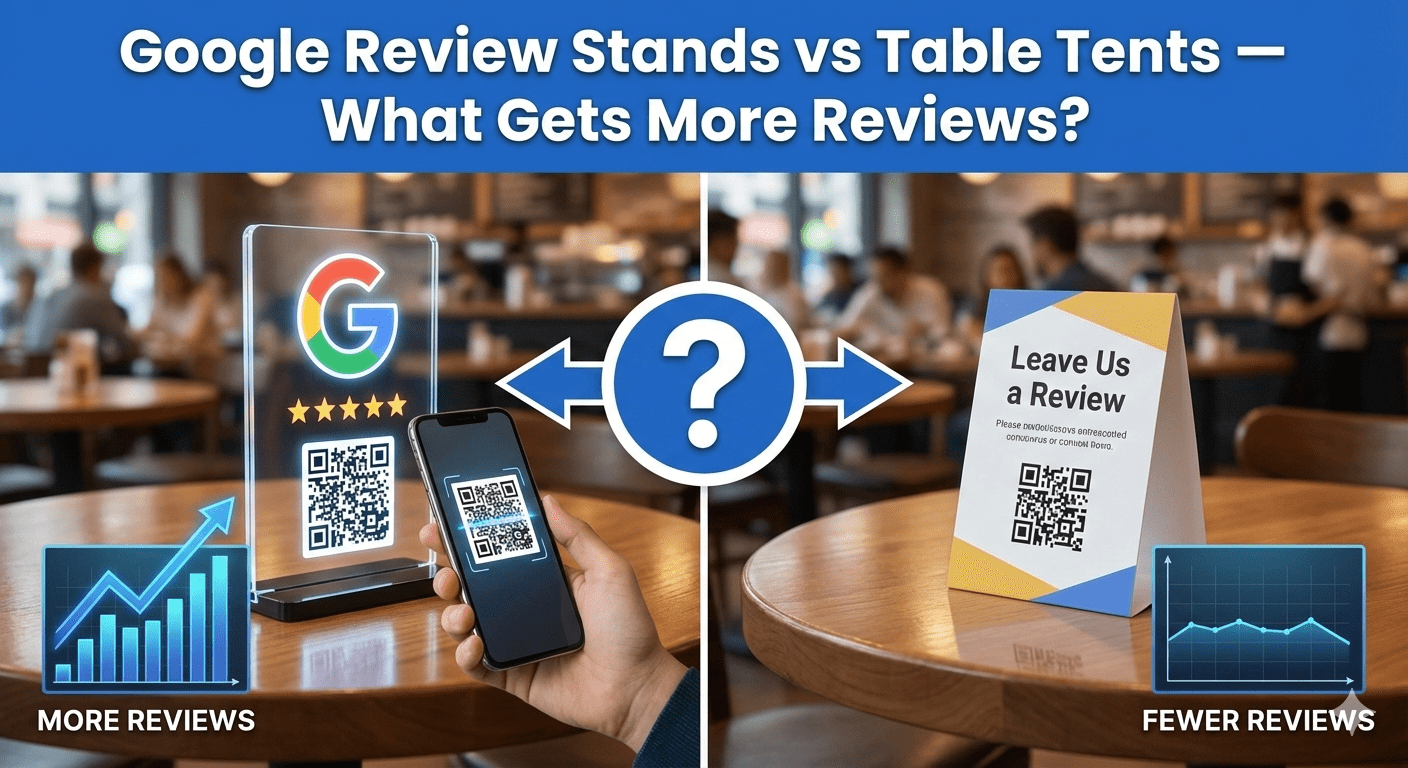
- Review Stands (high-conversion points)
Sticker = reminder
Card/Stand = action
⚠️ Common Sticker Placement Mistakes
❌ Using too many stickers
❌ Placing stickers everywhere
❌ Tiny unreadable stickers
❌ Overcrowded messaging
❌ Expecting instant results
One well-placed sticker beats ten ignored ones.
🧠 MUVERA & Google Policy Check
Google Review Stickers are:
✔ Passive
✔ Customer-initiated
✔ Unincentivised
✔ Ungated
✔ Policy-safe
As long as the wording is neutral and factual.
🧠 AEO FAQ: Google Review Sticker Placement
Do review stickers actually work?
Yes — when placed correctly.
Are stickers better than stands?
No — they’re complementary.
How many stickers should I use?
3–5 well-placed stickers per location is ideal.
Should stickers be permanent?
Yes — consistency matters.
Do stickers annoy customers?
No — when they’re subtle and well-placed.
🏁 Final Takeaway (Clear & Actionable)
✅ The best surfaces for Google Review Stickers are:
✔ Checkout counters
✔ Mirrors
✔ Interior doors
✔ Reception desks
✔ Waiting room tables
✔ Fixed customer-facing equipment
Avoid clutter.
Avoid guessing.
Follow attention.
When stickers are placed where customers naturally look, they quietly turn visibility into reviews.