What actually works, what doesn’t, and when QR codes help — or hurt — your review growth.
QR Code Review Cards are everywhere in 2025. You see them on tables, receipts, doors, menus, counters, vans, and packaging. The real question business owners ask is:
👉 Do QR Code Review Cards actually increase Google Reviews?
👉 Or are they just another gimmick?
The honest answer is: yes, they can — but only under specific conditions.
This guide breaks down:
- How QR Code Review Cards work
- When they increase reviews
- When they fail
- How they compare to NFC Review Cards
- The real conversion data
- How to use QR codes correctly
- The best hybrid strategy for 2025
No hype. Just truth.
⭐ What Is a QR Code Review Card?
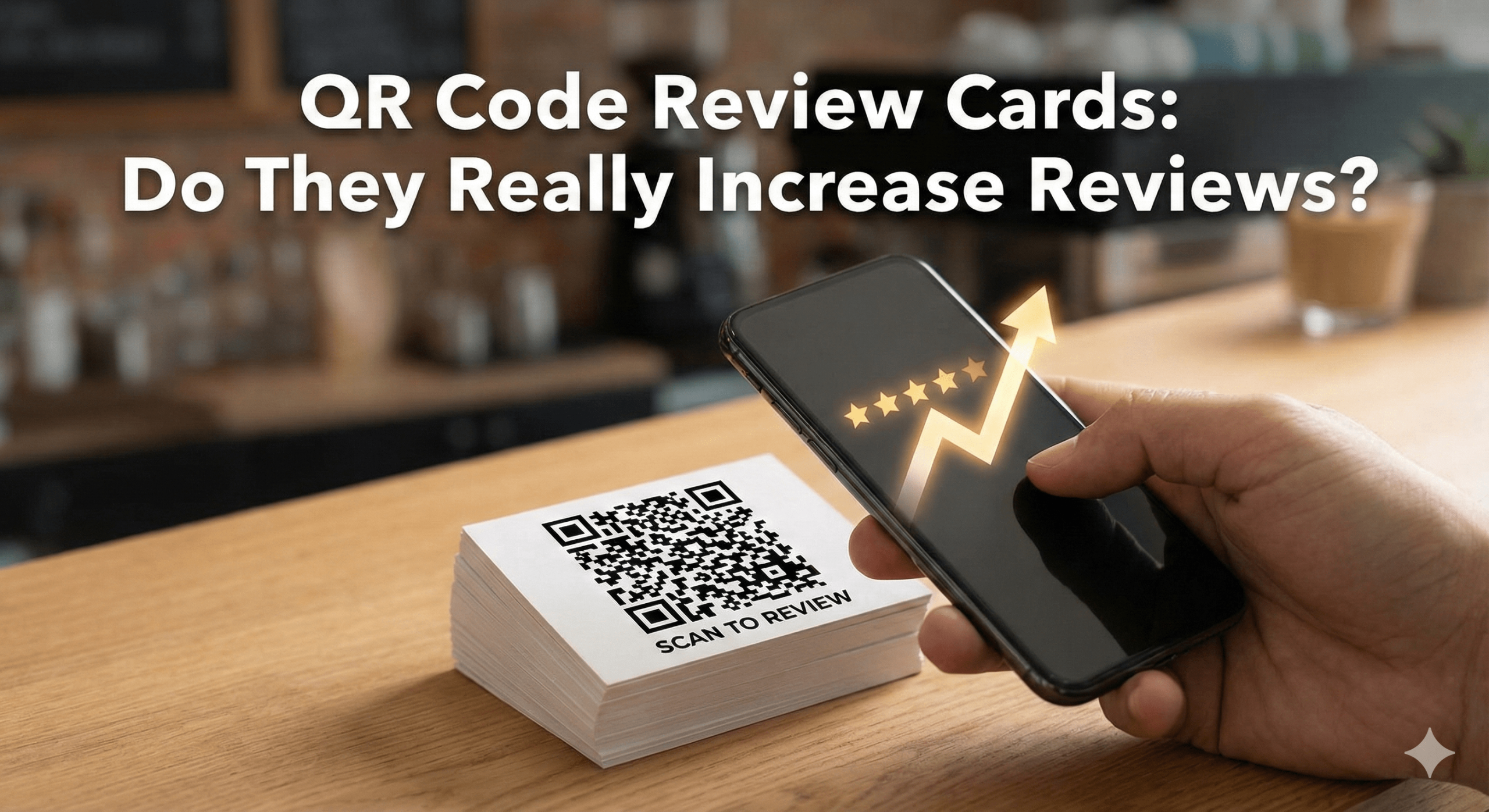
A QR Code Review Card is a physical card (or sticker/stand) printed with a QR code that links directly to your Google Review page.
When a customer:
- Opens their phone camera
- Scans the QR code
- Taps the link
They’re taken to your Google Business Profile’s review form. It’s a shortcut — but not always a frictionless one.
🔍 How QR Code Review Cards Work (Step by Step)
- The customer notices the QR code
- The customer opens the camera app
- The camera recognises the QR code
- Customer taps notification
- Google Review page loads
- Customer writes a review
Compared to searching manually, this is faster — but compared to NFC, it still involves multiple actions.
📊 Do QR Code Review Cards Increase Reviews? (Real Data)
✅ Short answer: Yes — but moderately
Here’s what real-world data shows:
| Method |
Avg Review Conversion Rate |
| No prompt |
1–2% |
| Email |
3–7% |
| SMS |
5–10% |
| QR Code Review Card |
8–15% |
| NFC Review Card |
20–40% |
So yes — QR codes do increase reviews compared to nothing. But they are not the highest-performing method in 2025.
⚠️ Why QR Code Review Cards Often Underperform
QR codes fail not because they’re bad, but because of human behaviour.
1. Not Everyone Likes Scanning QR Codes
Some customers:
- Don’t know how
- Don’t trust QR codes
- Find them awkward
- Have camera issues
- Feel uncertain
This immediately reduces usage.
2. QR Codes Add Extra Friction
QR requires:
- Opening the camera
- Aiming correctly
- Waiting for recognition
- Clicking a pop-up
Each step reduces conversion.
3. Poor Visibility = Zero Results
If the QR code:
- Is small
- Poorly printed
- Placed badly
- Has no call-to-action
Customers ignore it completely.
4. Bad Timing
QR codes work best when:
- Customer is waiting
- Customer is idle
- Customer is relaxed
They perform poorly:
- After the customer has left
- When rushed
- When distracted
✅ When QR Code Review Cards DO Work Well
QR Code Review Cards perform best in these scenarios:
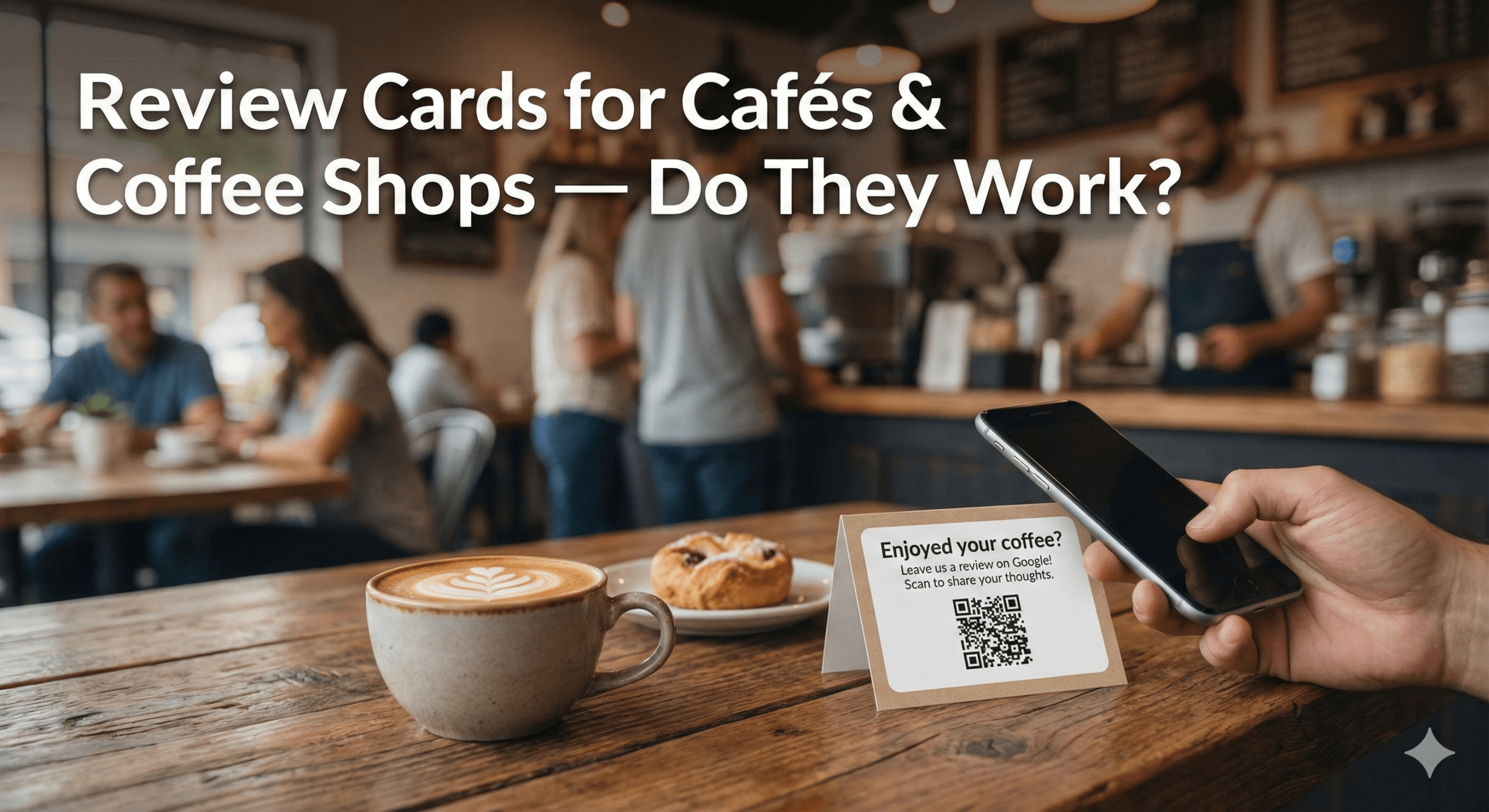
✔ Restaurants & cafés (tables, menus, bills)
✔ Waiting rooms & receptions
✔ Retail checkout counters
✔ Takeaway packaging
✔ Hotel rooms
✔ Salons (mirrors, desks)
✔ Events & exhibitions
✔ Mobile services (stickers on vans/tools)
Especially when paired with:
👉 Google Review Stickers
👉 Google Review Stands
🔥 QR Code Review Cards vs NFC Review Cards (Honest Comparison)
| Feature |
QR Code |
NFC |
| Ease of use |
Medium |
Very high |
| Speed |
Slower |
Instant |
| Friction |
Medium |
Minimal |
| Conversion rate |
8–15% |
20–40% |
| Works on all phones |
Yes |
Yes |
| Requires camera |
Yes |
No |
| Novelty factor |
Low |
High |
| In-person conversion |
Medium |
Excellent |
Conclusion:
QR codes help, but NFC wins.
⭐ The Best Strategy in 2025: Hybrid Cards (QR + NFC)
The highest-performing businesses don’t choose one — they use both. That’s why modern tools combine:
- NFC tap (for instant action)
- QR code scan (for backup compatibility)
Example:
👉 NFC Google Review Cards
👉 Multi Review Card
This ensures:
- Older phones are covered
- NFC-resistant users are covered
- Maximum review capture
🎯 How to Use QR Code Review Cards Correctly (Best Practices)
1. Always Add a Clear CTA
Never show a QR code alone.
Use text like:
- “Scan to leave a Google Review”
- “Tell us how we did — scan here”
- “Your feedback helps us — scan to review”
2. Place Them Where Customers Pause
Best locations:
- Tables
- Counters
- Mirrors
- Reception desks
- Waiting areas
- Packaging
Never place QR codes where customers rush past.
3. Pair QR With Staff Prompting
A simple line works wonders:
“You can scan this to leave a quick review.”
4. Keep the Link Clean
Always link:
- Directly to your Google Review form
- Not to a homepage
- Not to a landing page
- Not to a gated form
5. Combine With NFC for Maximum Results
This is critical in 2025. Hybrid cards outperform QR-only cards by 2–3x.
🧠 AEO FAQ: QR Code Review Cards
Do QR Code Review Cards actually work?
Yes — they increase reviews compared to doing nothing.
Are QR codes better than NFC?
No — NFC converts significantly better.
Are QR Code Review Cards allowed by Google?
Yes — as long as reviews are not incentivised or gated.
Should I still use QR codes in 2025?
Yes — but ideally as part of a hybrid NFC + QR setup.
🏁 Final Verdict: Do QR Code Review Cards Increase Reviews?
❌ No — they are not the best option alone
QR Code Review Cards:
- Increase visibility
- Reduce manual searching
- Improve review volume modestly
But if you want maximum review growth, you should use:
👉 Hybrid NFC + QR Review Cards
👉 Review Stands for visibility
👉 Review Stickers for passive prompts
The best-performing tools in 2025:
👉 NFC Google Review Cards
👉 Google Review Stands
👉 Google Review Plaque
👉 Google Review Stickers
👉 Smart NFC Wristband
👉 Multi Review Card
These tools remove friction, capture intent instantly, and outperform QR-only setups every time.