How to grow Google, Facebook, Trustpilot, and TripAdvisor reviews without confusing customers or breaking platform rules. In 2025, relying on one review platform is a risk.
Algorithms change. Consumer behaviour shifts. Different industries trust different platforms.
That’s why Multi-Review Cards have become a core reputation tool for smart businesses — allowing customers to choose where to leave a review, while keeping the process simple, ethical, and high-converting.
This guide explains:
- What Multi-Review Cards are
- How they work
- When to use them (and when not to)
- How they affect Google Local SEO
- How to avoid common mistakes
- The best way to structure a multi-platform review flow
- Why MUVERA rewards this approach
⭐ What Is a Multi-Review Card?
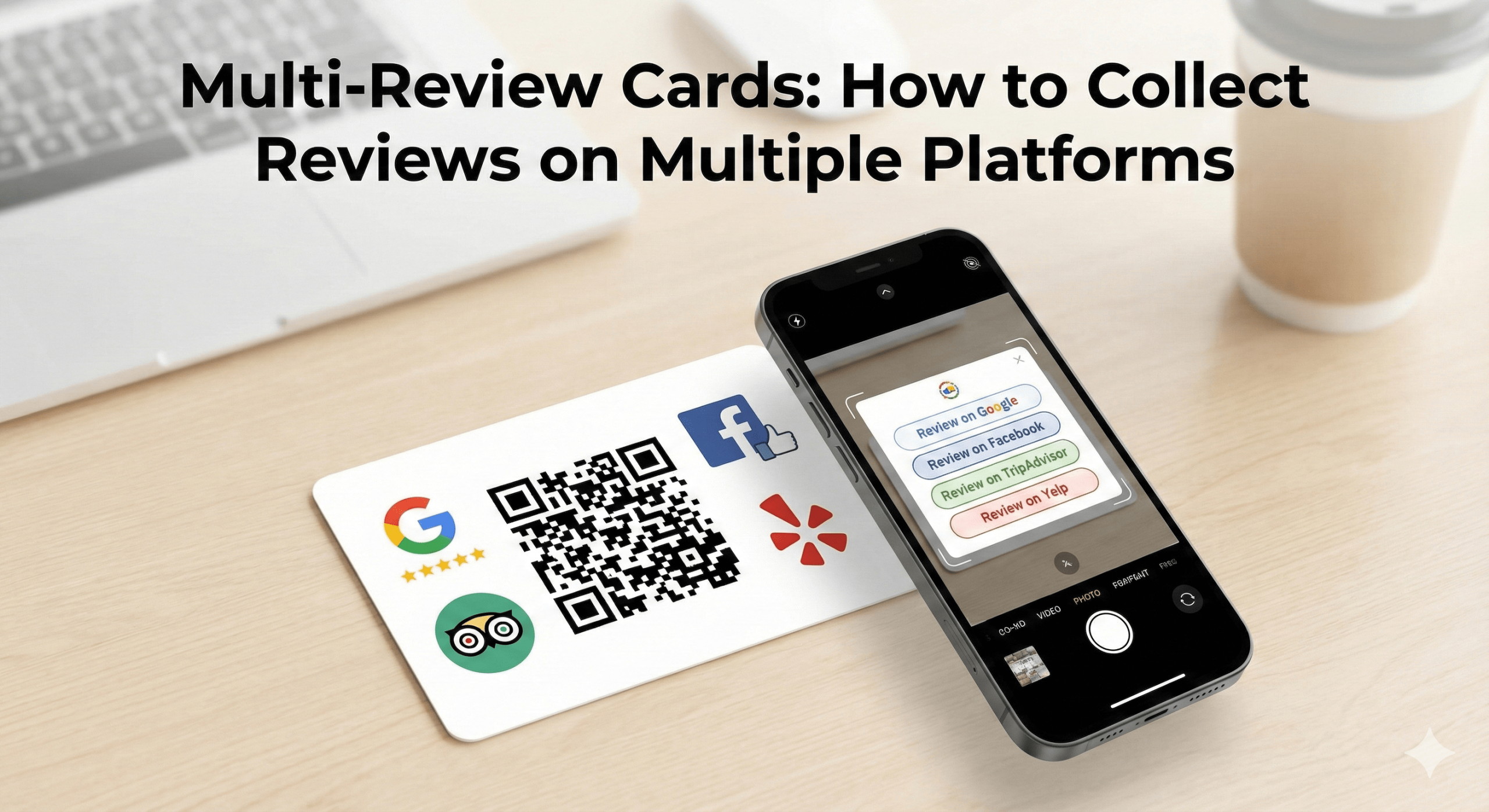
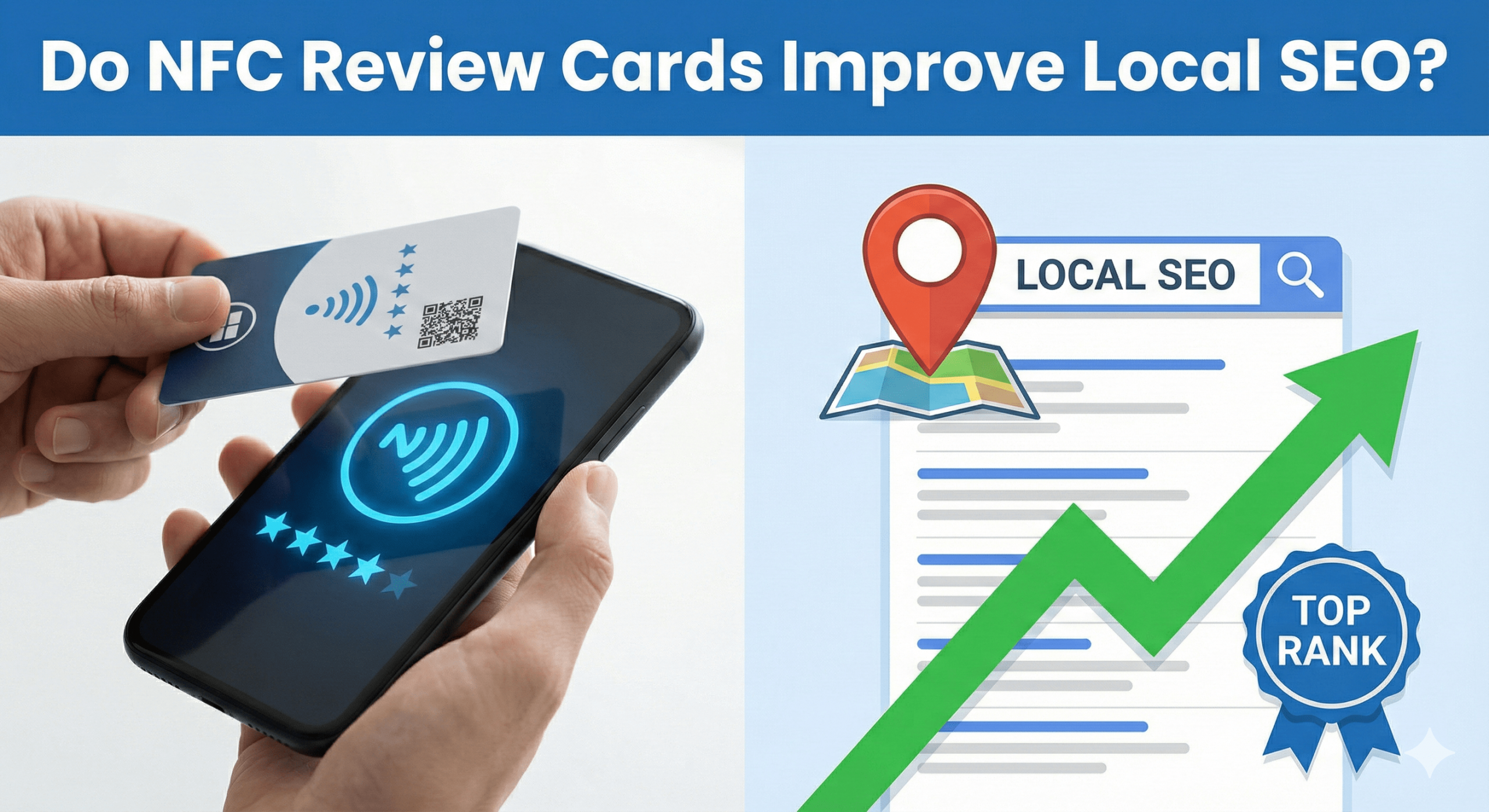
A Multi-Review Card is an NFC + QR-enabled card that opens a simple selection page where customers can choose which platform they want to review you on.
Common platforms include:
- Google Reviews
- Facebook Reviews
- Trustpilot
- TripAdvisor
- Industry-specific platforms
Instead of forcing everyone to Google, you let the customer decide.
Example tool:
👉 Multi Review Card with NFC + QR
🔍 How Multi-Review Cards Work (Step by Step)
- Customer taps the card (NFC) or scans the QR
- A clean selection page opens
- Customer chooses their preferred platform
- They’re taken directly to that platform’s review form
- Review is submitted
No searching.
No confusion.
No platform friction.
🧠 Why Multi-Platform Review Collection Works (Psychology)
Multi-Review Cards work because they align with user preferences and identity. Different customers trust different platforms:
- Google → Local discovery & Maps
- Facebook → Social proof & community
- Trustpilot → Product & service credibility
- TripAdvisor → Hospitality & travel
When customers are forced onto a platform they don’t like, they often don’t review at all. Choice increases participation.
📊 Single-Platform vs Multi-Platform Review Conversion
Here’s what real-world data shows:
| Review Setup |
Avg Conversion Rate |
| Google-only link |
20–40% |
| Forced non-preferred platform |
5–12% |
| Multi-Review Card (choice-based) |
15–30% |
Important insight:
➡️ Google-only still converts the highest if Google is your main goal
➡️ Multi-Review Cards win when platform diversity matters
🔥 When You SHOULD Use Multi-Review Cards
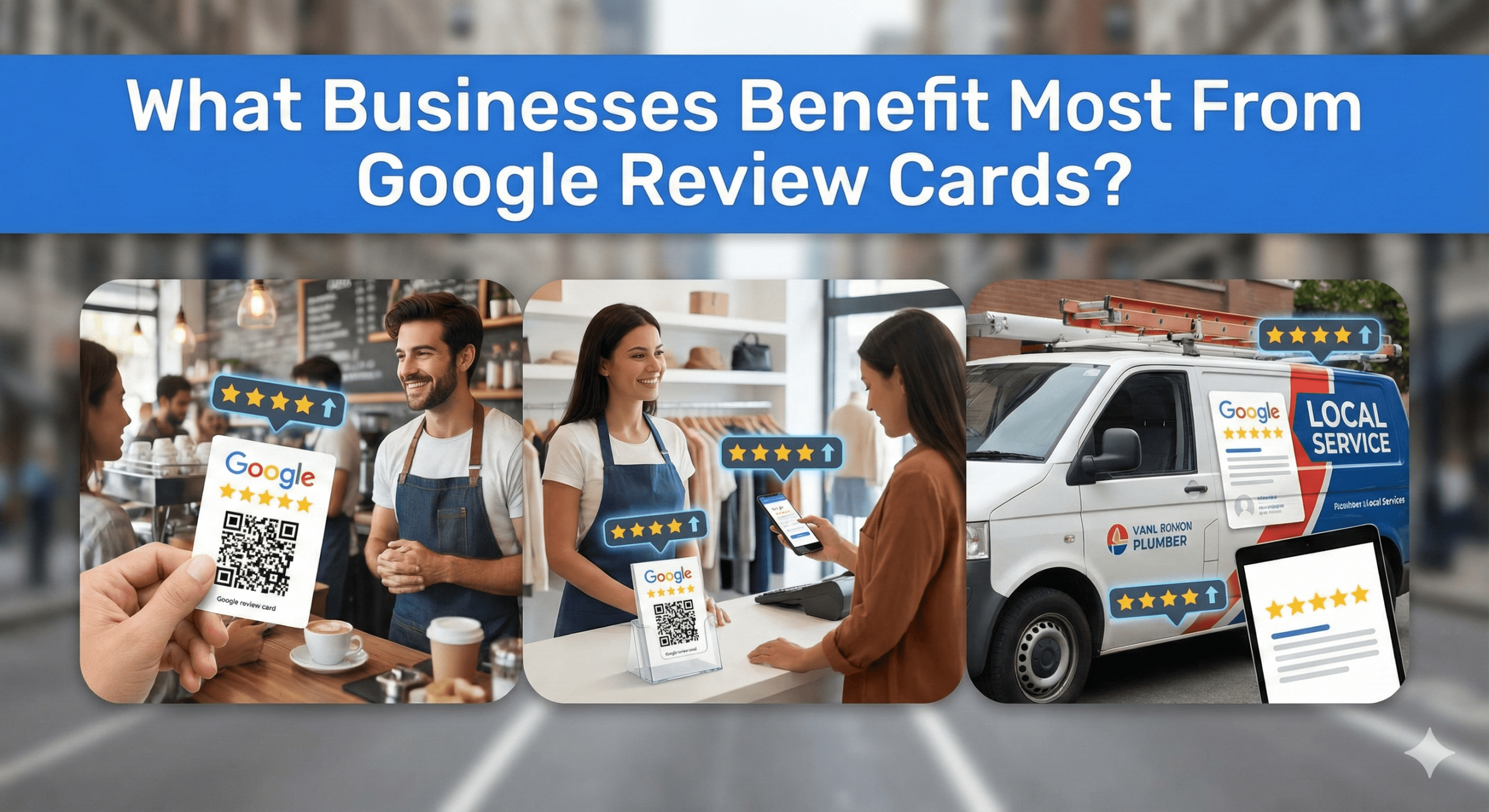
Multi-Review Cards are ideal if:
✔ You operate in hospitality or travel
✔ You sell products online (Trustpilot matters)
✔ You want to build brand-wide reputation, not just Maps
✔ You serve international customers
✔ Your customers already mention multiple platforms
✔ You want to future-proof your reputation
Best industries:
- Hotels & hospitality
- Restaurants & cafés
- E-commerce
- Clinics with strong Facebook presence
- Gyms & fitness brands
- Events & experiences
- Tourism & attractions
⚠️ When You Should NOT Use Multi-Review Cards
Avoid Multi-Review Cards if:
❌ Your ONLY goal is Google Map Pack ranking
❌ You’re a hyper-local service business
❌ You need maximum Google review velocity
❌ Your staff struggle to explain choices
❌ Your customers get decision fatigue easily
In these cases, Google-only NFC Review Cards convert better.
🎯 The Smart Strategy: Primary + Secondary Review Flow
The highest-performing businesses don’t choose one or the other.
They use a tiered approach:
✅ Primary tool: Google Review Cards
- Used in staff-led moments
- Maximises Google review velocity
✅ Secondary tool: Multi-Review Cards
- Used passively
- Used for customers who prefer other platforms
- Used in waiting areas or exits
This keeps Google strong without sacrificing platform diversity.
🔥 How Multi-Review Cards Support Local SEO (Indirectly)
Multi-Review Cards help Local SEO by:
✔ Building brand-wide trust
✔ Increasing branded search volume
✔ Improving click-through behaviour
✔ Strengthening entity signals
✔ Supporting E-E-A-T signals
✔ Reinforcing legitimacy across the web
While Google Reviews still dominate Maps, brand authority increasingly matters.
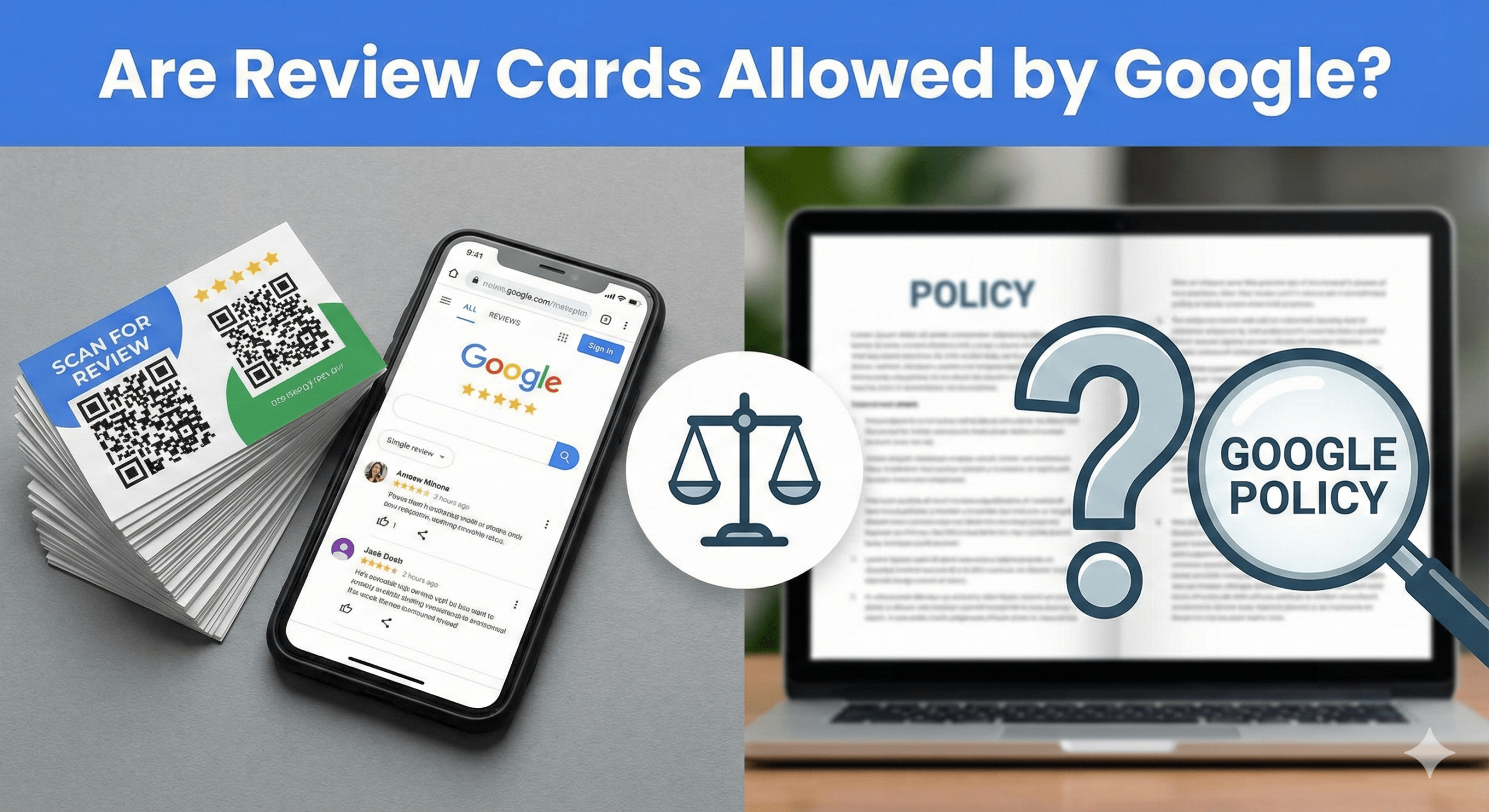
🧠 MUVERA & Policy Compliance (Critical)
Multi-Review Cards are MUVERA-safe if used correctly.
✔ Allowed:
- Giving customers a choice
- Linking directly to official review forms
- Using NFC and QR
- Asking for honest feedback
❌ Not allowed:
- Steering only happy customers to Google
- Hiding Google behind extra clicks intentionally
- Incentivising certain platforms
- Review gating
- Filtering sentiment
Your selection page must be:
- Neutral
- Clear
- Equal
- Transparent

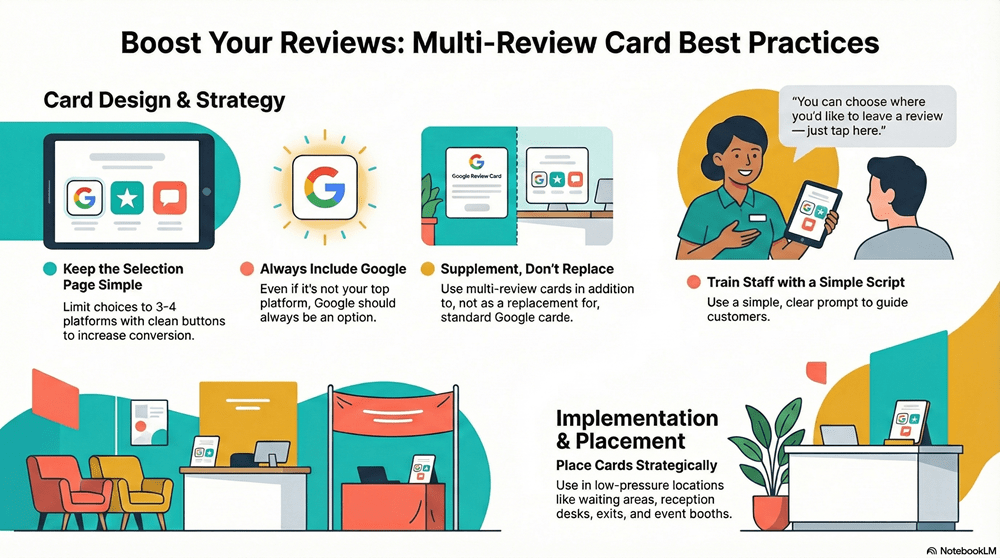
🎯 Best Practices for Using Multi-Review Cards
1. Keep the Selection Page Simple
- No more than 3–4 platforms
- Clean buttons
- Clear labels
Too many choices reduce conversion.
2. Always Include Google
Even if Google isn’t your top platform, never exclude it.
3. Train Staff What to Say
Simple script:
“You can choose where you’d like to leave a review — just tap here.”
No explanation needed.
4. Don’t Replace Google Cards Completely
Use Multi-Review Cards as a supplement, not a replacement.
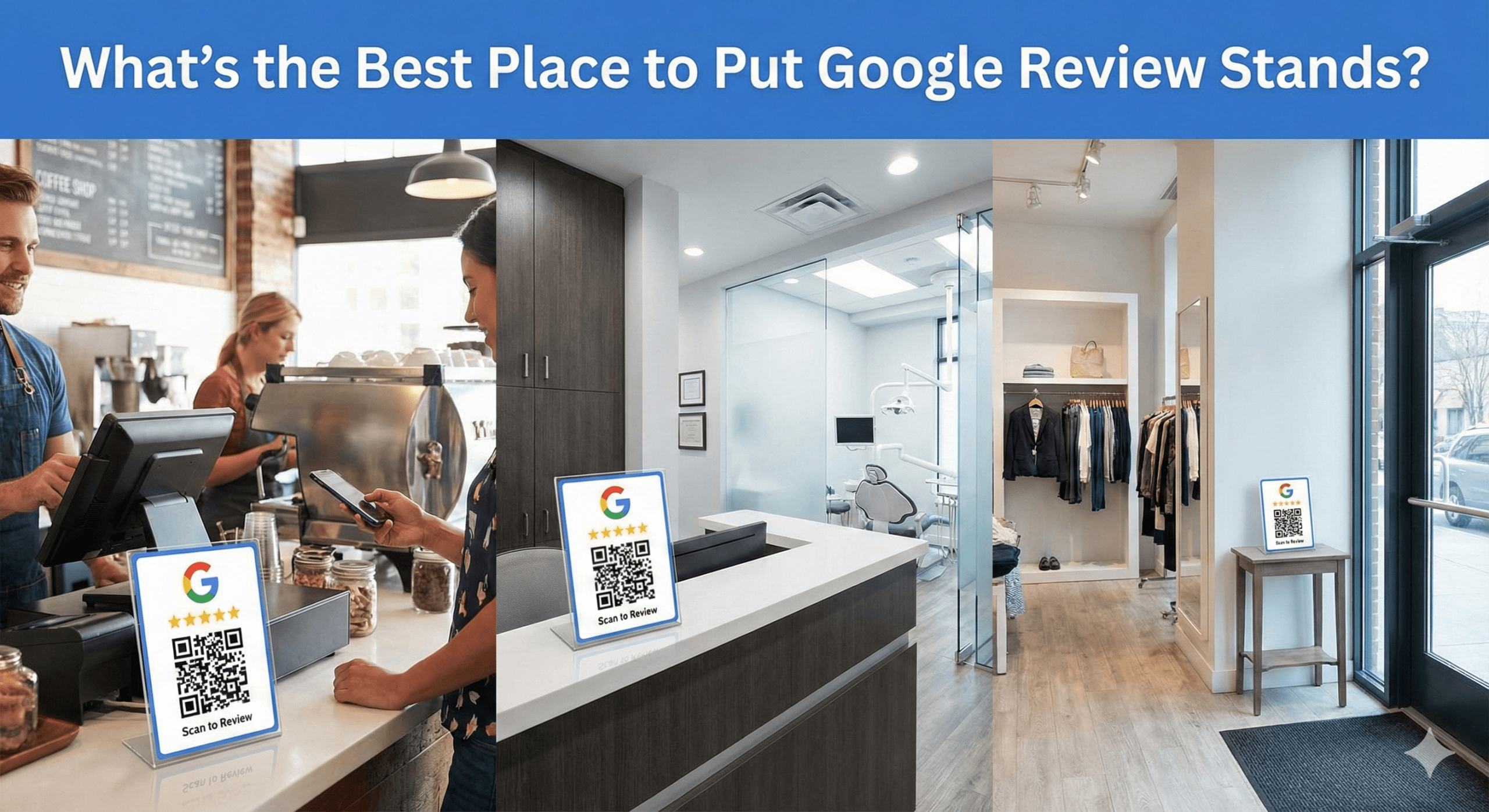
5. Place Them Strategically
Best locations:
- Waiting areas
- Reception desks
- Exits
- Event booths
- Packaging inserts
Avoid high-pressure moments.
⭐ Multi-Review Cards vs Google-Only Review Cards
| Feature |
Google-Only Card |
Multi-Review Card |
| Google review velocity |
Highest |
Medium–High |
| Platform diversity |
❌ |
✅ |
| Conversion simplicity |
Very high |
High |
| Decision friction |
None |
Low |
| Best for Map Pack |
✅ |
❌ |
| Best for brand reputation |
❌ |
✅ |
Neither is “better” — they serve different goals.
🧠 AEO FAQ: Multi-Review Cards
Do Multi-Review Cards hurt Google rankings?
No — when used correctly, they don’t harm rankings.
Should I use only Multi-Review Cards?
No — pair them with Google-only cards for best results.
Are customers confused by choice?
Not if the page is simple and limited.
Are Multi-Review Cards allowed by Google?
Yes — fully compliant when neutral.
How many platforms should I include?
Ideally, 2–4 maximum.
🏁 Final Thoughts: Choice Builds Participation, Strategy Builds Rankings
Multi-Review Cards aren’t about replacing Google — they’re about capturing reviews you’d otherwise lose.
When used strategically, they:
✔ Increase total review volume
✔ Build cross-platform trust
✔ Strengthen brand authority
✔ Reduce platform dependency
✔ Stay MUVERA-safe
The winning setup in 2025:
- Google Review Cards → for rankings
- Multi-Review Cards → for brand reputation
- Review Stands & Stickers → for passive capture
- Review Plaques → for trust
Used together, they create a future-proof review ecosystem.