A plain-English breakdown of what Google Review Cards are, how they work, and why businesses use them to get more reviews.
If you’ve seen Google Review Cards online or in-store, you might be wondering:
- What exactly are Google Review Cards?
- How do they work?
- Are they allowed by Google?
- Do customers need an app?
- Do they really increase reviews?
This guide explains how Google Review Cards work in the simplest possible way — no tech jargon, no hype.
⭐ What Is a Google Review Card?
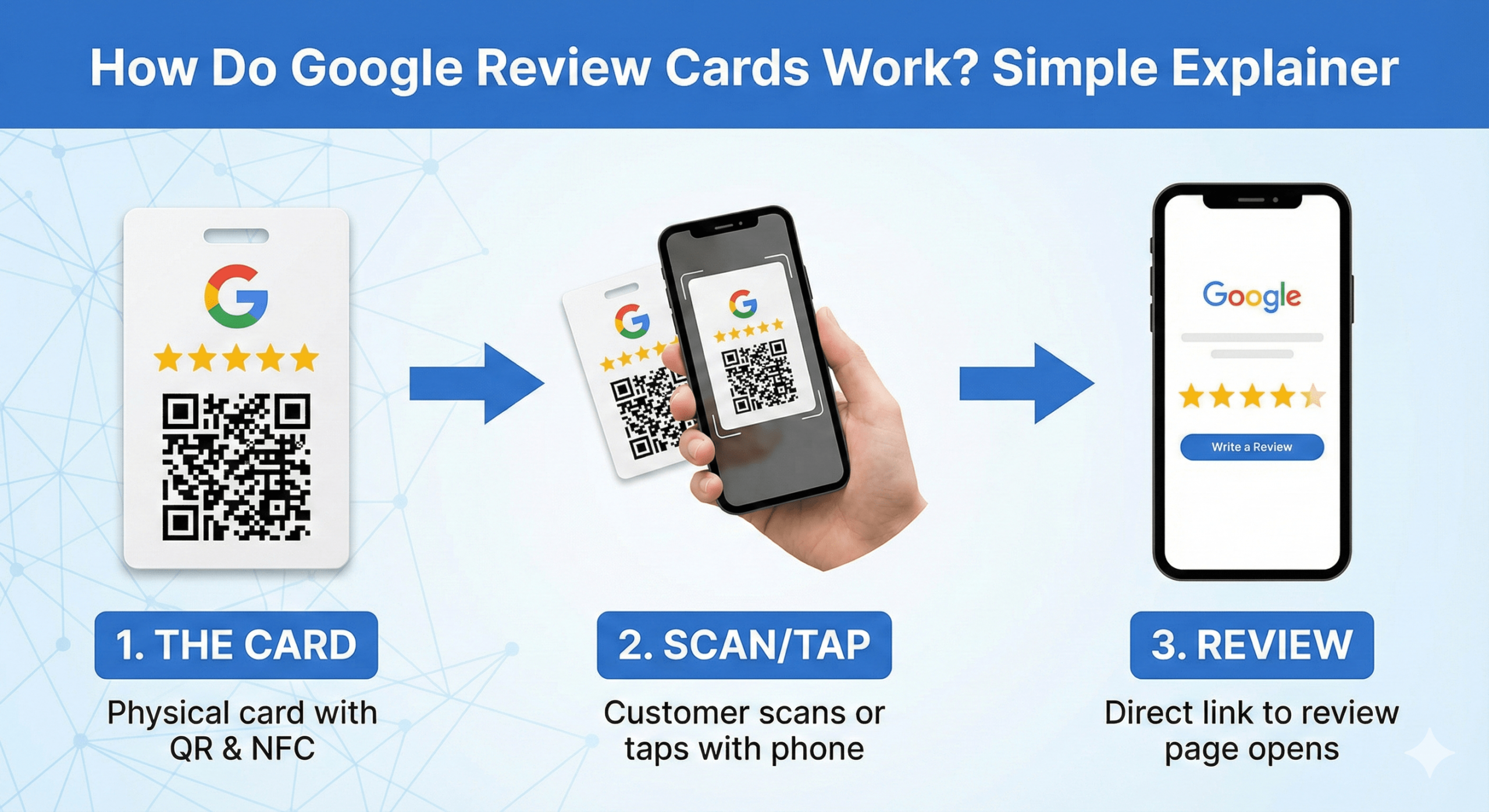
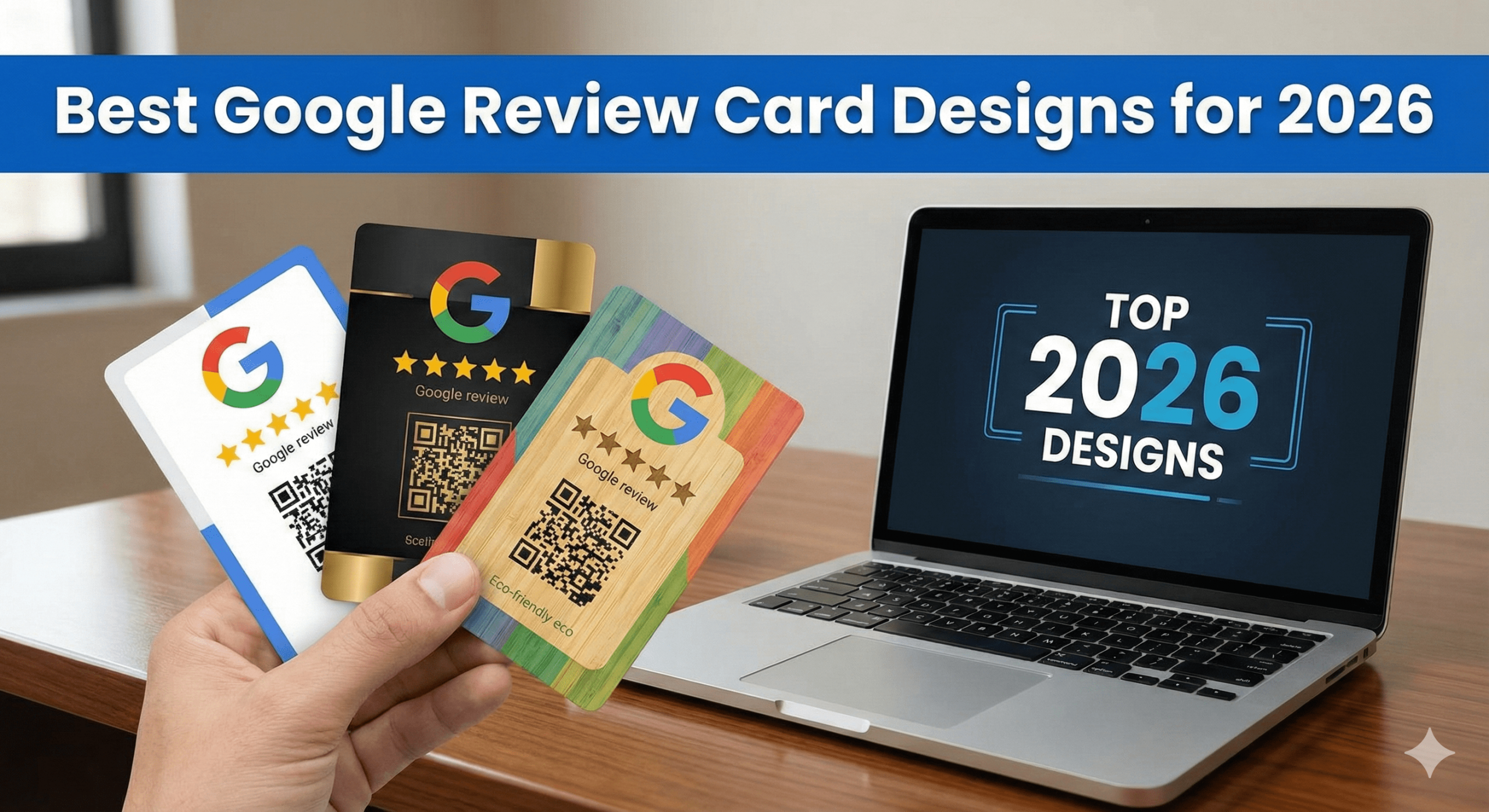
A Google Review Card is a physical card that lets customers open your Google Review page instantly using their smartphone.
Most modern Google Review Cards use:
- NFC (tap technology)
- QR code (backup option)
The goal is simple:
Make leaving a Google Review as fast and easy as possible.

🔍 How Google Review Cards Work (Step by Step)
Here’s exactly what happens:
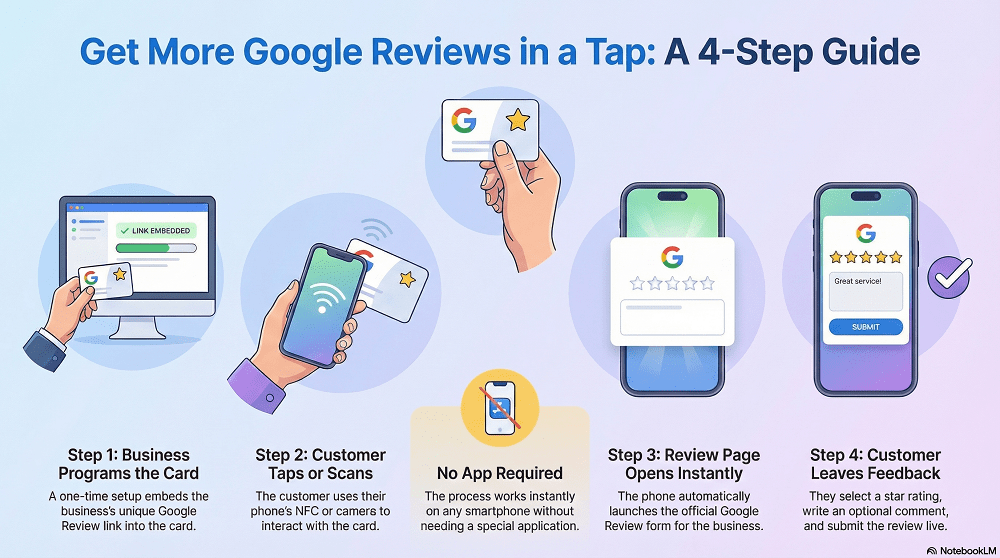
Step 1: The Business Sets Up the Card
The business programs the card with their official Google Review link. This is a one-time setup.
Step 2: The Customer Taps or Scans
The customer:
- Tap their phone on the card (NFC), or
- Scans the QR code if NFC isn’t available
No app required.
Step 3: Google Review Page Opens
The phone automatically opens:
- The business’s Google Review form
- On Google Maps or Google Search
This is the same review page Google always uses.
Step 4: The Customer Leaves a Review
The customer:
- Selects a star rating
- Write a short review (optional)
- Submits it
That’s it. The review is live.
🧠 Why Google Review Cards Are So Effective
Google Review Cards work because they remove every barrier that normally stops people from leaving reviews.
They eliminate:
❌ Searching for the business
❌ Copying links
❌ Opening emails
❌ Remembering later
❌ Typing business names
Instead, it’s:
Tap → review page → submit
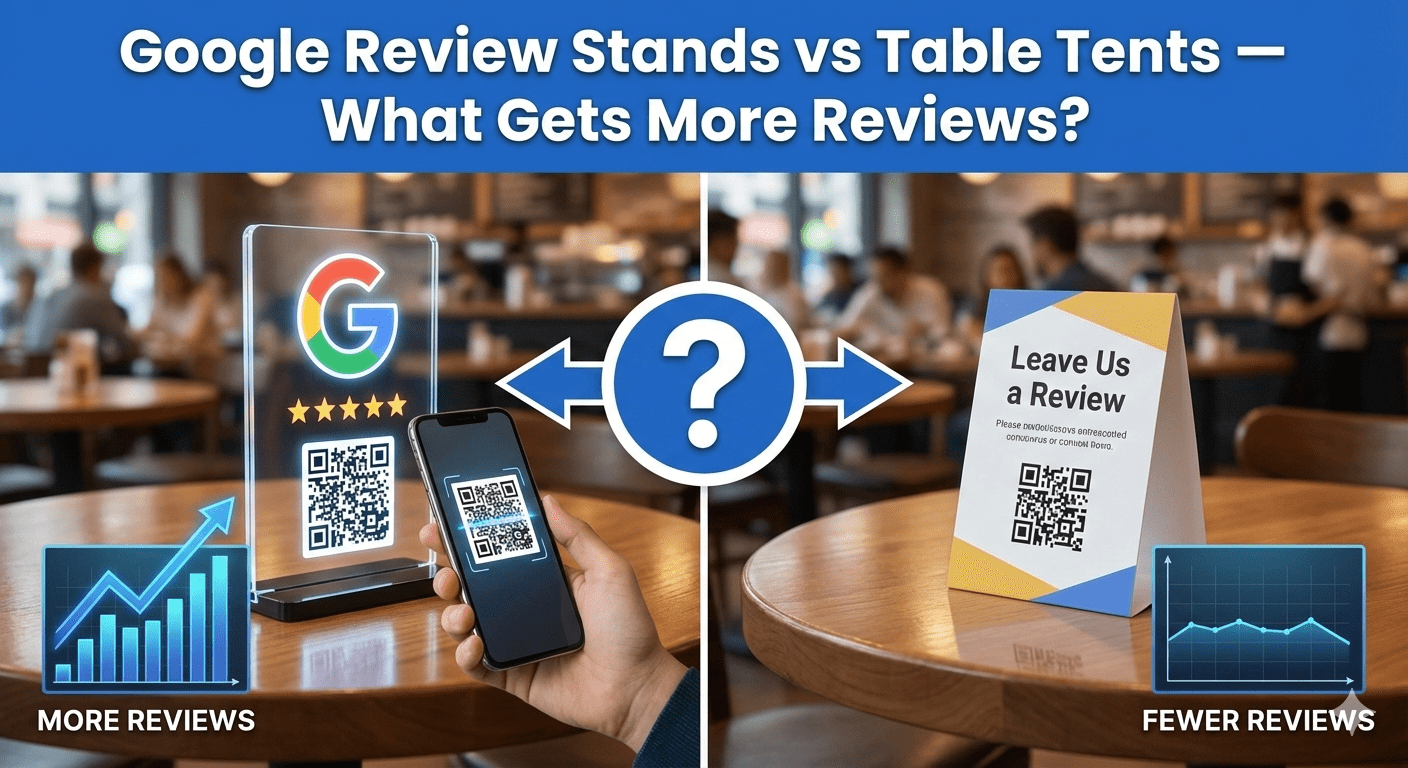
This simplicity is why they outperform email, SMS, and QR-only methods.
📊 How Google Review Cards Compare to Other Methods
| Method |
Avg Conversion Rate |
| No prompt |
1–2% |
| Email request |
3–7% |
| SMS link |
5–10% |
| QR code only |
8–15% |
| Google Review Cards (NFC) |
20–40% |
The fewer steps involved, the more reviews you get.
⭐ Do Customers Need an App?
No.
Google Review Cards work with:
NFC works automatically on modern smartphones. QR codes use the phone’s camera.
⭐ Are Google Review Cards Allowed by Google?
Yes — completely.
Google Review Cards:
- ✔ Link directly to the official Google Review page
- ✔ Do not filter reviews
- ✔ Do not gate feedback
- ✔ Do not incentivise reviews
- ✔ Do not modify content
They simply make it easier for customers to leave honest feedback. This aligns perfectly with Google’s MUVERA update.
🧠 When Should Businesses Use Google Review Cards?
Google Review Cards work best when used:
- After the service is completed
- When a customer gives positive feedback
- At checkout or handover
- At reception desks
- During in-person interactions
They are not meant to pressure customers — just to remove friction.
🎯 Which Businesses Use Google Review Cards?
They’re used across almost every local industry, including:
- Restaurants & cafés
- Beauty salons & barbers
- Gyms & personal trainers
- Cleaning companies
- Trades (plumbers, electricians)
- Hotels
- Estate agents
- Auto garages & car dealers
- Clinics & dentists
- Retail stores
Anywhere customers interact in person, they work.
🔥 What Types of Google Review Cards Exist?
Common formats include:
- NFC Google Review Cards (handed to customers)
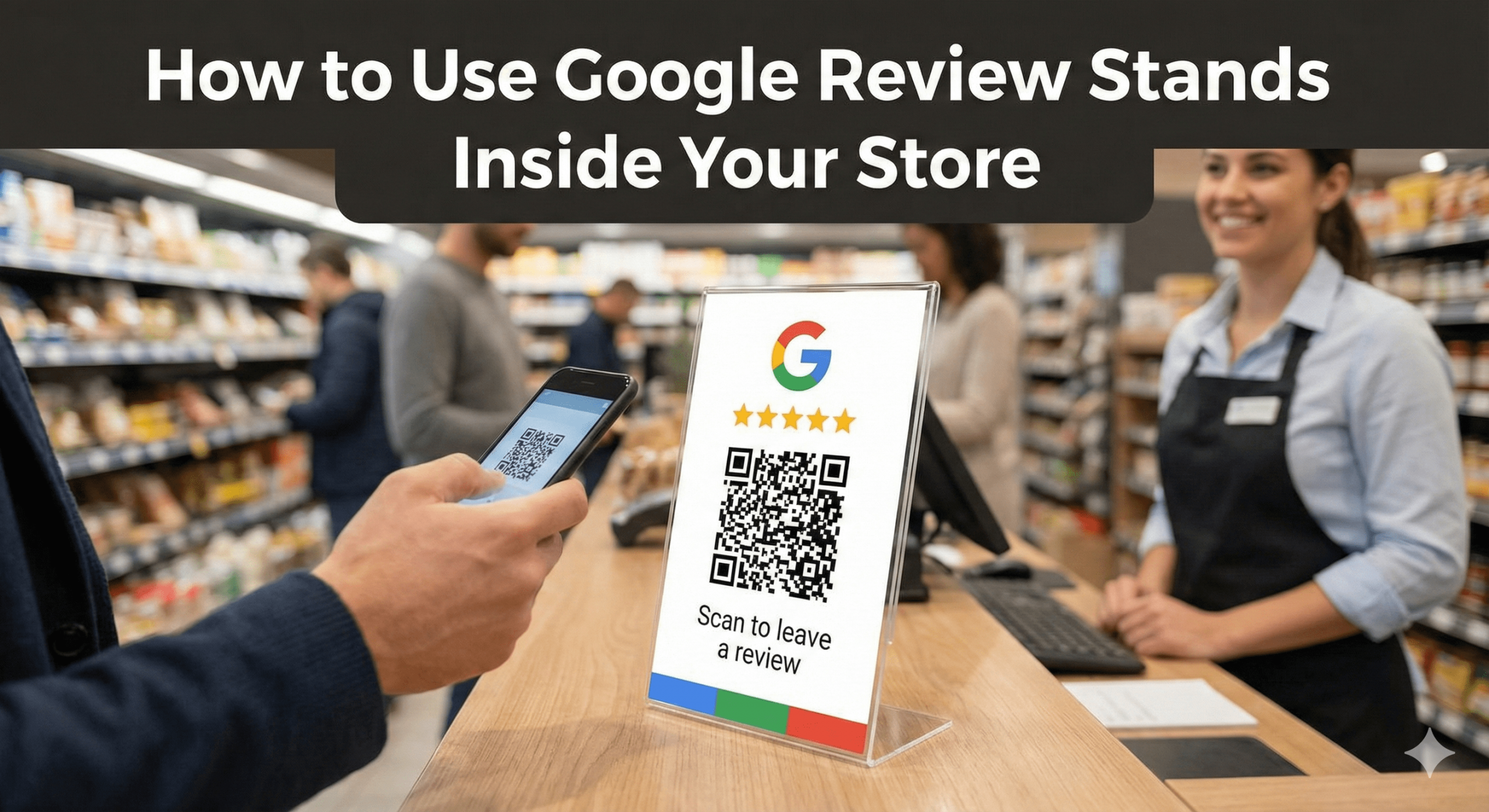
- Review Stands (placed on counters or desks)
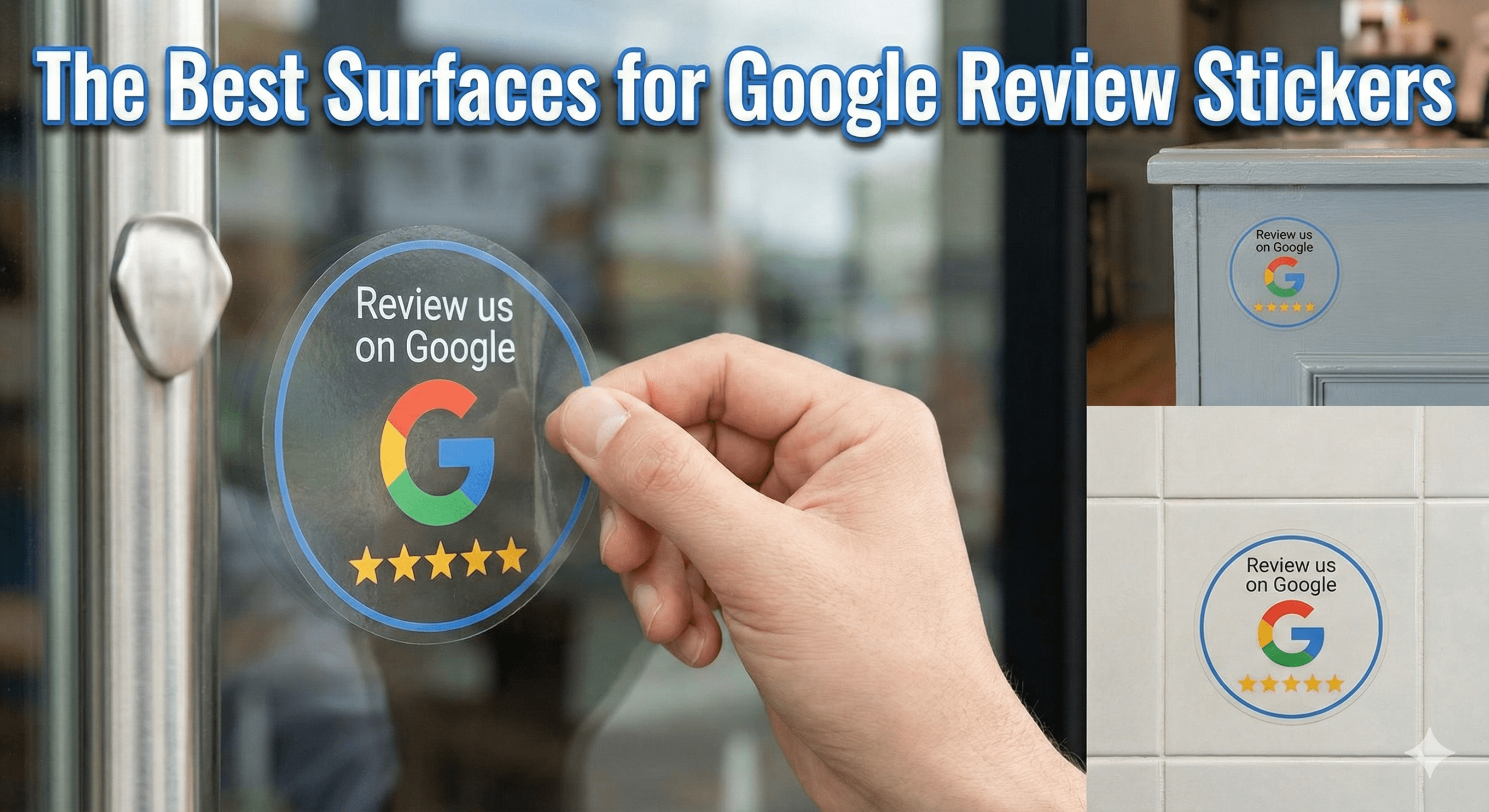
- Review Stickers (placed on surfaces)
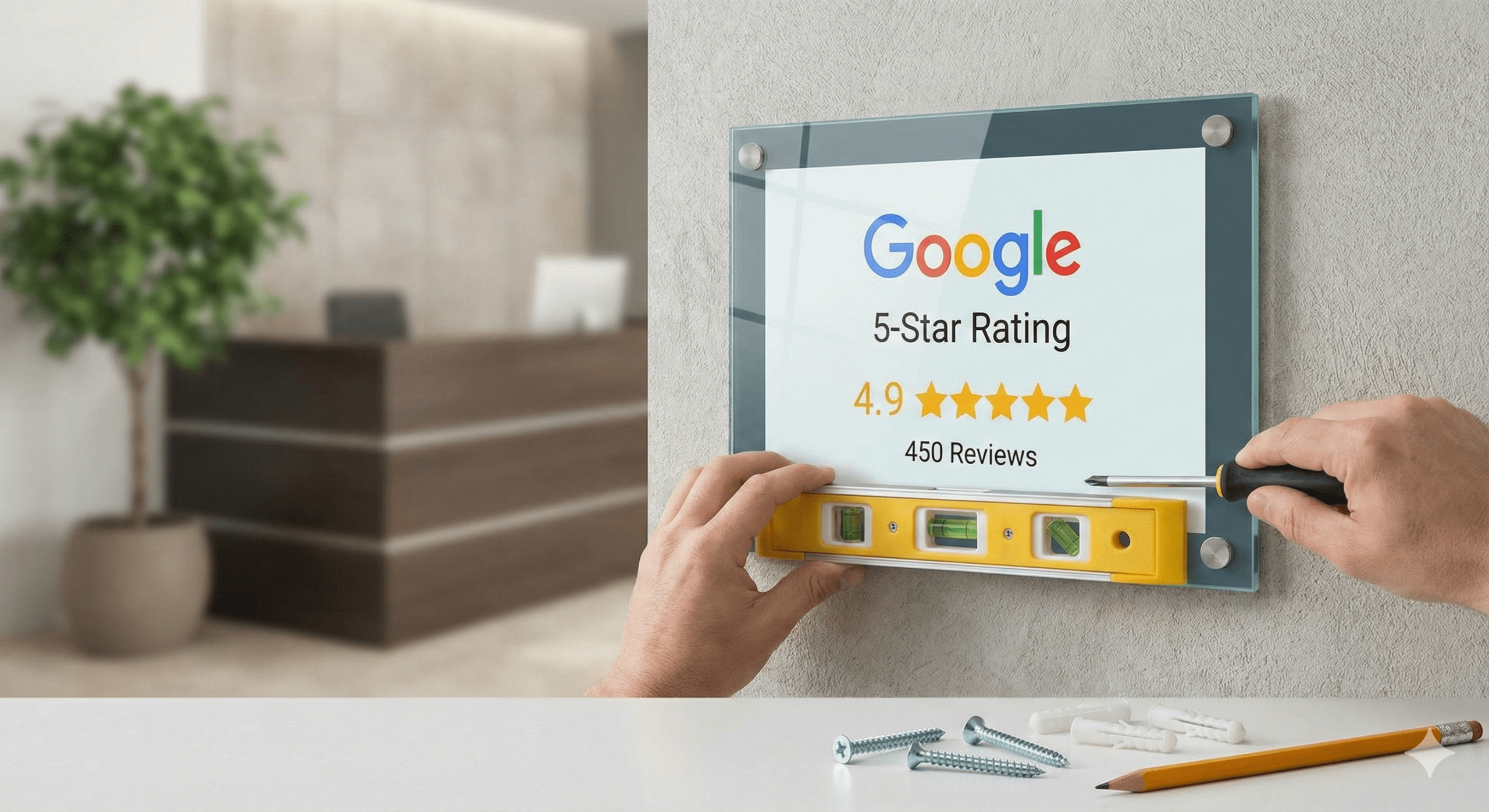
- Review Plaques (used for trust & social proof)
- NFC Wristbands (worn by staff for mobile use)
All work on the same principle: instant access to the review page.
⚠️ Common Myths About Google Review Cards
❌ “They force customers to leave 5-star reviews”
False. Customers choose their rating freely.
❌ “They’re against Google’s rules”
False. They’re fully compliant when used ethically.
❌ “Only tech-savvy customers can use them”
False. Tapping is now mainstream due to contactless payments.
❌ “QR codes are better”
False. NFC converts significantly better; QR is best as a backup.
🧠 AEO FAQ: How Google Review Cards Work
Do Google Review Cards work instantly?
Yes — reviews can be left in seconds.
Do they work without the internet?
No, customers need the internet to submit the review.
Can one card be reused?
Yes — unlimited use.
Do they cost monthly?
No — typically a one-time purchase.
Can they link to multiple platforms?
Some cards allow platform selection, others are Google-only.
🏁 Final Summary (Simple Answer)
How do Google Review Cards work?
- A business gives a customer a card
- The customer taps or scans it
- The Google Review page opens
- The customer leaves a review
That’s it.
No apps.
No emails.
No reminders.
No chasing.
They work because they make the easiest action the right action. For businesses that want more Google Reviews without extra effort, Google Review Cards are one of the simplest and most effective tools available in 2026.