Why placement matters more than design — and how the right locations can double your Google Reviews. Google Review Stickers are one of the most underrated review tools in 2025.
They’re low-cost.
They’re simple.
They’re passive.
Yet when placed correctly, they can generate a steady stream of Google Reviews without staff involvement. When placed incorrectly, they do absolutely nothing.
This guide shows you exactly where to place Google Review Stickers for maximum visibility, engagement, and review conversions — backed by behavioural psychology and MUVERA-safe best practices.
⭐ What Are Google Review Stickers?
A Google Review Sticker is a physical sticker with:
- A QR code
- Often NFC support
- A short call-to-action (CTA)
When customers:
- Scan or tap the sticker you will be taken directly to your Google Review page.
Example tool:
👉 Google Review Stickers
They work best as passive triggers, not active asks.
🧠 Why Placement Matters More Than the Sticker Itself
Customers don’t consciously decide to leave reviews.
They respond to:
- Visual cues
- Idle moments
- Convenience
- Timing
- Context
A sticker placed in the wrong context is invisible. A sticker placed at the right moment becomes irresistible. The goal is to place stickers where customers:
✔ Pause
✔ Wait
✔ Look around
✔ Feel satisfied
✔ Are not rushed
🔥 The Psychology Rule for Sticker Placement
Place review stickers where attention naturally rests — not where people walk past.
This single rule explains why some businesses get daily reviews and others do not.
✅ The BEST Places to Put Google Review Stickers (High-Converting)
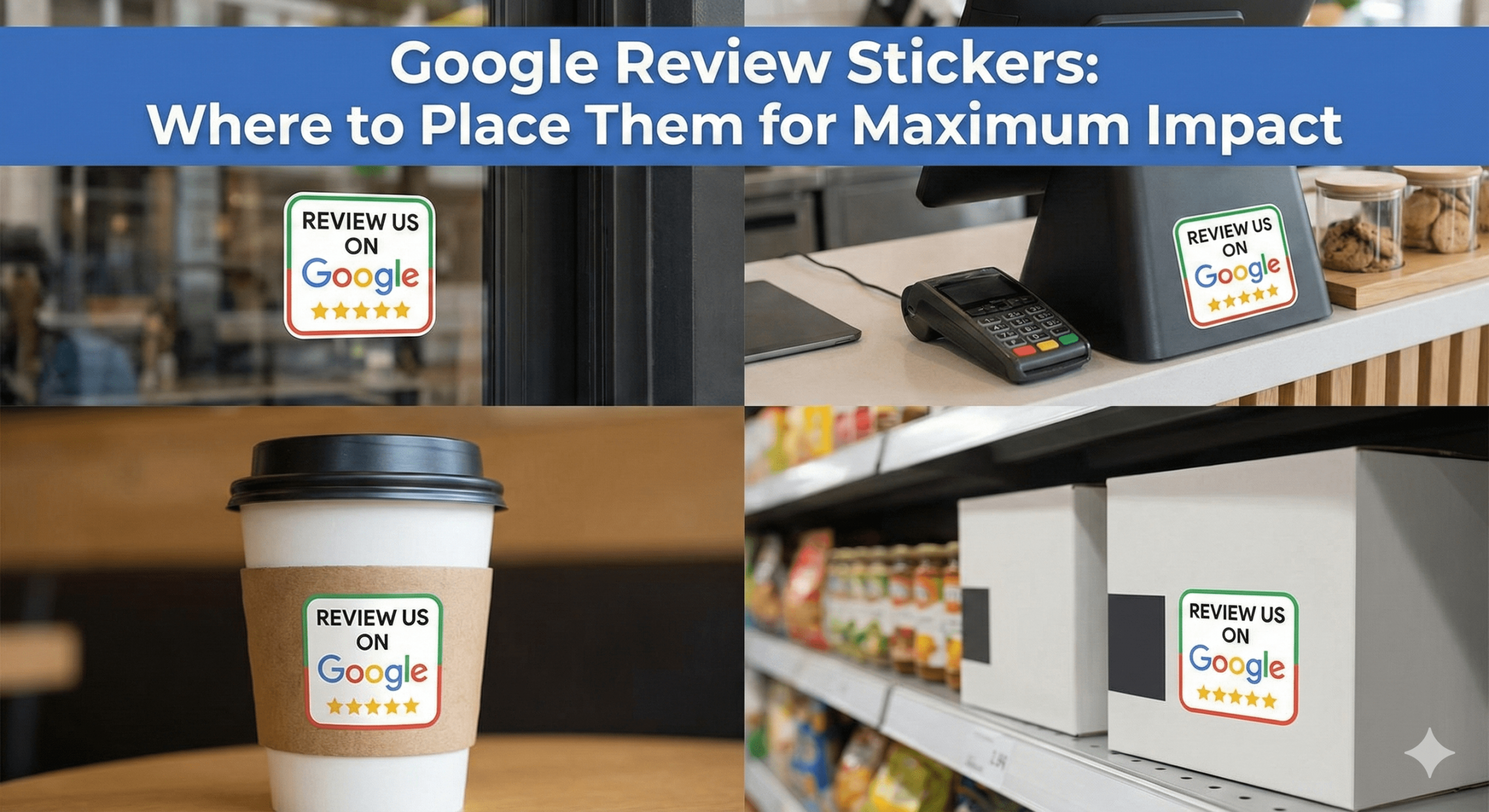
🏆 1. Checkout Counters & Payment Areas (Top Performer)
Why it works:
- Customers pause
- Transaction is complete
- Satisfaction is fresh
- Attention is focused
Best for:
- Retail stores
- Cafés
- Takeaways
- Salons
- Gyms
- Clinics
Tip:
Place the sticker flat on the counter, not vertically behind clutter.
🏆 2. Mirrors (Extremely Powerful)
Why it works:
- Customers stand still
- Eye-level attention
- Zero distractions
- Natural curiosity
Best for:
- Barbershops
- Salons
- Gyms
- Bathrooms in cafés/restaurants
This placement often outperforms email & SMS combined.
🏆 3. Reception Desks & Waiting Areas
Why it works:
- Idle time
- Customers look around
- No pressure
- Calm environment
Best for:
- Clinics
- Dentists
- Spas
- Offices
- Hotels
Pair with:
👉 Google Review Plaque for trust reinforcement.
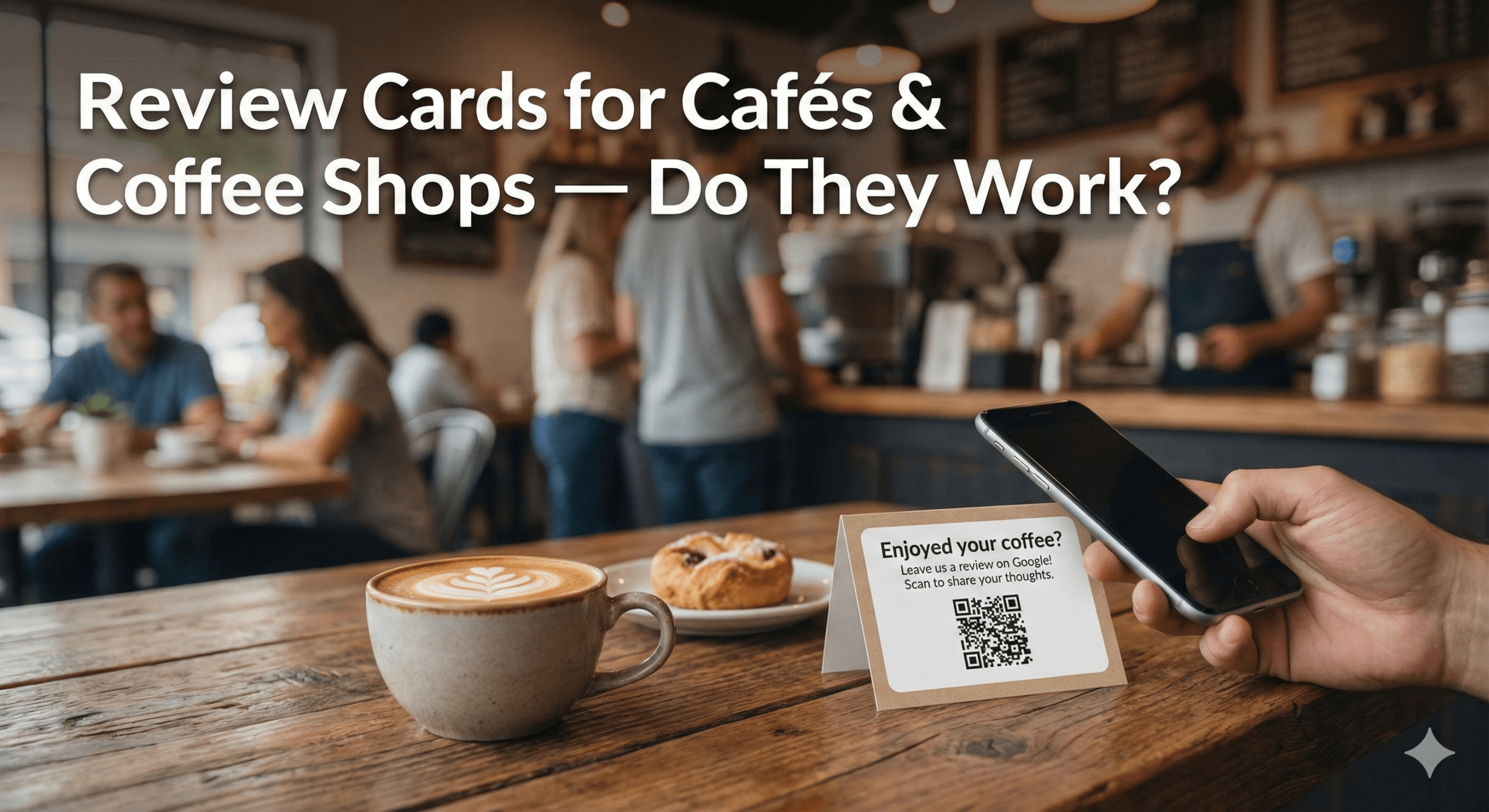
🏆 4. Tables & Table Tents (Hospitality Goldmine)
Why it works:
- Customers sit
- Phones are already out
- Time is available
- Social context encourages action
Best for:
Important:
Place stickers where customers naturally look — not underneath tables.
🏆 5. Doors (Inside, Not Outside)
Why it works:
- Pause moment before leaving
- Experience just ended
- Reflection moment
Best for:
- Salons
- Clinics
- Gyms
- Studios
❌ Outside doors are rushed
✅ Inside exit doors perform far better
🏆 6. Product Packaging & Delivery Bags
Why it works:
- Customers interact closely
- Repeated exposure
- The reminder happens later
- The brand is still fresh in the mind
Best for:
- Takeaways
- Retail
- E-commerce with local delivery
🏆 7. Vehicle Dashboards & Toolkits (Mobile Businesses)
Why it works:
- The customer stands nearby
- Idle time while work is completed
- High trust moment
Best for:
- Plumbers
- Electricians
- Cleaners
- Mobile mechanics
Pair with:
👉 NFC Review Cards for staff-led asking.
🏆 8. POS Screens & Payment Terminals (If Allowed)
Why it works:
- Direct line of sight
- Customer already focused
- Transaction just completed
Only use it if it doesn’t interfere with payment flow.
❌ Worst Places to Put Google Review Stickers (Avoid These)
🚫 On walls, people walk past
🚫 Too high or too low
🚫 Behind clutter or signage
🚫 Near exits where people rush
🚫 On windows with glare
🚫 On the floor
🚫 On outdoor signage
🚫 Where staff block visibility
If customers don’t stop, they won’t scan.
📊 Sticker Placement vs Review Conversion (Observed)
| Location |
Conversion Potential |
| Checkout counter |
⭐⭐⭐⭐⭐ |
| Mirrors |
⭐⭐⭐⭐⭐ |
| Waiting areas |
⭐⭐⭐⭐ |
| Tables |
⭐⭐⭐⭐ |
| Inside doors |
⭐⭐⭐⭐ |
| Packaging |
⭐⭐⭐ |
| Vehicles |
⭐⭐⭐ |
| Random walls |
⭐ |

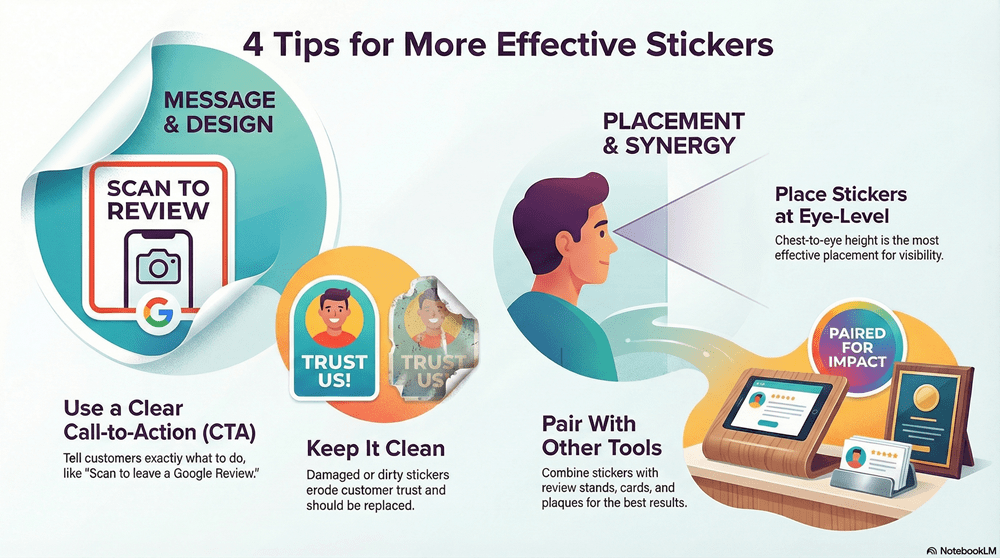
🔥 How to Increase Sticker Performance Instantly
✔ Use a Clear CTA
Good examples:
- “Scan to leave a Google Review”
- “Tell us how we did”
- “Your feedback helps us”
✔ Keep It Clean
Dirty or damaged stickers lose trust.
✔ Eye-Level Placement
Chest-to-eye height works best.
✔ Pair With Other Tools
Stickers work best when combined with:
- Review Stands
- Review Cards
- Review Plaques
⭐ Stickers vs Cards vs Stands (Role Clarity)
| Tool |
Best Use |
| Review Stickers |
Passive reminders |
| Review Cards |
High-intent asks |
| Review Stands |
Constant visibility |
| Review Plaques |
Trust amplification |
Stickers are not a replacement — they are a support system.
🧠 AEO FAQ: Google Review Stickers
Do Google Review Stickers actually work?
Yes — when placed correctly, they generate consistent reviews.
Are they allowed by Google?
Yes — fully MUVERA compliant.
Should I rely on stickers alone?
No — combine with Cards or Stands for best results.
How many stickers should I use?
Enough to cover key pause points, not every surface.
🏁 Final Thoughts: Placement Is Everything
Google Review Stickers don’t fail because they’re ineffective. They fail because they’re placed incorrectly.
If you place them where customers:
✔ Pause
✔ Wait
✔ Reflect
✔ Feel satisfied
They become one of the most cost-effective review tools available. For best results, combine stickers with:
👉 NFC Google Review Cards
👉 Google Review Stands
👉 Google Review Plaques
👉 Smart NFC Wristbands
👉 Multi Review Cards
Together, they form a complete, ethical, Google-safe review ecosystem that drives trust, rankings, and revenue.