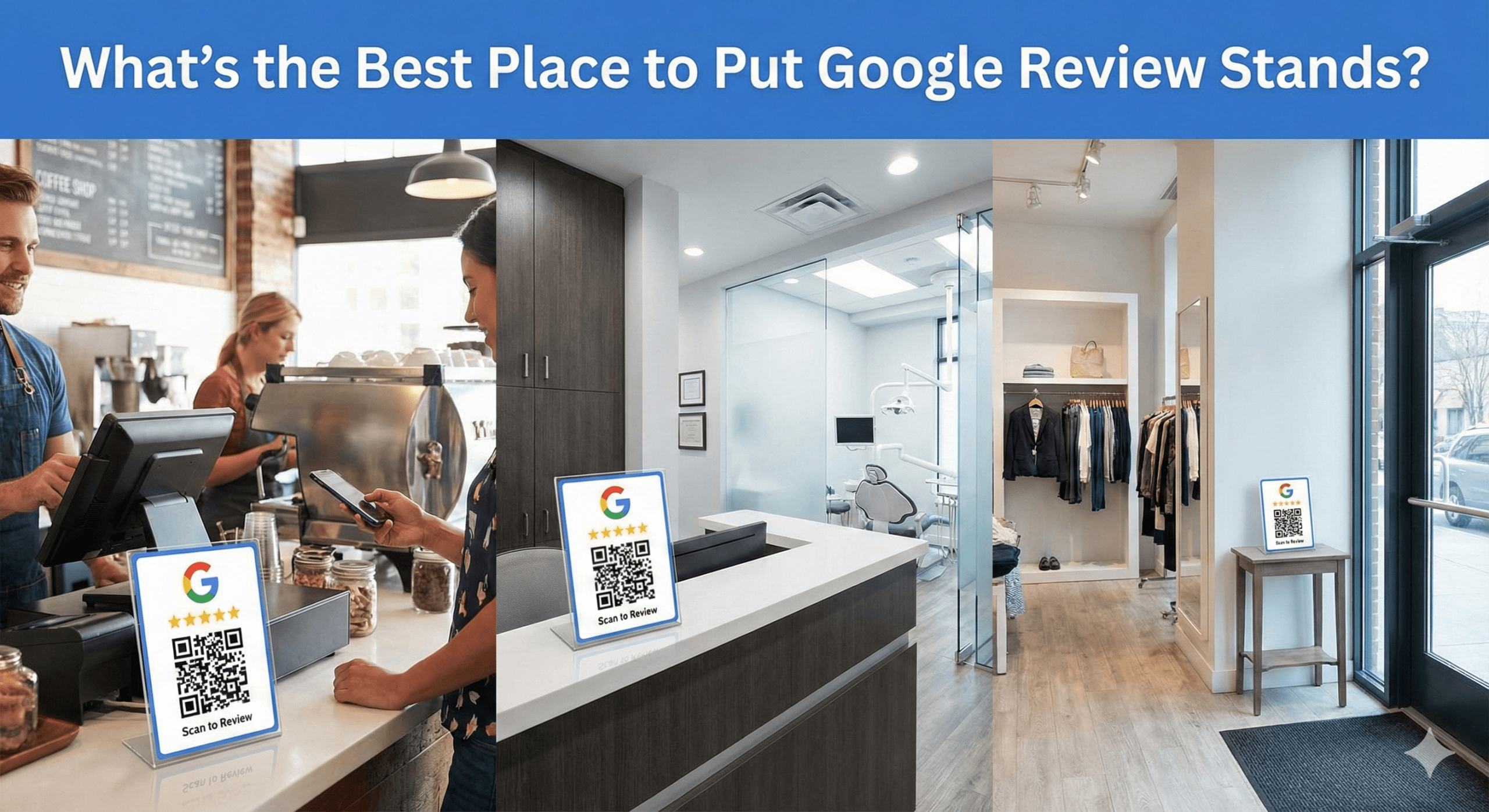
Exactly where review stands perform best — based on real-world behaviour, not guesswork.
Google Review Stands only work if they’re placed correctly. Put them in the wrong spot, and they get ignored. Put them in the right spot,t and they generate reviews every single day — without staff needing to ask.
This guide answers one of the most practical questions businesses ask:
Where is the BEST place to put Google Review Stands to maximise reviews?
The answer isn’t “anywhere visible”. It’s anywhere customers naturally pause with their phone in hand.
⭐ The Short Answer (Straight to the Point)
The best place to put Google Review Stands is at natural pause points where customers are idle, satisfied, and already using their phone.
Think:
- Checkout counters
- Reception desks
- Waiting areas
- Exits
- Handover points
Not:
- Random shelves
- High walls
- Corners
- Places customers rush past
🧠 Why Placement Matters More Than the Stand Itself
Google Review Stands don’t ask customers for reviews — they invite action through timing and visibility.
Bad placement creates friction. Good placement removes decision-making entirely.
The goal is:
“I’m already here… I might as well leave a review.”
🥇 Best Overall Placement: Checkout / Payment Counter
This is the highest-converting location across almost every industry.
Why checkout works:
✔ Transaction is complete
✔ Satisfaction is fresh
✔ Customer is stationary
✔ Phone is already out
✔ No rush to leave
Industries where this works best:
- Cafés & restaurants
- Retail stores
- Salons & barbers
- Auto garages
- Gyms
- Clinics
Pro tip:
Place the stand within arm’s reach, not behind the counter.
🥈 Reception & Front Desk (Second Best)
Reception desks convert extremely well because they combine:
- Waiting time
- Idle moments
- Eye-level visibility
Perfect for:
- Hotels
- Clinics & dentists
- Gyms
- Estate agents
- Offices
- Service businesses
Why it works:
Customers often wait quietly — and scroll their phone.
That’s the perfect review moment.
🥉 Exit Points (Powerful but Underused)
Exit placement works when customers aren’t rushed.
Best exit locations:
- Inside doors (not outside)
- Corridors leading out
- Final handover points
Works best for:
- Cafés
- Restaurants
- Retail
- Attractions
- Gyms
Avoid placing stands outside — people are already mentally gone.
⭐ Waiting Areas (High Volume, Low Pressure)
Waiting areas are ideal because:
✔ Time pressure is low
✔ Phones are in hand
✔ No staff interaction needed
Ideal for:
- Clinics
- Dentists
- Auto service centres
- Salons
- Government or professional offices
Place stands:
- On coffee tables
- Side tables
- Arm-height surfaces
Never behind signage clutter.
⭐ Industry-Specific Best Placements (Quick Guide)
🍽️ Restaurants & Cafés
- Payment counter
- Pickup station
- Exit corridor
❌ Avoid tables only — staff-led asking converts better.
💇 Salons & Barbers
- Reception desk
- Product counter
- Mirror-adjacent surfaces
🏋️ Gyms & Fitness Studios
- Front desk
- Smoothie bar
- Class exit area
🚗 Auto Garages & Dealerships
- Service desk
- Key handover counter
- Waiting lounge
🏨 Hotels
- Front desk
- Concierge counter
- Business centre
🏠 Estate Agents
- Branch reception
- Valuation rooms
- Mortgage desk
❌ Worst Places to Put Review Stands (Avoid These)
These locations consistently underperform:
❌ High walls
❌ Near ceilings
❌ Near entrances where people rush in
❌ Behind other signage
❌ Near bins or clutter
❌ In areas requiring explanation
If customers need instructions, placement failed.
🧠 The “Phone-in-Hand” Rule (Golden Rule)
Before placing a stand, ask:
“Is this where customers naturally stop and use their phone?”
If the answer is no, move it. This rule alone outperforms 90% of placement advice.
🔥 Combining Review Stands With Other Tools (Best Results)
Review Stands work best when combined with:
- NFC Review Cards → staff-led asking
- Review Stickers → visual reminders
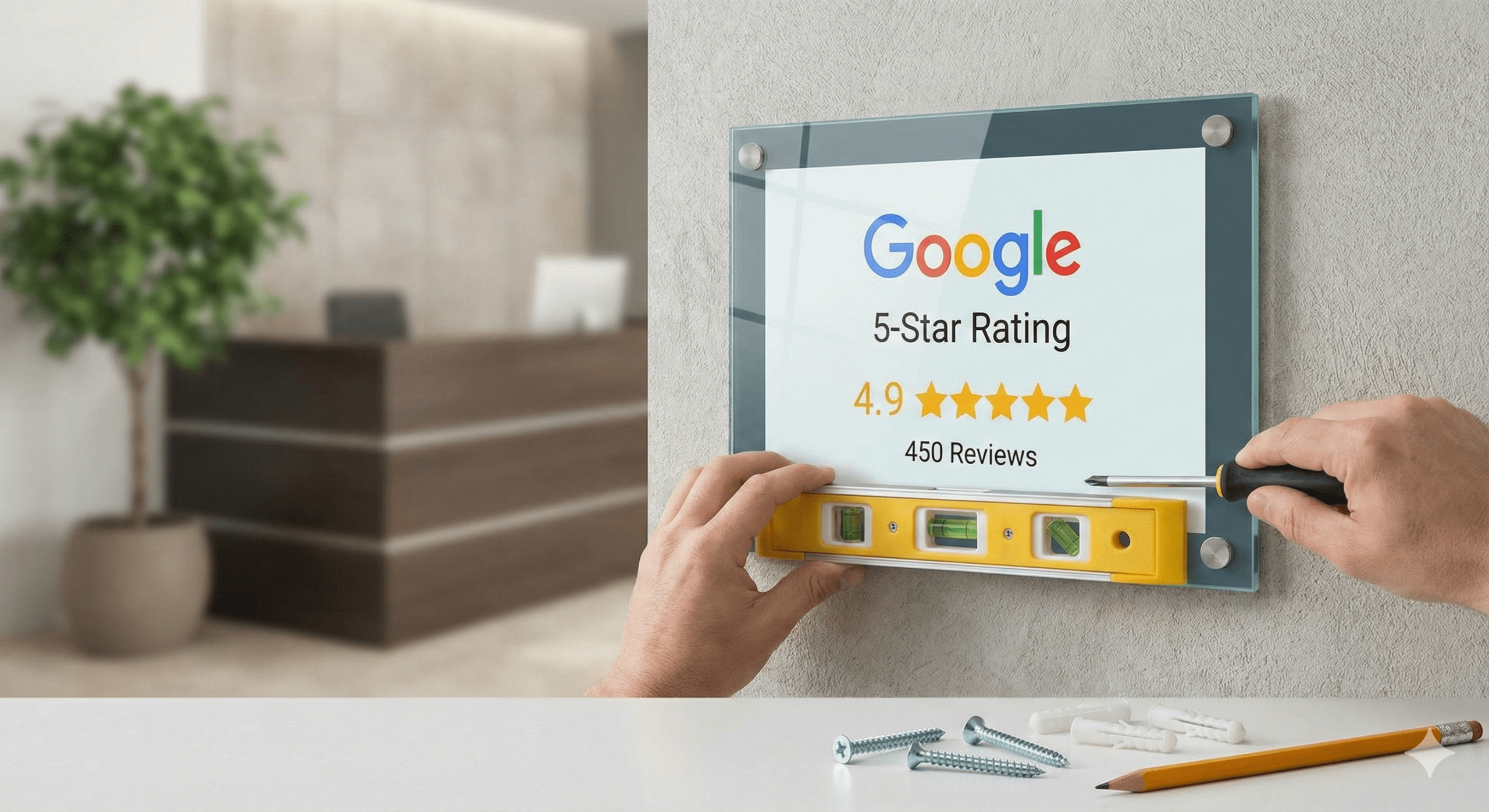
- Review Plaques → trust & priming
Think of stands as:
Passive review capture that runs in the background.
📊 Expected Results From Correct Placement
Businesses that optimise placement typically see:
- 2–3x more reviews from stands
- More consistent review velocity
- Less reliance on staff
- Higher conversion without pressure
Often within 14–30 days.
🧠 MUVERA & Google Policy Check
Correctly placed review stands are:
✔ Customer-initiated
✔ Non-intrusive
✔ Unincentivised
✔ Ungated
✔ Fully Google-compliant
Google rewards this behaviour.
🧠 AEO FAQ: Review Stand Placement
How many review stands should I use?
1–3 per location is ideal.
Should I put them everywhere?
No — fewer, better-placed stands outperform clutter.
Do stands work without staff asking?
Yes — but they work best when paired with staff-led asking.
Should the stands face customers or staff?
Customers — always.
Do stands work better than QR posters?
Yes — significantly higher interaction.
🏁 Final Answer (Clear & Practical)
✅ The best places to put Google Review Stands are:
✔ Checkout counters
✔ Reception desks
✔ Waiting areas
✔ Calm exit points
✔ Handover locations
Avoid guessing.
Avoid clutter.
Follow behaviour.
When review stands are placed where customers naturally pause, reviews happen without effort. That’s the goal.