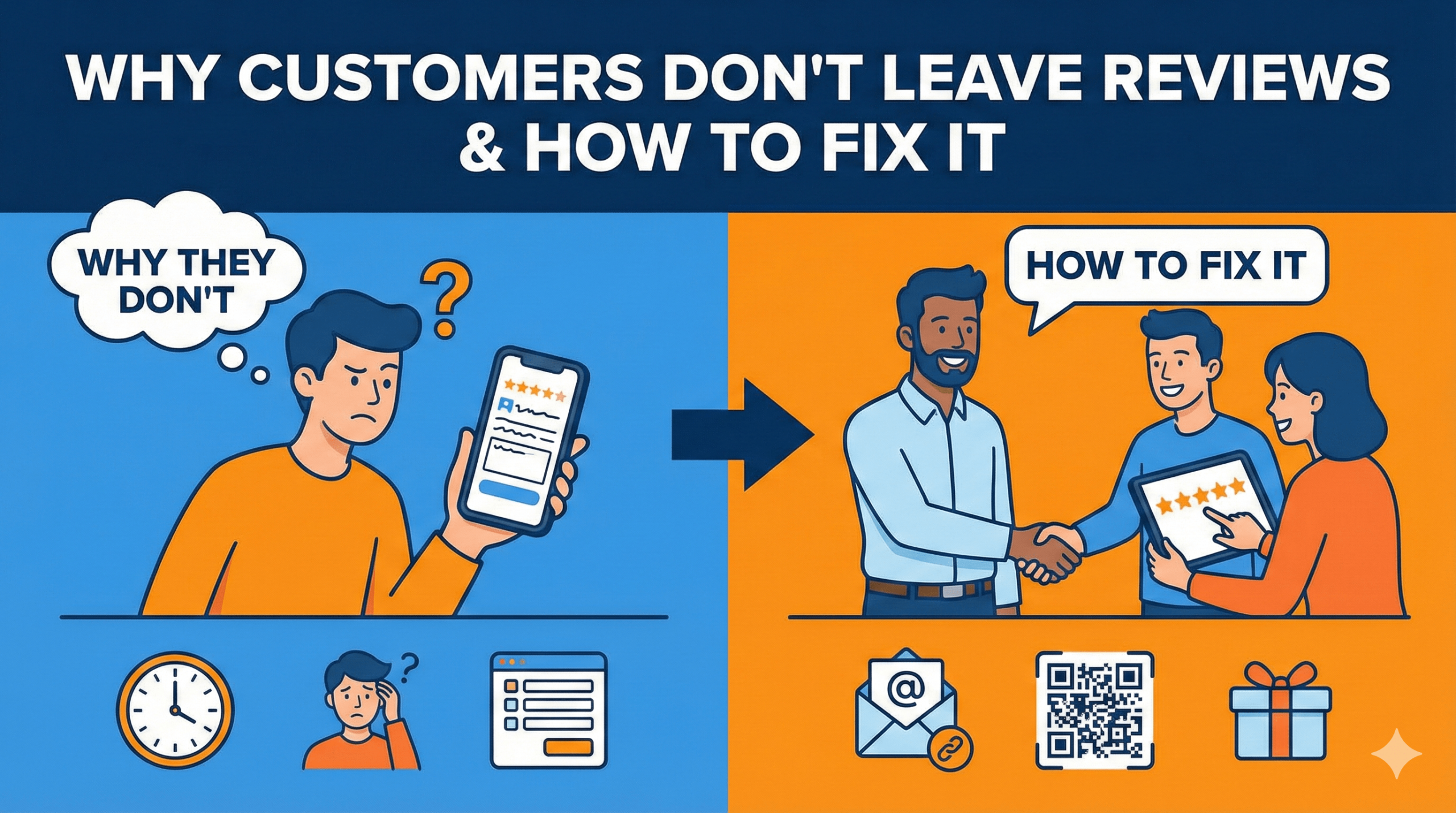
The scripts, systems, and psychology that turn your team into confident, compliant review generators.
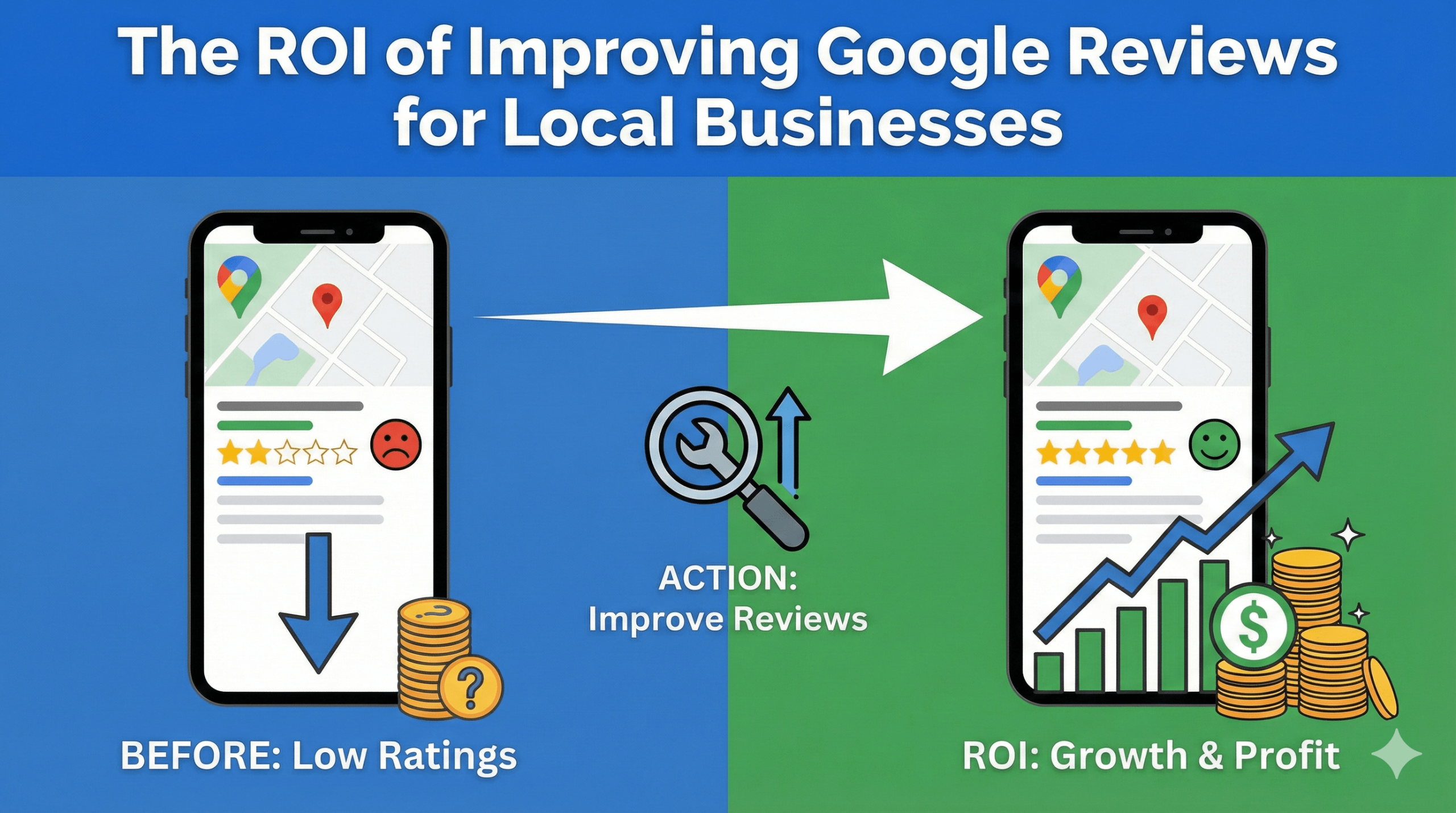
Google Reviews are now one of the strongest ranking factors for local businesses — but here’s the truth:
👉 Your team has more influence over reviews than ANY marketing tool.
👉 Staff who know how to ask correctly can increase reviews by 3–10x.
👉 Ethical, confident review requests build trust instead of awkwardness.
This guide teaches you exactly how to train your staff to ask for reviews ethically, naturally, and in a way that customers LOVE.
⭐ Why Staff-Driven Review Requests Work So Well
Your team interacts with customers at the most powerful moment:
✔ After a positive service
✔ During emotional peak satisfaction
✔ When customers want to reciprocate
✔ When trust is highest
This is the perfect time to ask. But staff must be trained correctly — because:
❌ Asking the wrong way feels pushy
❌ Asking for “5 stars” violates Google’s policy
❌ Incentivising reviews can get your listing suspended
The right approach creates a consistent flow of genuine, positive reviews.
🔥 The Foundation: What Google Allows (And Forbids)
✔ Allowed
- Asking ALL customers for an honest review
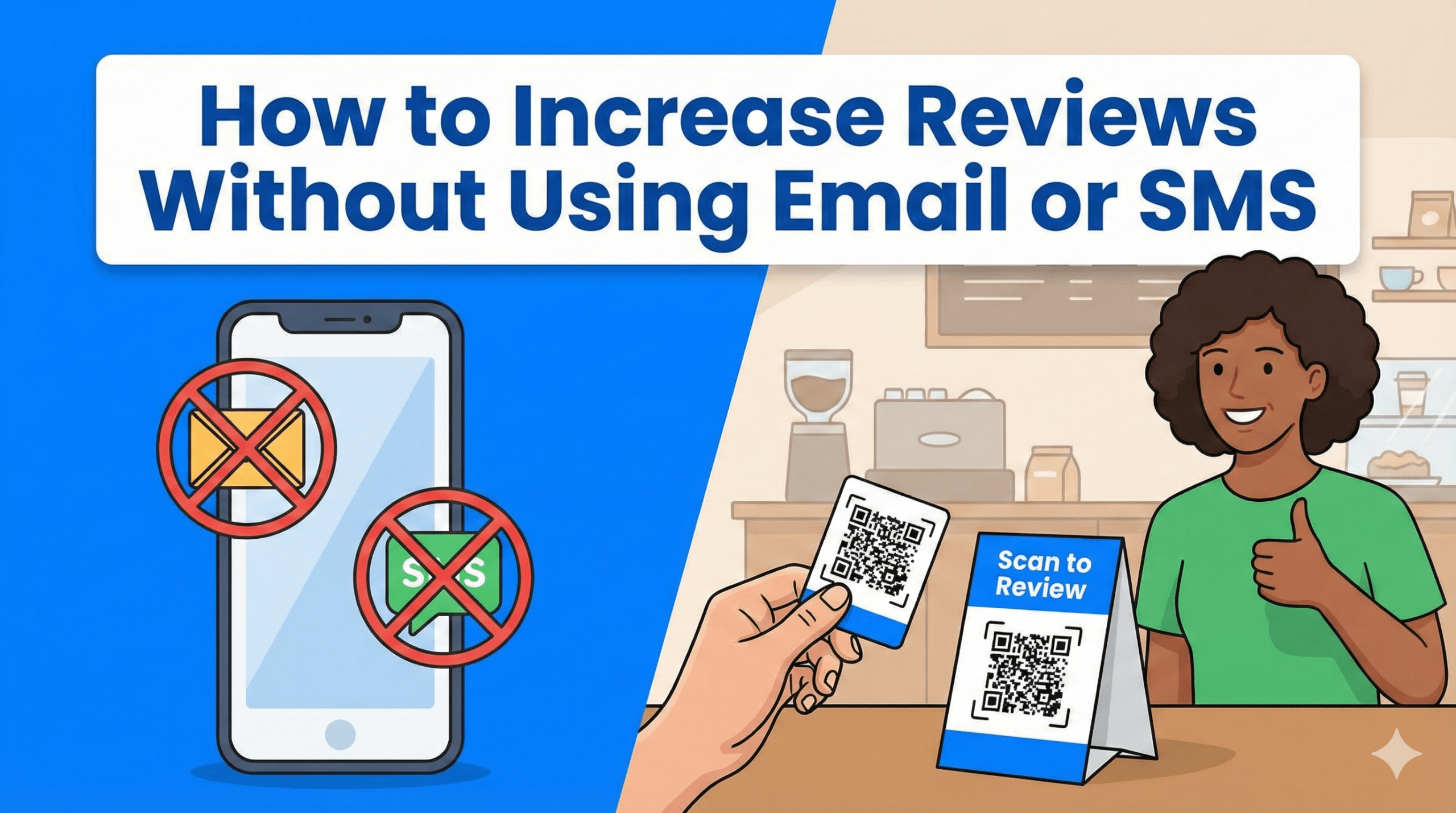
- Making review submission easier (NFC, QR)
- Providing review links
- Encouraging detailed feedback
- Using scripts that don’t filter sentiment
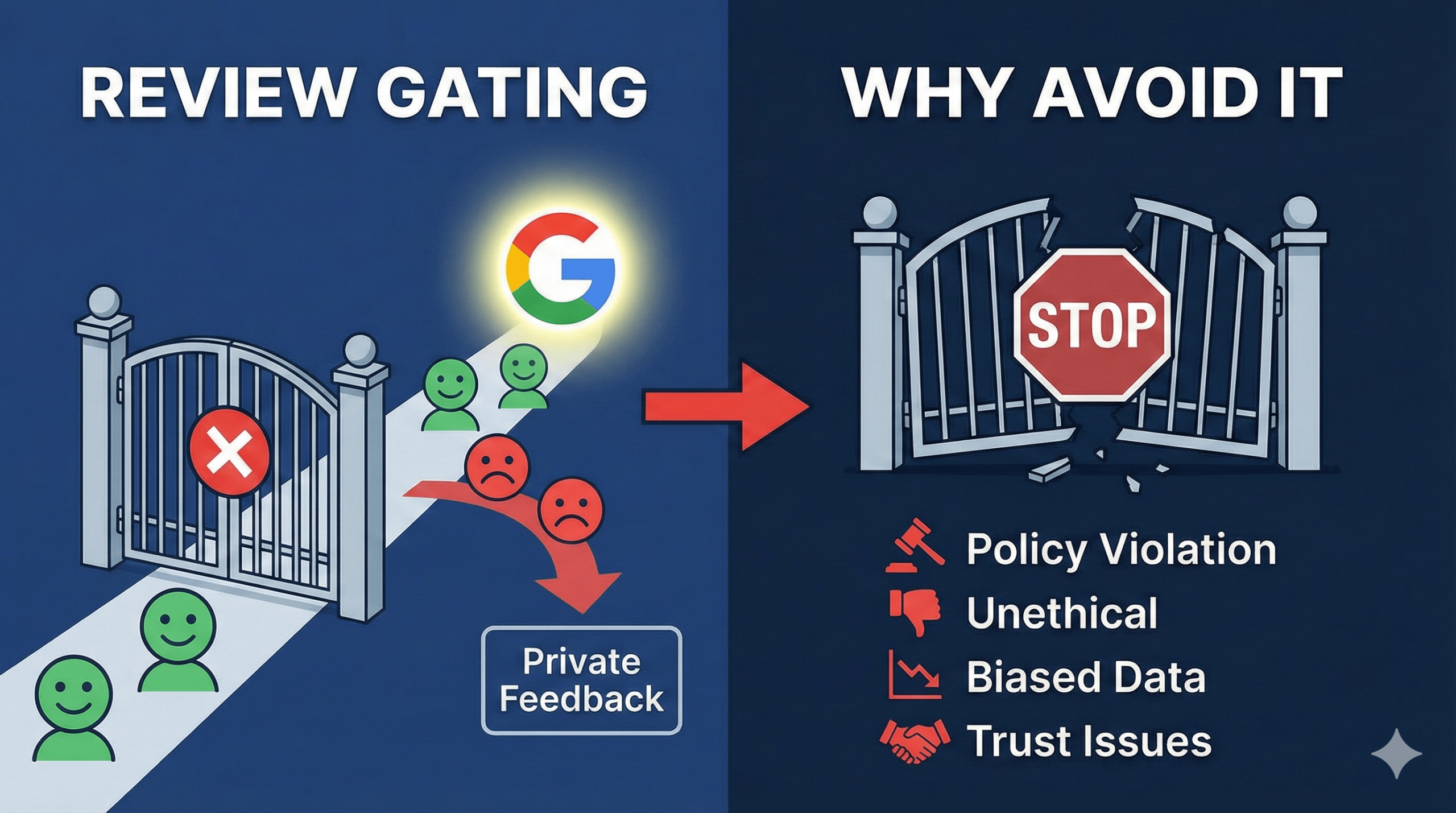
❌ NOT Allowed
- Asking only happy customers
- Saying “Please leave 5 stars”
- Offering incentives (discounts, gifts)
- Review gating or filtering
- Pressuring customers
- Review manipulation
Your staff MUST understand these rules to stay compliant with the MUVERA update.
🎯 Step 1: Teach Staff WHEN to Ask (Perfect Timing)
Timing determines review success more than anything else.
Staff should ask:
- Right after a service is completed
- When the customer expresses satisfaction
- When a customer compliments your business
- During checkout
- Immediately before leaving
- At emotional peak moments
Examples:
💈 Barber: right after finishing the haircut
💆♀️ Therapist: after the customer thanks them
🍽️ Restaurant: when dropping the bill
🔧 Plumber: at job completion
🏋️ PT: after a great session
🛍️ Retail: at checkout
This captures motivation when it’s at its highest.
🎯 Step 2: Train Staff How to Ask (Scripts That Work)
Your staff doesn’t need long speeches. They need simple, natural, ethical scripts. Here are high-converting options:
✅ Script 1: The Appreciation Ask
“If you enjoyed your experience today, we’d really appreciate a quick review. It helps our small business a lot.”
✅ Script 2: The NFC Review Card Ask
“You can just tap your phone here — it opens our review page instantly.”
(Use with 👉 NFC Review Card)
✅ Script 3: The Checkout Ask
“Before you head out, could you leave us a quick review? This card makes it super easy.”
✅ Script 4: The Soft Push
“Your feedback means a lot to us — would you mind leaving a quick review?”
❌ Scripts staff must NEVER use
- “Can you leave us 5 stars?”
- “We’ll give you a discount if you review us.”
- “Only leave a review if you’re happy.”
These violate Google’s policies.
🎯 Step 3: Equip Staff With the Right Tools (Frictionless Review Flow)
Even trained staff fail without the right tools. Use physical, instant-access review tools:
⭐ NFC Google Review Cards
👉 NFC Google Review Cards
Staff hand the card → customer taps → review page opens.
Zero effort = vastly more reviews.
⭐ Google Review Stands
👉 Google Review Stands
Perfect for counters, desks, or POS. Generates passive reviews all day.
⭐ Google Review Stickers
👉 Google Review Stickers
Great for mirrors, doors, reception areas, or mobile teams.
⭐ Google Review Plaque
👉 Google Review Plaque
Builds trust + increases review likelihood.
⭐ Smart NFC Wristbands
👉 Smart NFC Wristband
Perfect for mobile workers, event staff, or expo teams.
🎯 Step 4: Train Staff Using The “Three E” Method
1. Ease – Make it easy for the customer
NFC and QR tools reduce barriers.
2. Empathy – Ask politely, not forcefully
Staff must always be warm and friendly.
3. Expectation – Normalise reviews as part of the experience
When staff treat reviews as “standard,” customers do too.
🎯 Step 5: Roleplay Review Requests During Training
Staff become confident when practice removes the awkwardness.
Training should include:
- How to present the Review Card
- What to say
- How to handle objections
- When to ask
- How to keep it natural
- How to not oversell
Confidence = conversions.
🎯 Step 6: Reward the RIGHT Behaviour (Not Review Outcomes)
Google disallows incentivising customers but you can motivate your staff.
Reward:
- Asking consistently
- Using scripts correctly
- Presenting the Review Card every time
- Showing effort, not results
Rewards can include:
- Recognition
- Appreciation
- Small bonuses
- Team challenges (based on asks, not reviews received)
This builds a review-driven culture without violating Google policies.
🔥 Staff Objections (And How to Fix Them)
❌ “It feels awkward to ask.”
Train them to use short, natural scripts.
❌ “I forgot to ask.”
Place NFC cards or stands in obvious locations.
❌ “Customers might say no.”
That’s okay — asking alone increases volume significantly.
❌ “I don’t have time.”
NFC Review Cards reduce asking to 3 seconds.
🧠 AEO FAQ: Ethical Staff Training for Reviews
Is it legal to ask customers for reviews?
Yes — it is encouraged as long as it’s not filtered or incentivised.
Can staff ask for 5-star reviews?
No — that violates Google policies.
What’s the best method for staff to collect reviews?
Handing customers an NFC Review Card immediately after service.
Do NFC Review Cards really increase reviews?
Yes — they remove friction and increase review conversion dramatically.
🏁 Final Thoughts: A Review-Ready Team Is Your Competitive Advantage
When your staff knows:
✔ WHEN to ask
✔ HOW to ask
✔ WHAT to say
✔ HOW to use NFC tools
Your business will see a consistent increase in reviews every single month.
The result?
- Higher rankings
- Faster conversions
- Stronger trust
- More customers
- More revenue
Equip your staff today:
👉 NFC Google Review Cards
👉 Google Review Stands
👉 Google Review Stickers
👉 Google Review Plaque
👉 Smart NFC Wristband
👉 Multi Review Card
These tools make review requests easy, ethical, and effective — the perfect formula for 2025.